Rigol MHO2034 handleiding
Handleiding
Je bekijkt pagina 276 van 332
2. Frames
Indicate the number of frames that can be recorded actually. After starting the
recording operation, the oscilloscope will stop the recording operation
automatically when the number of recorded frames reaches the set value.
Click or tap
Frames to set the number of frames that can be recorded with the
pop-up numeric keypad. You can also rotate the specified multifunction knob
indicated in the field to set the value. The available range is from 1 to the
maximum number of frames that can be recorded currently.
3. Max Frames
Indicates the maximum number of frames that can be recorded. Click or tap Max
which is at the right of the field of Frames, and the maximum number of recorded
waveform frames is automatically input into the input field of
Frames.
As the capacity of the waveform memory is fixed, the more the number of points
each frame of waveform has, the less the number of waveform frames that can be
recorded. Therefore, the maximum number of recorded frames is related to the
currently selected "memory depth" (refer to
Memory Depth
). The number of
points per frame of waveform refers to the current memory depth. Memory Depth
≥ Sample Rate x Horizontal Time Base x Number of Grids in the Horizontal
Direction on the Screen. Therefore, the Max Frames value of waveform recording is
also related to the "Sample Rate" and "Horizontal Time Base".
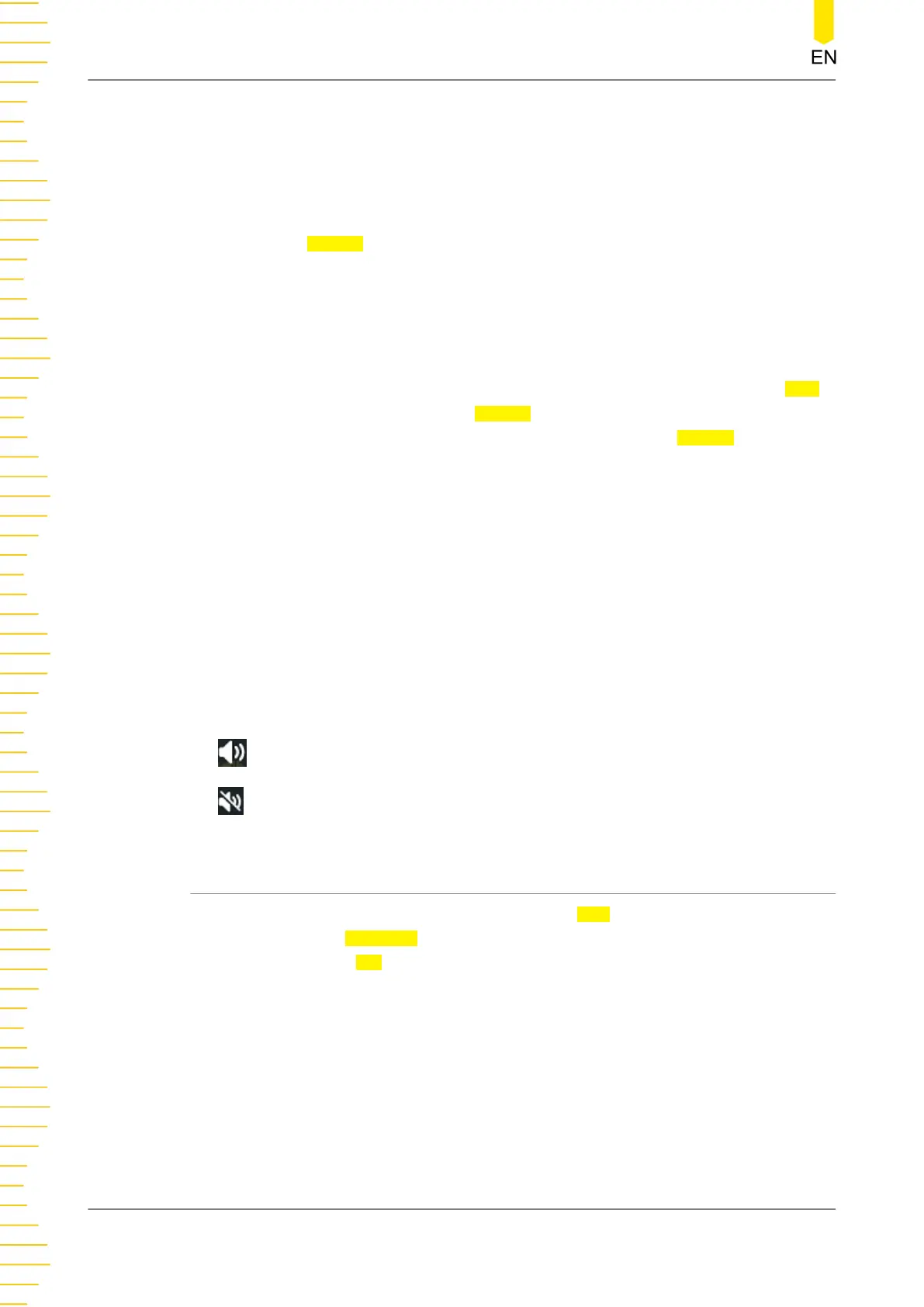
4. Beeper
Sets whether to enable the beeper after the recording process is completed.
: the beeper sounds after recording is completed.
: the beeper does not sound after recording is completed.
21.3 Play Options
Play back the waveforms currently recorded. In the Play section, click or tap the
ON/OFF tab for the Minimize menu to select whether to minimize the Play operation
window. If you select ON, the play operation window is minimized, making the
interface simple, distinctive, and easy to use, as shown in the figure below.
Waveform Recording and Playing
MHO2000 User Guide
258
Copyright ©RIGOL TECHNOLOGIES CO., LTD. All rights reserved.
Bekijk gratis de handleiding van Rigol MHO2034, stel vragen en lees de antwoorden op veelvoorkomende problemen, of gebruik onze assistent om sneller informatie in de handleiding te vinden of uitleg te krijgen over specifieke functies.
Productinformatie
| Merk | Rigol |
| Model | MHO2034 |
| Categorie | Niet gecategoriseerd |
| Taal | Nederlands |
| Grootte | 47982 MB |