
Handleiding
Je bekijkt pagina 37 van 86
5
31
To show or hide the Color Bar Test Pattern:
1. Ensure that you are on an input that is displaying active
content. From the Color Tuner menu, use the Arrow buttons
to highlight Color Tuner, and then press the /HIW5LJKW$UURZ
buttons until the Color Bar Test Pattern menu is displayed.
Color Bar Test Pattern
Off
2. Use the Arrow buttons on the remote to highlight 2. Use the
/HIW5LJKW$UURZ buttons to highlight On to show the Color
Bar.
—or—
To hide the Color Bar Test Pattern, use the /HIW5LJKW$UURZ
buttons to highlight 2.
3. :KHQ\RXDUHȴQLVKHGpress the BACK button to adjust
additional settings or EXIT.
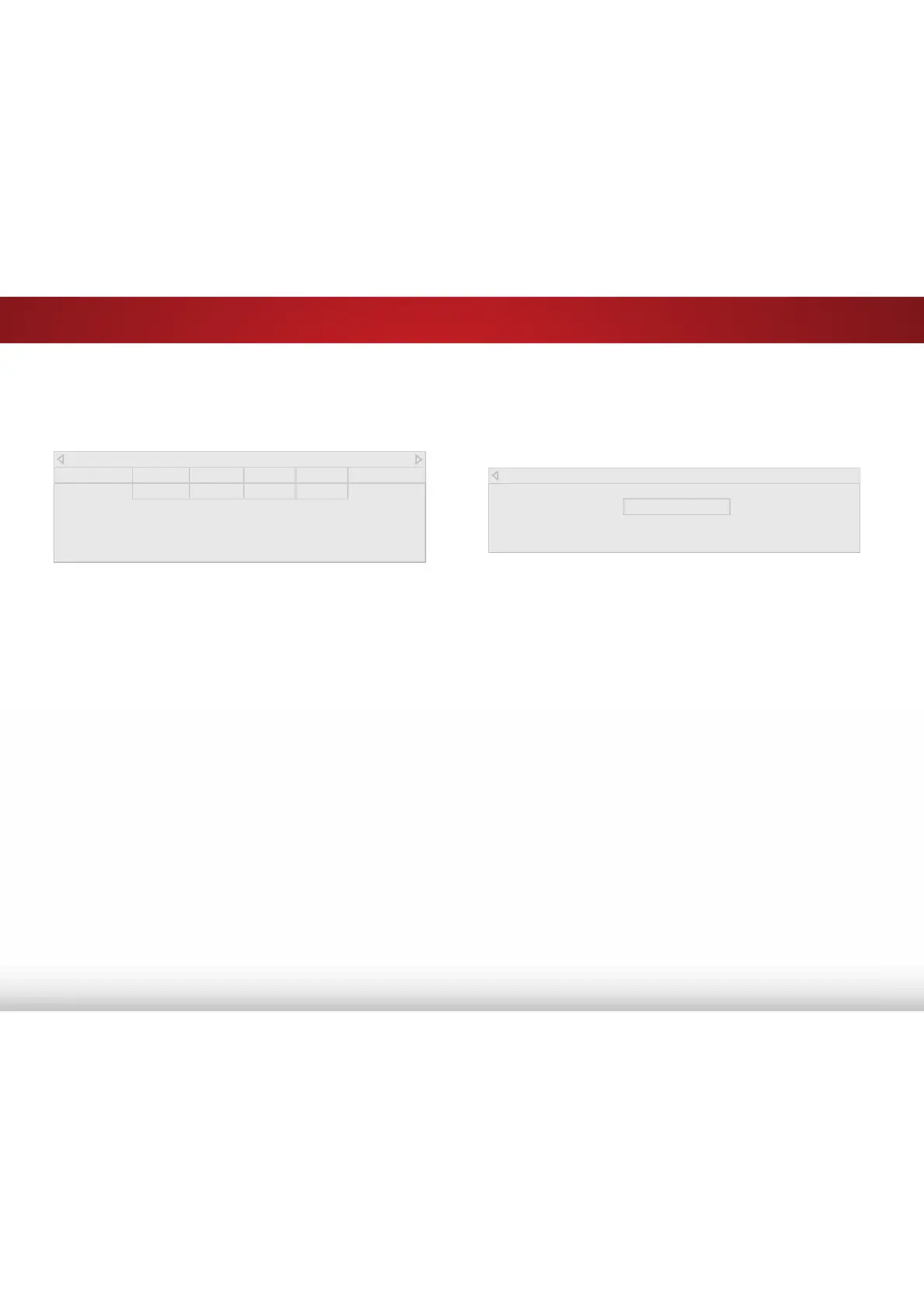
To adjust the 11 Point White Balance settings:
1. From the Color Tuner menu, use the Arrow buttons to
highlight Color Tuner, and then press the /HIW5LJKW Arrow
buttons until the 11 Point White Balance menu is displayed.
2. Use the Arrow buttons on the remote to highlight the *DLQ and
Color values you wish to adjust. Press the OK button and use
the /HIW5LJKW$UURZ buttons to adjust the value. When you
DUHȴQLVKHGSUHVVWKHOK button to save the setting.
3. :KHQ\RXDUHȴQLVKHGSUHVVWKHBACK button to adjust
additional settings or EXIT.
All changes here are saved to Color Temperature.
11 Point White Balance
Gain Red Green Blue
5% 0 0 0
Bekijk gratis de handleiding van Vizio E60-C3, stel vragen en lees de antwoorden op veelvoorkomende problemen, of gebruik onze assistent om sneller informatie in de handleiding te vinden of uitleg te krijgen over specifieke functies.
Productinformatie
| Merk | Vizio |
| Model | E60-C3 |
| Categorie | Televisie |
| Taal | Nederlands |
| Grootte | 13880 MB |
Caratteristiche Prodotto
| Kleur van het product | Zwart |
| Gewicht verpakking | 25400 g |
| Breedte verpakking | 1447 mm |
| Diepte verpakking | 172 mm |
| Hoogte verpakking | 902 mm |


