
Handleiding
Je bekijkt pagina 36 van 86
5
30
7RWXUQFRORUFKDQQHOVRDQGRQ
1. From the PICTURE menu, use the Arrow buttons to highlight
&RORU&DOLEUDWLRQ and press the OK button. The COLOR
CALIBRATION menu is displayed.
2. Use the Arrow buttons to highlight Color Tuner, and then
press the OK button. The Color Tuner menu is displayed ..
3. Use the Arrow buttons on the remote to highlight Red, Green,
or Blue.
4. Press the OKEXWWRQWRWXUQWKHFRORUFKDQQHORRURQ$Q;
DSSHDUVRYHUDFRORUFKDQQHOWKDWKDVEHHQWXUQHGR
5. Use the Arrow buttons to highlight another color channel to
WXUQRRURQ2QO\WZRFRORUFKDQQHOVFDQEHWXUQHGRDWWKH
same time.
6. :KHQ\RXDUHȴQLVKHGZLWKWKHFRORUFKDQQHOVSUHVVWKHBACK
button to adjust additional settings or EXIT.
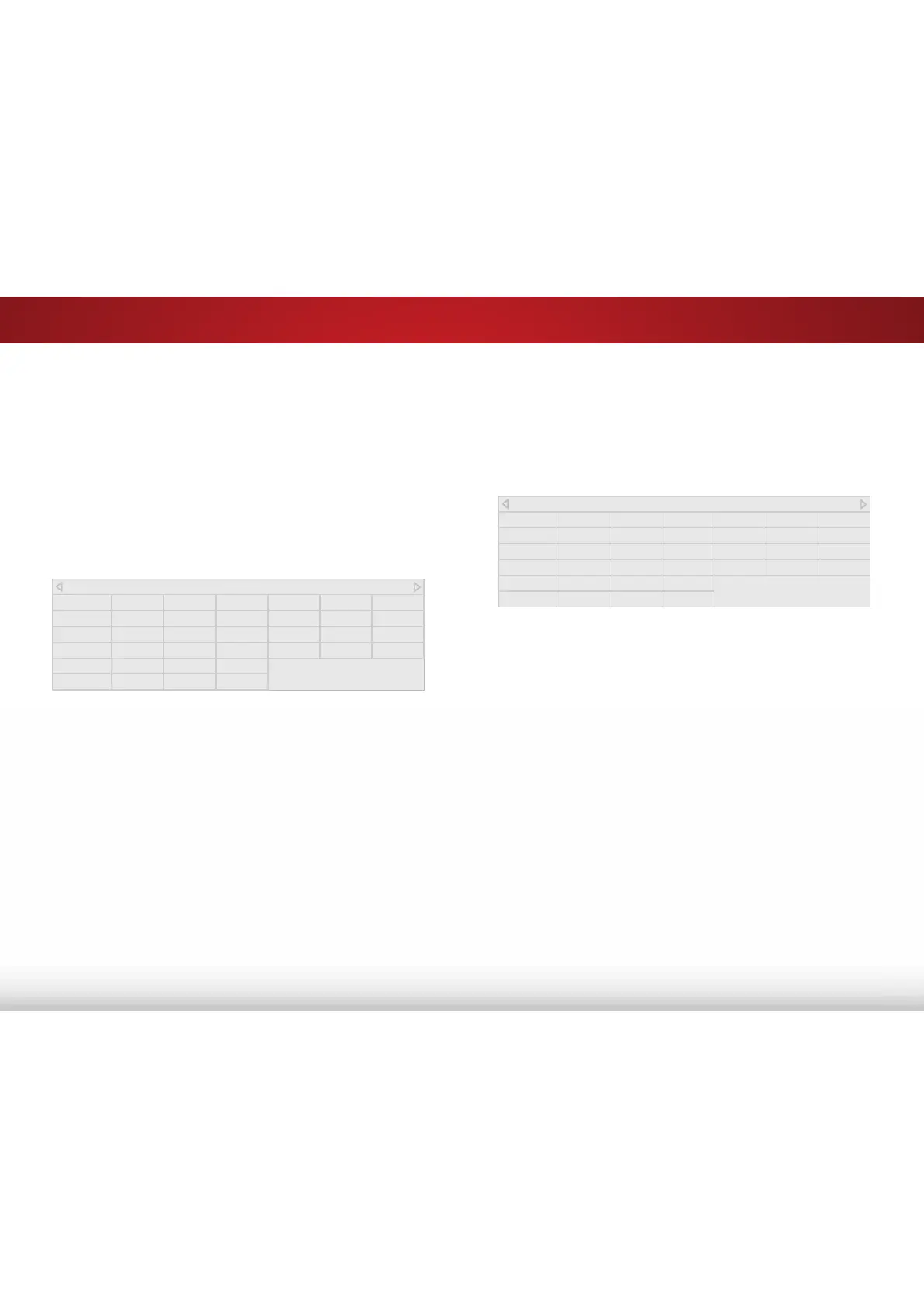
Color Tuner
Red Green Blue Cyan Magenta Yellow
Hue 0 0 0 0 25 -14
Saturation -1 5 -4 0 -2 0
Brightness -24 0 -22 0 0 0
Offset 0 0 0
Gain 0 0 0
$GMXVWLQJWKH&RORU7XQHU6HWWLQJV
The Color Tuner settings allow you to adjust the Hue, Saturation,
and Brightness (HSB) color and 11 point white balance, turn color
FKDQQHOVRIRUWHVWLQJDQGGLVSOD\FRORUEDUȵDWDQGUDPSWHVW
patterns.
To adjust the HSB color settings:
1. From the PICTURE menu, use the Arrow buttons to highlight
&RORU&DOLEUDWLRQ and press the OK button. The COLOR
CALIBRATION menu is displayed.
2. Use the Arrow buttons to highlight Color Tuner, and press the
OK button. The Color Tuner menu is displayed.
3. Use the Arrow buttons on the remote to highlight the +XH,
6DWXUDWLRQ, %ULJKWQHVV, (these 3 adjust the color) 2VHW, or
*DLQ (these two adjust the color temperature) of the color you
wish to adjust. Press the OK button.
4. Use the /HIW5LJKW$UURZ buttons to adjust the value. When
\RXDUHȴQLVKHGSUHVVWKHOK button to save the setting.
5. :KHQ\RXKDYHȴQLVKHGDGMXVWLQJWKH&RORU7XQHUVHWWLQJV
press the BACK button to adjust additional settings or EXIT.
Color Tuner
Red Green Blue Cyan Magenta Yellow
Hue 0 0 0 0 25 -14
Saturation -1 5 -4 0 -2 0
Brightness -24 0 -22 0 0 0
Offset 0 0 0
Gain 0 0 0
Bekijk gratis de handleiding van Vizio E60-C3, stel vragen en lees de antwoorden op veelvoorkomende problemen, of gebruik onze assistent om sneller informatie in de handleiding te vinden of uitleg te krijgen over specifieke functies.
Productinformatie
| Merk | Vizio |
| Model | E60-C3 |
| Categorie | Televisie |
| Taal | Nederlands |
| Grootte | 13880 MB |
Caratteristiche Prodotto
| Kleur van het product | Zwart |
| Gewicht verpakking | 25400 g |
| Breedte verpakking | 1447 mm |
| Diepte verpakking | 172 mm |
| Hoogte verpakking | 902 mm |


