Speed Queen FV6010WN handleiding
Handleiding
Je bekijkt pagina 84 van 119
Programming the Audio Step Type
The Audio Step Type is used to alert the user with an audio pat-
tern for a programmed duration when the step is entered. After
selecting the desired Cycle Step number and pressing START
(enter), XXAUdi will appear in the display. Press the DELICATE
(∧) or the HOT (∨) keypad to scroll through the options and
START (enter) to select a value.
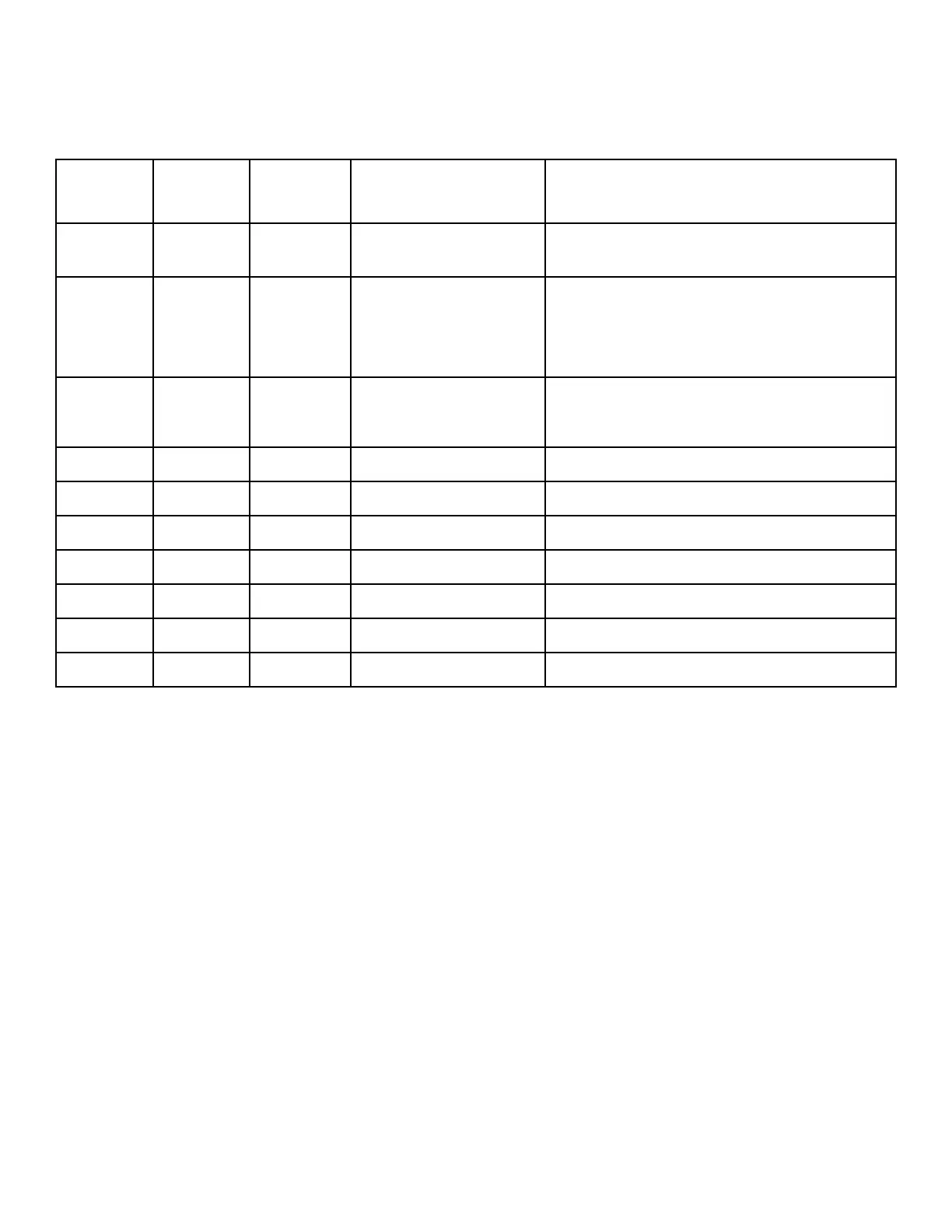
Step
Type
Display
A Display B Values Description
XXAUdi Audio Step Type (XX is step number, step type is
flashing)
En diS XXAU01 EnAbLE, diSAbL, dNod
1, dNod 2
Step Enable/Disable
Choosing dNod 1 and dNod 2 will enable the step
if the cycle modifier is chosen and set to be enabled
in Cycle Modifier Programming CNP- .
StAtUS XXAU02 PrEWSH, WASH, rinSE1,
rinSE2, rinSE3,
rinSE4, SPin
Status LED: The corresponding LED on the control
will be lit during this step.
NinUtE XXAU03
0-2 Step Minutes
SECond XXAU04
0-59 Step Seconds
AUdioP XXAU05
1-20 Audio Pattern
oUtP 1 XXAU06 oFF, on
External Output #1
oUtP 2 XXAU07 oFF, on
External Output #2
oUtP 3 XXAU08 oFF, on
External Output #3
oUtP 4 XXAU09 oFF, on
External Output #4
Table 21
Programming Control
©
Copyright, Alliance Laundry Systems LLC -
DO NOT COPY or TRANSMIT
84 Part No. 807870ENR4
Bekijk gratis de handleiding van Speed Queen FV6010WN, stel vragen en lees de antwoorden op veelvoorkomende problemen, of gebruik onze assistent om sneller informatie in de handleiding te vinden of uitleg te krijgen over specifieke functies.
Productinformatie
| Merk | Speed Queen |
| Model | FV6010WN |
| Categorie | Wasmachine |
| Taal | Nederlands |
| Grootte | 14039 MB |