Speed Queen FV6010WN handleiding
Handleiding
Je bekijkt pagina 76 van 119
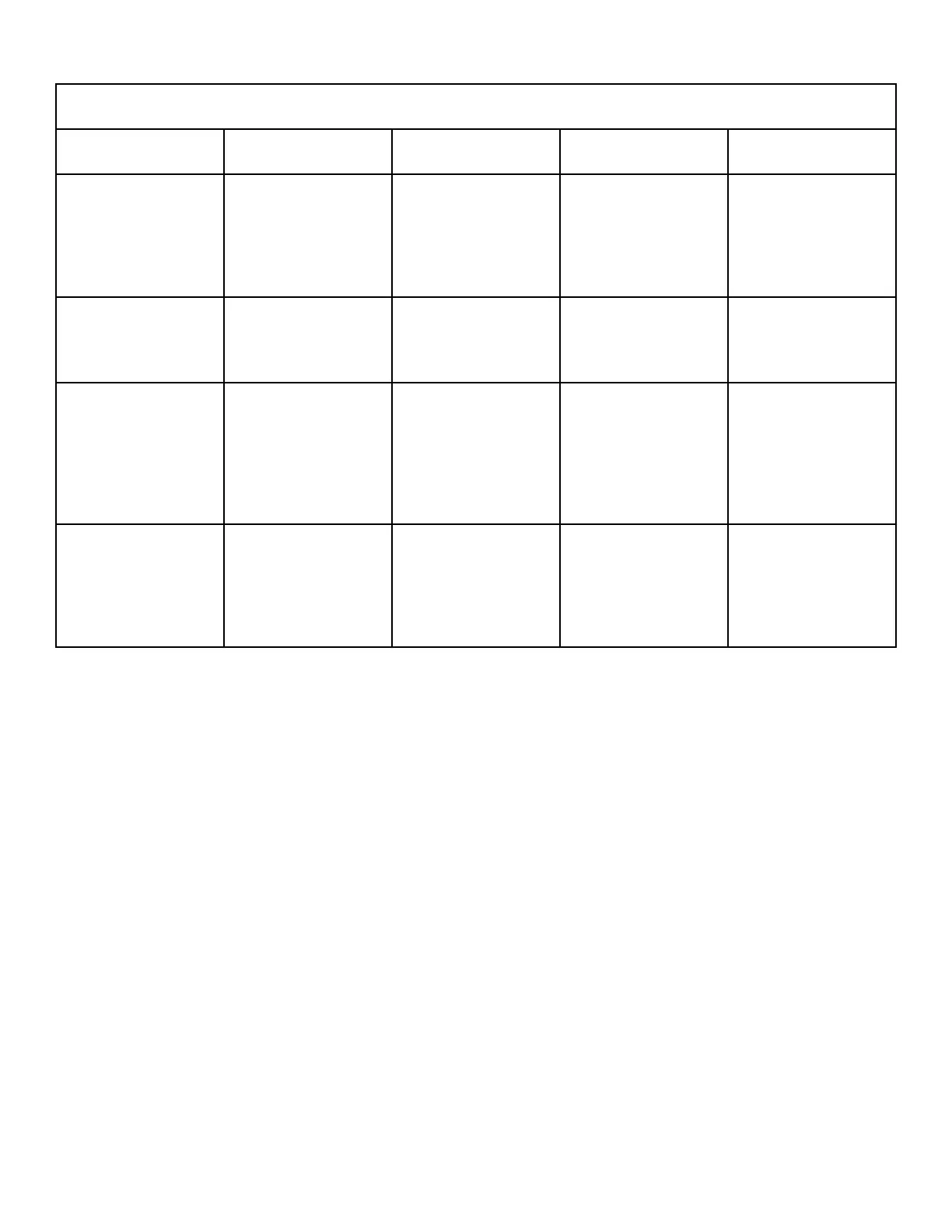
Functionality of Keypads in Cycle Programming
Keypad Level 3 Level 4 Level 5 Level 6
HOT (∨) Moves to the previous
parameter.
If on Programmable Cy-
cle Time Display Param-
eter, key press decreases
parameter value, other-
wise moves to previous
Step Type.
Decreases the Step Pa-
rameter.
Decreases parameter
value.
WARM (<) Saves Current Cycle Ta-
ble being modified into
control's memory and
goes back to Level 2.
Goes to Level 3. Does
not save the current step
type that is selected.
Goes to Level 3, not
Level 4
Goes to Level 5, Does
not save current parame-
ter value.
NORMAL (Insert) Inserts a Cycle Step with
step type defaults at cur-
rent location and shifts
steps at current step
number to Step 49 down.
Step 50 is deleted if it
exists.
Invalid Invalid Invalid
COLD (Delete) Deletes Cycle Step at
current location and
shifts step at current step
number down to Step 50
up a location. Step 50 is
reset as an invalid step.
Invalid Invalid Invalid
Table 12
Programming Control
©
Copyright, Alliance Laundry Systems LLC -
DO NOT COPY or TRANSMIT
76 Part No. 807870ENR4
Bekijk gratis de handleiding van Speed Queen FV6010WN, stel vragen en lees de antwoorden op veelvoorkomende problemen, of gebruik onze assistent om sneller informatie in de handleiding te vinden of uitleg te krijgen over specifieke functies.
Productinformatie
| Merk | Speed Queen |
| Model | FV6010WN |
| Categorie | Wasmachine |
| Taal | Nederlands |
| Grootte | 14039 MB |