Speed Queen FV6000WN handleiding
Handleiding
Je bekijkt pagina 22 van 119
1
FLW31R_SVG
FLW32R_SVG
1
W521I_SVG
1
FLW6R_SVG1
2
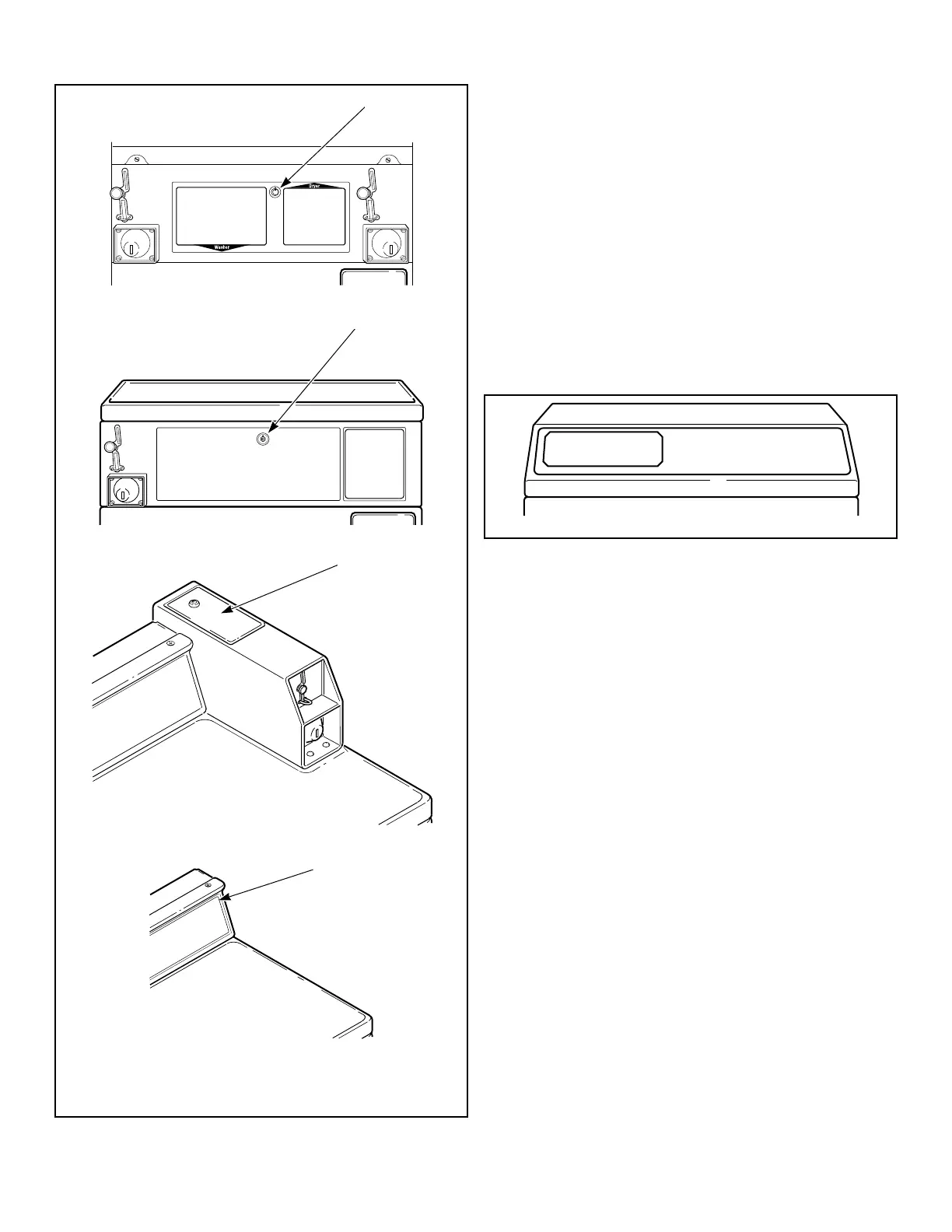
1. Service Door
2. Control Panel
Figure 3
45 Degree Front Control Models
Manual programming requires the user to remove the cabinet top
or control panel and unplug the bullet connector located between
the “white/black” and “red/blue” wires. This will allow the user
to access various programming options, diagnostics, and audit ca-
pabilities. Refer to Figure 4 .
1. Remove the screws from the back of the top panel that attach
the top panel to the machine.
2. From the back of the machine, using a screwdriver, pry the
top panel upward and towards you.
3. Remove the screws from the top of the control panel that at-
tach the control panel to the machine.
4. Remove the screws from the bottom of the control panel that
attach the control panel to the machine.
FLW2384N_SVG
Figure 4
Opening the Service Door
©
Copyright, Alliance Laundry Systems LLC -
DO NOT COPY or TRANSMIT
22 Part No. 807870ENR4
Bekijk gratis de handleiding van Speed Queen FV6000WN, stel vragen en lees de antwoorden op veelvoorkomende problemen, of gebruik onze assistent om sneller informatie in de handleiding te vinden of uitleg te krijgen over specifieke functies.
Productinformatie
| Merk | Speed Queen |
| Model | FV6000WN |
| Categorie | Wasmachine |
| Taal | Nederlands |
| Grootte | 14039 MB |