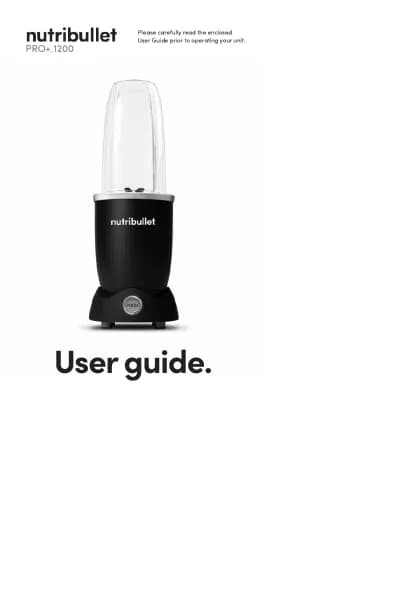
NutriBullet Flex XL handleiding
Handleiding
Je bekijkt pagina 9 van 467

1615
Wake.
Press the Power button once to wake
up your blender. When the ring is solid
white, the LED Battery Bar illuminates
to indicate battery state.
PRO TIP: Take note of the battery state before
& after blending.
Blend mode.
Press the Power button to start a
30-second blend cycle. The Light
Ring illuminates white in a clockwise
pattern during blending, and turns
solid white when the cycle is complete.
Ready mode.
After waking, your unit stays in “ready”
mode for 90 seconds.
Sleep.
After 90 seconds of inactivity, your
blender will automatically go to
sleep. The Light Ring illuminates white
in a counter-clockwise motion to
power down.
LED Control Panel - Wake
LED Control Panel - Wake
Overheat.
Light Ring flashes red for 3 seconds, and
illuminates solid red until blending can
be resumed.
Solution: Pause activity and allow blender
to cool before next use. Don’t exceed 4
blending cycles within 3 minutes.
Errors.
General error.
Light Ring blinks orange 6 times. Indicates
several possible errors during blending.
Solution: The Blade is obstructed by stuck
ingredients, or the Cup is not properly
attached to the Motor Base. Remove the
Cup/Blade from the Motor Base and
gently shake contents to dislodge any stuck
ingredients. Reattach the Cup to the Motor
Base, twisting clockwise until the “click”
sound and sensation indicates that the Cup
is properly attached.
6x
Bekijk gratis de handleiding van NutriBullet Flex XL, stel vragen en lees de antwoorden op veelvoorkomende problemen, of gebruik onze assistent om sneller informatie in de handleiding te vinden of uitleg te krijgen over specifieke functies.
Productinformatie
| Merk | NutriBullet |
| Model | Flex XL |
| Categorie | Blender |
| Taal | Nederlands |
| Grootte | 50200 MB |