Midea MF200W120WB handleiding
Handleiding
Je bekijkt pagina 38 van 41
37
6 SMART FUNCTION
1. Your smartphone is connected to home network, and you
know the network password.
2. Make sure you are near the home appliance.
3. The 2.4GHz band wireless signal is enabled on your wireless router.
wireless
Follow the below steps to enter the remote control state
Before you start, make sure that:
Use Your Appliance with the SmartHome App
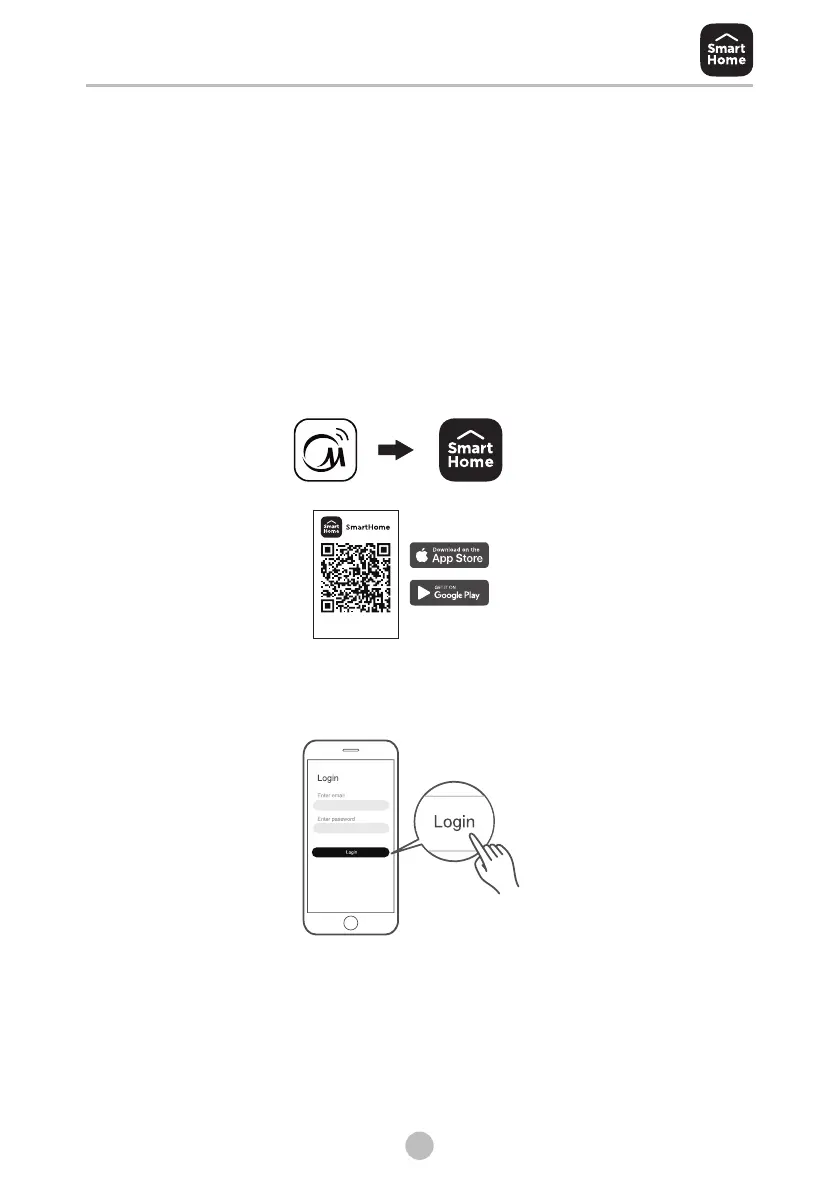
Download the SmartHome app
On an app market (Google Play Store, Apple App Store), search for
SmartHome* and find the SmartHome app. Download and install
it on your phone. You can also download the app by scanning the QR
code below.
Register and log in
Open the SmartHome app, and create a new account to start (you
can also register through a third-party account). If you already had
an existing account, use the account to log in.
Connect your devices to SmartHome
1: Please make sure your mobile phone is connected to wireless network.
If not, go to settings and turn on the wireless connection, select and
connect to a wireless network. Also please turn on the Bluetooth on
your phone. If not, go to settings and turn it on.
2:Please power on your devices.
3:Open SmartHome app on your phone.
Download the app
& activate product
“MSmartHome” has been upgraded to “SmartHome”!
Bekijk gratis de handleiding van Midea MF200W120WB, stel vragen en lees de antwoorden op veelvoorkomende problemen, of gebruik onze assistent om sneller informatie in de handleiding te vinden of uitleg te krijgen over specifieke functies.
Productinformatie
| Merk | Midea |
| Model | MF200W120WB |
| Categorie | Wasmachine |
| Taal | Nederlands |
| Grootte | 3354 MB |