LG WXLC-1016G handleiding
Handleiding
Je bekijkt pagina 43 van 64
43
OPERATION
ENGLISH
• The delay time is the time to the end of the
programme, not the start. The actual running
time may vary due to water temperature, clothes
and other factors.
• To cancel the function, the
Power
button should
be pressed.
• When using the dispenser manually, avoid using
liquid detergent for this function.
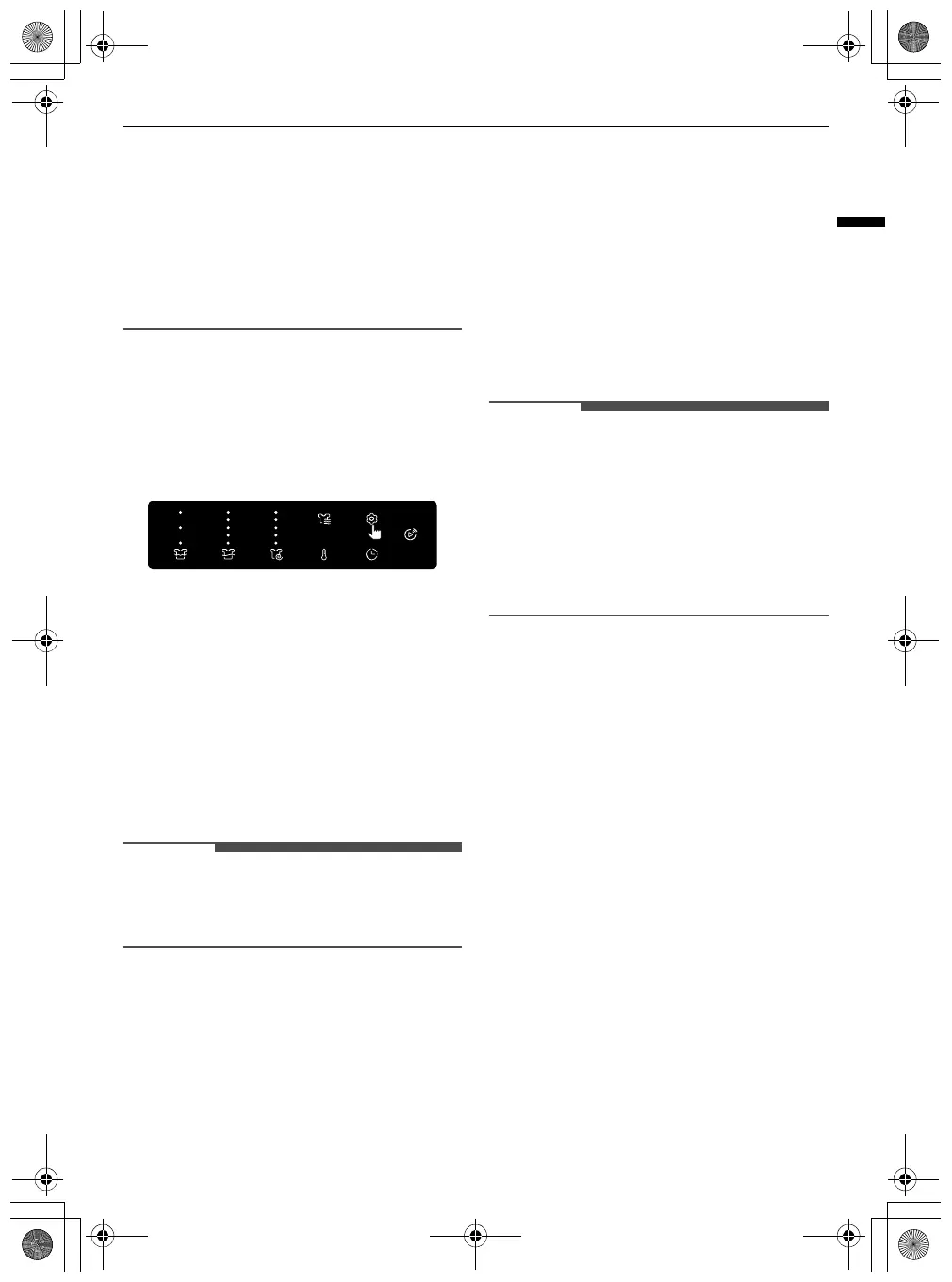
Using Various Settings
Settings
1
Press the
ε
Settings
button.
2
Turn the knob to select the desired setting and
press the
8
button.
3
Turn the knob to select or change the setting
and press the
8
button to save the setting.
4
To return to the previous screen, press the
Settings
button again or press the
N
button.
NOTE
• If no action is taken for several minutes after
pressing the
Settings
button, the display reverts
to the previous screen.
Detergent Amount / Softener Amount
Turn the knob to adjust the dispense amount for
the current cycle based on the fabric type and soil
level.
•
Off
: Turns off the
ezDispense
function for that
compartment
•
Minimum
: Decreases the default amount to
minimum
•
Less
: Decreases the default amount by 10%
•
Medium
: Uses the default amount
•
More
: Increases the default amount by 10%
•
Maximum
: Increases the default amount to
maximum
Child Lock
Use this option to disable the controls. This
function can prevent children from changing cycles
or operating the appliance.
• Press and hold the
8
button for 3 seconds to
deactivate this function.
NOTE
• Once this function is set, all buttons are locked
except the
Power
button.
• When the controls are locked, the
Child Lock
indicator lights up and the washing programme
is shown on the display.
• Turning off the power will not reset this function.
You must deactivate this function before you can
access any other options and functions.
Pre Wash
This option is recommended when washing a
heavily soiled load.
TurboClean
Adding this option reduces the programme time
but the similar washing results will be provided.
Steam
Adding this option helps provide better cleaning
results.
Fresh Care
Use this function when you will not be able to
unload your clothes immediately after the washing
programme ends.
Cycle List Edit
Edit the list of washing programmes as desired.
1) Turn the knob to select the desired washing
programme and press the
8
button to
include or exclude washing programmes.
• If a washing programme is added, a check
mark is displayed by that programme.
global_main.book.book Page 43 Monday, February 17, 2025 3:31 PM
Bekijk gratis de handleiding van LG WXLC-1016G, stel vragen en lees de antwoorden op veelvoorkomende problemen, of gebruik onze assistent om sneller informatie in de handleiding te vinden of uitleg te krijgen over specifieke functies.
Productinformatie
| Merk | LG |
| Model | WXLC-1016G |
| Categorie | Wasmachine |
| Taal | Nederlands |
| Grootte | 7013 MB |