LG WXLC-1016G handleiding
Handleiding
Je bekijkt pagina 44 van 64
44
OPERATION
• If a washing programme is deleted, the
check mark is not displayed by that
programme.
2) Press the
N
button to save the washing
programme list.
NOTE
• Some default programmes that cannot be
deleted have their checkboxes disabled.
• The order of washing programme in the list can
be changed. Change the order of the washing
programme in the list using
More Settings
>
Cycle Optimisation
on the product or
Cycle
Optimisation
in the
LG ThinQ
application.
More Settings
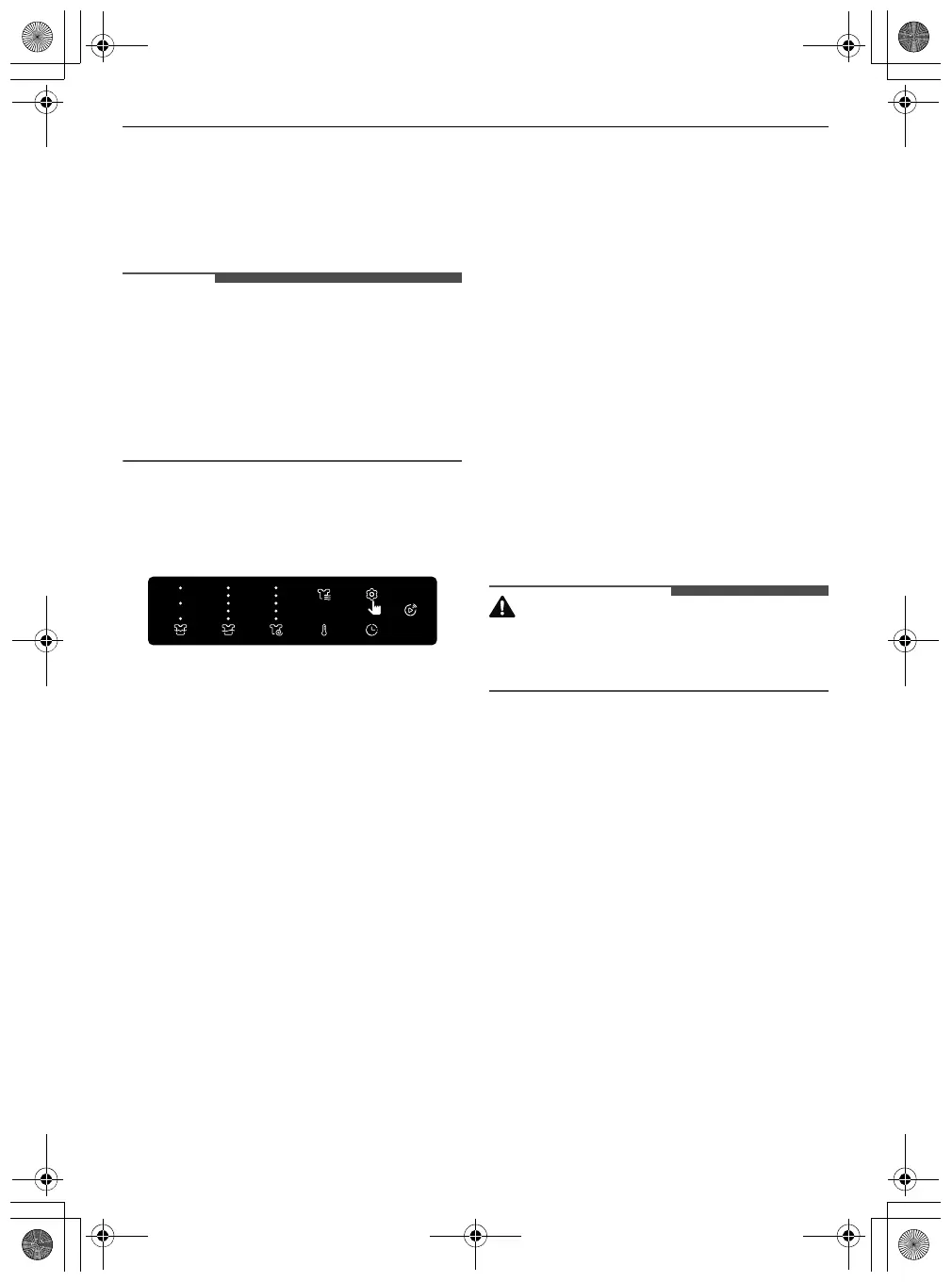
1
Press the
ε
Settings
button.
2
Turn the knob to select the
More Settings
and
press the
8
button.
3
Turn the knob to select the desired setting and
press the
8
button.
4
Turn the knob to select or change the setting
and press the
8
button to save the setting.
5
To return to the previous screen, press the
N
button.
Wi-Fi Connection
Use to set up the
Wi-Fi Connection
. When Wi-Fi is
turned on, the Wi-Fi icon appears in the display.
Cycle Optimisation
When activated, this feature organizes the washing
programme list and options automatically based
on your usage patterns.
•
On
is the default setting.
• Selecting
Off
retains the current list order.
Use of Dispenser 2
Switches the softener compartment to a secondary
detergent compartment for those who don't use
liquid fabric softener.
•
Softener
: Used as softener compartment
•
Link Detergents
: Used as detergent
compartment
Default Det. Amount / Default Soft. Amount
Use this function to adjust the default detergent
amount or default softener amount in 3 ml
increments, within a range of 9 ml to 120 ml.
ezDispense Nozzle Clean
Use this function to periodically clean the
ezDispense
compartments or before changing the
softener compartment to a detergent
compartment.
CAUTION
• Before using the function, remove the
ezDispense
compartment, clean it, fill it with
water and reassemble it in the dispenser drawer.
Sound
Use this option to adjust the volume of the sound
and turn the sound off.
Smart Diagnosis
Use this to help troubleshoot errors or
malfunctions.
• See the
Smart Diagnosis
section for more
details.
Factory Reset
Select this to delete all the stored data and initialize
settings.
global_main.book.book Page 44 Monday, February 17, 2025 3:31 PM
Bekijk gratis de handleiding van LG WXLC-1016G, stel vragen en lees de antwoorden op veelvoorkomende problemen, of gebruik onze assistent om sneller informatie in de handleiding te vinden of uitleg te krijgen over specifieke functies.
Productinformatie
| Merk | LG |
| Model | WXLC-1016G |
| Categorie | Wasmachine |
| Taal | Nederlands |
| Grootte | 7013 MB |