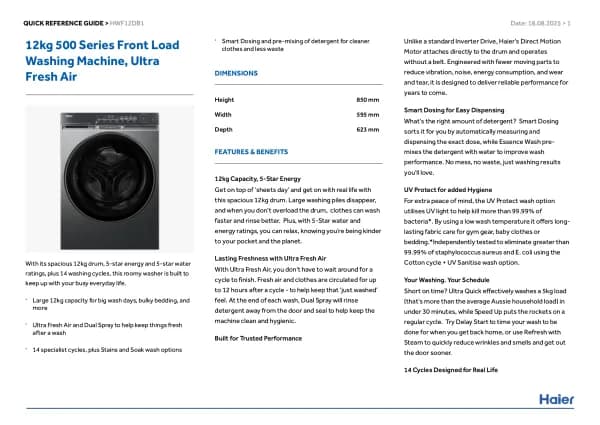
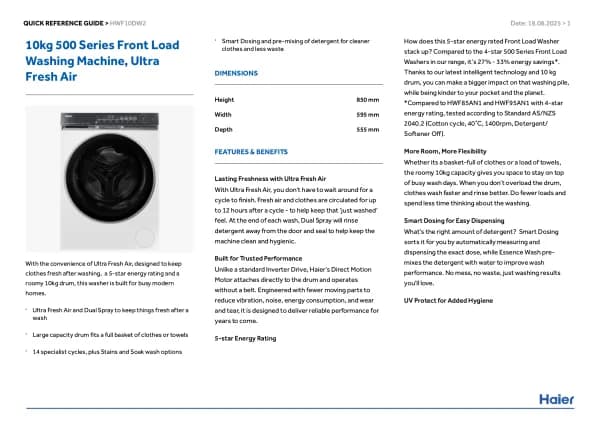
Haier THASN276TM6-S handleiding
Handleiding
Je bekijkt pagina 22 van 180
22
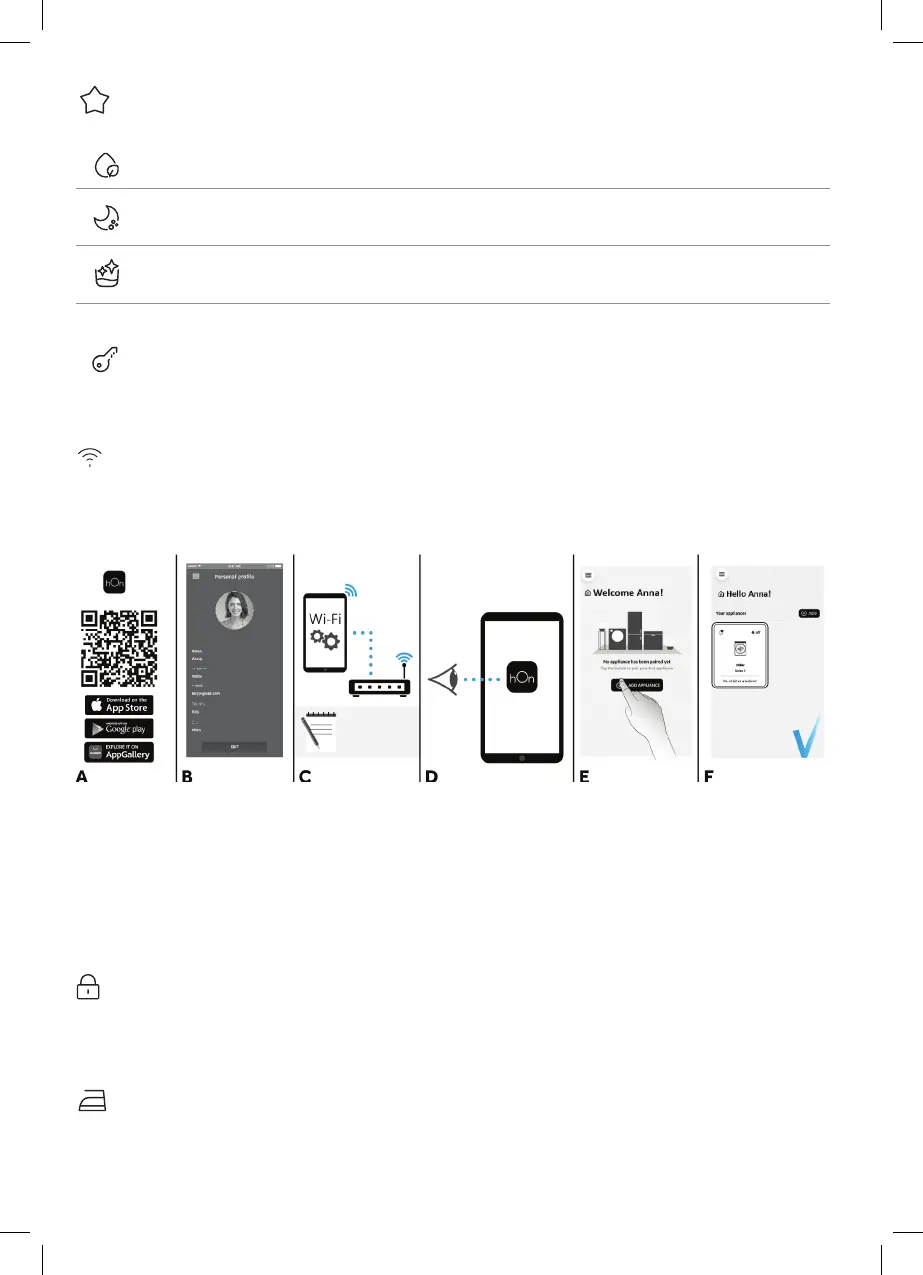
Special programmes (H)
This button allows you to choose between dierent options (depending on the selected programme):
Single item (H) - This option (which can be set in several programs) optimizes the water and energy
consumption of the selected program, maintaining the washing performance unchanged.
Night wash (H) - This option reduces the intermediate spin speed to 400 rpm, where applicable, increase
the water level during rinsing and keep the laundry immersed in water after the nal rinse, in order to
spread the ber perfectly.
Drum clean (H) - Developed to clean the washing machine drum. Use only powder detergent. Do not
start the programme with laundry in the washing machine. It is suggested that this is carried out after
every 50 washing cycles. The option can only be selected for the DRAIN & SPIN programme.
Child lock (B+C)
•
Pressing simultaneously the buttons “TEMPERATURE SELECTION” and
“SPIN SPEED” for about 3 seconds, the machine allows you to lock the keys. In
this way, you can avoid making accidental or unwanted changes if a button on the
display is pressed accidentally during a cycle.
• The key lock can be simply cancelled by pressing the two buttons simultaneously
again or turning o the appliance.
APPLIANCE PAIRING (ON APP)
NOTE: The frequency of the home Wi-Fi network has to be set on the 2.4 GHz band. (5 GHz band not allowed).
•
Download the hOn App on your device by framing the following QR code or by the link: go.haier-europe.com/
download-app
• Create the user prole (or log-in) and pairing the appliance following the instructions on the device display.
TO ENABLE REMOTE CONTROL
•
Close the door and turn the knob to the REMOTE CONTROL (Wi-Fi) position. You can now manage your product
from the app.
TO DISABLE REMOTE CONTROL
•
Turn the knob to any position other than REMOTE CONTROL (Wi-Fi), without going through the OFF. If there is
a cycle underway, it will continue. From the app it is possible to view the status of the product but not to control it.
2.2 - Icons
Door lock indicator (1)
For safety reasons the door is locked partially during the washing cycle. It is only possible to open the door at the
end of the program or after the program was cancelled correctly. In case of high water level, high water temperature
and during spinning it is not possible to open the door.
Easy iron indicator light (2):
The indicator light shows the selection of the relevant option.
Download the
App
2.4 GHz band only
Follow pairing instrucons
App hOn
Home Wi-Fi:
- Name
- Password
QG_TopLoader_Haier_70027464.indb 22QG_TopLoader_Haier_70027464.indb 22 19/06/2024 13:29:3119/06/2024 13:29:31
Bekijk gratis de handleiding van Haier THASN276TM6-S, stel vragen en lees de antwoorden op veelvoorkomende problemen, of gebruik onze assistent om sneller informatie in de handleiding te vinden of uitleg te krijgen over specifieke functies.
Productinformatie
| Merk | Haier |
| Model | THASN276TM6-S |
| Categorie | Wasmachine |
| Taal | Nederlands |
| Grootte | 37076 MB |