
Grundig GW9I91041A handleiding
Handleiding
Je bekijkt pagina 33 van 48
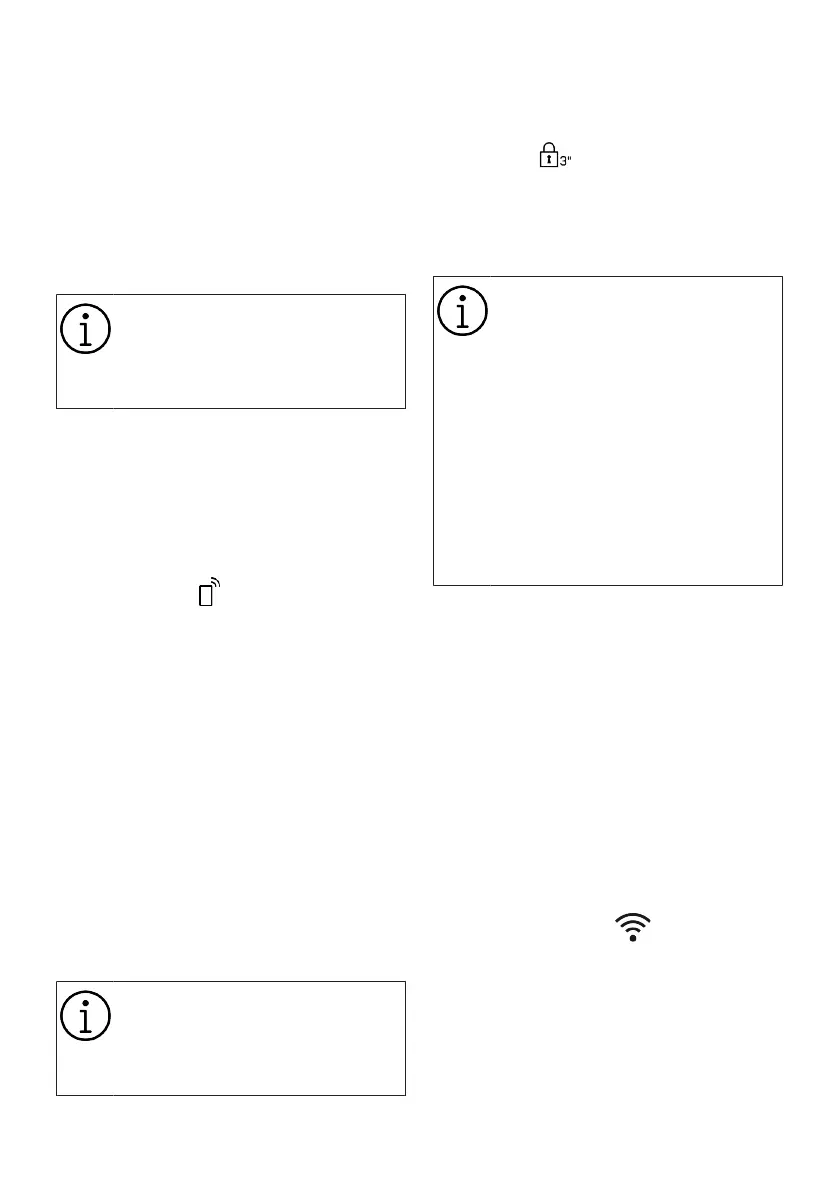
EN / 33
• Steam
This function helps to reduce the creases
of your cotton, synthetic and mixed clothes,
shorten the ironing time and remove the
dirt by softening.
* Under conditions where the steam func-
tion is applied at the end of the programme,
your laundry may be warmer at the end of
the washing. This is expected within the
programme working conditions.
When you activate the steam func-
tion, do not use liquid detergent if
there is no liquid container or liquid
detergent dosing feature. There is
the risk of staining of the clothes.
• Prodose
You can use these auxiliary function but-
tons to change your detergent and softener
dosage preferences and dosage amounts.
For detailed information, see “Dosage Se-
lections, Cancellation or Use of Powder De-
tergent”
• Remote Control
You can use this auxiliary function button
to connect your product to smart devices.
For detailed information, see HomeWhiz
Feature and Remote Control Function.
• Customized Program
This auxiliary function can only be used for
Cotton and Synthetic programmes together
with the HomeWhiz application. If this func-
tion is activated under the HomeWhiz “Per-
sonalize” menu, you can add up to five ad-
ditional rinsing steps to the program. You
can select and use some auxiliary func-
tions even though they are not found on
your product. You can increase and de-
crease the time of the Cotton and Synthetic
programmes within a safe range.
When the Specialised Programme
auxiliary function is selected, the
washing performance and energy
consumption will be different than
the declared value.
6.9.2 Functions/Programmes Selected
by Pressing the Function Keys
for 3 Seconds
• Child Lock
Use Child Lock function to prevent children
from tampering with the machine. Thus you
can avoid any changes in a running pro-
gramme.
You can switch on and off the ma-
chine with On / Off button when the
Child Lock is active. When you
switch on the machine again, pro-
gramme will resume from where it
has stopped.
If you press buttons while child lock
is enabled, an audible warning will
be heard, Child Lock symbol will
flash and “CL” will be displayed on
the information screen. If you press
the buttons repeatedly, the product
will switch to silent mode for a
while.
To activate the child lock:
Press and hold the Child lock button for 3
seconds. When the countdown “3-2-1-On”
on the display comes to an end, the child
lock symbol will switch from half-lit to fully-
lit, indicating that it is enabled. When this
notification is displayed, stop pressing the
child lock button.
To deactivate the child lock:
Press and hold the Child lock button for 3
seconds. When the countdown “3-2-1- OFF”
on the display comes to an end, the child
lock symbol will switch from fully-lit to half-
lit, indicating that it is enabled.
• Wireless Connection
You can match your machine and your
smart devices with the wireless connec-
tion. This way, you can use your smart
device to get information about your ma-
chine and control it.
Bekijk gratis de handleiding van Grundig GW9I91041A, stel vragen en lees de antwoorden op veelvoorkomende problemen, of gebruik onze assistent om sneller informatie in de handleiding te vinden of uitleg te krijgen over specifieke functies.
Productinformatie
| Merk | Grundig |
| Model | GW9I91041A |
| Categorie | Wasmachine |
| Taal | Nederlands |
| Grootte | 4348 MB |





