
Grundig GW9I91041A handleiding
Handleiding
Je bekijkt pagina 30 van 48
EN / 30
lected. Leave the loading door half closed
after the programme ends for the inside of
the machine to dry.
This is not a washing programme.
This is a maintenance programme.
Do not turn this programme on
when there is something inside the
machine. When you attempt to op-
erate, the machine automatically
senses that there is load inside, and
may quit or resume the programme
as per the model of your machine.
An effective cleaning is not
achieved if the programme is re-
sumed.
• Mix
Use to wash your cotton and synthetic
clothes together without sorting them.
• Underwear
You can use this programme to wash delic-
ate garments that are suitable for hand
wash and delicate women's underwear.
Small amount of garments must be
washed in a washing net. Hooks, buttons
etc. must be done up and zips must be
zipped up.
• Outdoor/Sports
You can use this programme to wash
sports and outdoors garments that contain
cotton/synthetics mix and water repellent
covers such as gore-tex etc. It makes sure
your garments are washed gently thanks to
special rotating movements.
• Towel
Use this programme to wash durable cot-
ton laundry such as towels. Load the tow-
els into the machine paying attention to
place them in a way that they will not con-
tact the door gasket or the glass.
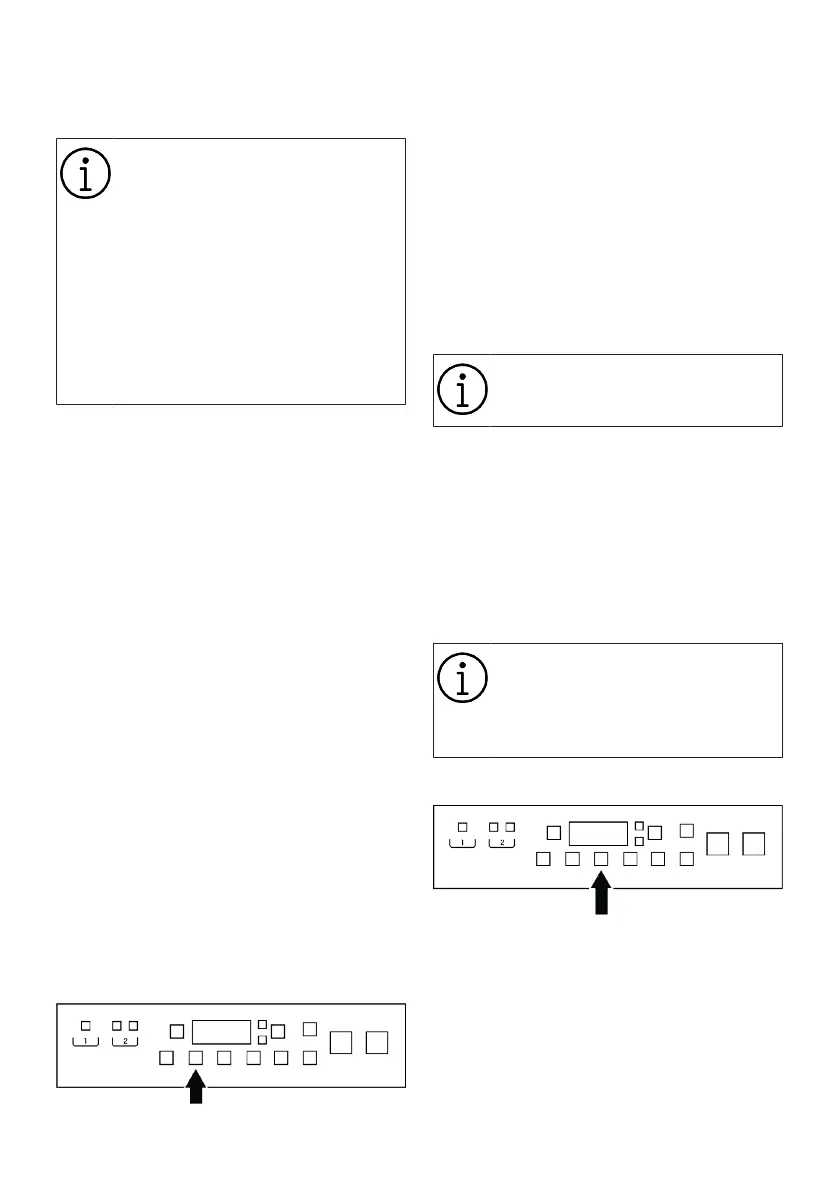
6.7 Temperature Selection
When you select a program and press the
temperature setting screen, the screen will
display the recommended temperature for
that program. It is possible that the recom-
mended temperature value is not the max-
imum temperature that can be selected for
the current programme. Press the temper-
ature adjustment button to change the tem-
perature. Then use the "</>" symbols to se-
lect the permissible temperature value. If
you are not allowed to increase or decrease
the temperature, the relevant arrow will turn
on partially.
No change can be made in pro-
grammes where temperature ad-
justment is not allowed.
You can change the temperature also after
the washing cycle has started in the allow-
able washing steps using the procedure de-
scribed above. If not allowed, when you
press the temperature setting button, the
selected temperature will be displayed on
the screen but the symbols “< / >” will not
be displayed and you will not be allowed to
select a temperature.
In programs where OptiMix is used,
the temperature may be updated
automatically during the washing
cycle to protect your laundry after
necessary detections.
6.8 Spin Speed Selection
When you select a program and spin speed
setting screen, the screen will display the
recommended spin speed for that program.
It is possible that the recommended spin
speed value is not the maximum spin
speed that can be selected for the current
programme. Press the spin speed adjust-
ment button to change the spin speed.
Then use the "</>" symbols to select the
permissible spin speed. If you are not al-
Bekijk gratis de handleiding van Grundig GW9I91041A, stel vragen en lees de antwoorden op veelvoorkomende problemen, of gebruik onze assistent om sneller informatie in de handleiding te vinden of uitleg te krijgen over specifieke functies.
Productinformatie
| Merk | Grundig |
| Model | GW9I91041A |
| Categorie | Wasmachine |
| Taal | Nederlands |
| Grootte | 4348 MB |





