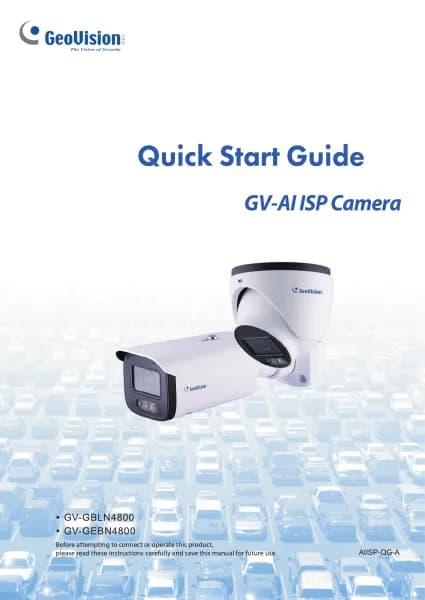
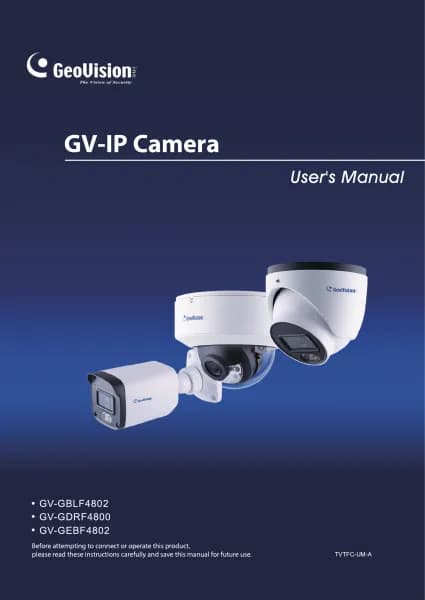
GeoVision GV-GBLN4800 handleiding
Handleiding
Je bekijkt pagina 18 van 84

9
3. Network Camera Configuration
In the Webcam client, choose “Config” to go to the configuration interface.
Note: Wherever applicable, click the “Save” button to save the settings.
3.1 System Configuration
3.1.1 Basic Information
In the Basic Information interface, you can check the relative information of the
device.
3.1.2 Date and Time
Go to Config→System→Date and Time. Please refer to the following interface.
Select the time zone and time mode as needed.
Bekijk gratis de handleiding van GeoVision GV-GBLN4800, stel vragen en lees de antwoorden op veelvoorkomende problemen, of gebruik onze assistent om sneller informatie in de handleiding te vinden of uitleg te krijgen over specifieke functies.
Productinformatie
| Merk | GeoVision |
| Model | GV-GBLN4800 |
| Categorie | Bewakingscamera |
| Taal | Nederlands |
| Grootte | 12334 MB |