Cecotec Bolero Dresscode 8300 Inverter Maxx A handleiding
Handleiding
Je bekijkt pagina 46 van 137
Bolero DressCode 8300_9300 Inverter Max ABolero DressCode 8300_9300 Inverter Max A
9190
ENGLISH ENGLISH
4. Loosen the water supply hose from the rear part of the washing machine. Remove the lter
with a pair of ne-tipped clippers, taking care not to damage it.
5. Use a soft brush to clean the lter.
6. Return the lter to its original position and connect the hose.
7. Clean the lter every 3 months to guarantee optimum functioning.
Cleaning the detergent dispenser tank Fig. 23
1. Remove the detergent dispenser tank.
2. Press down the arrow on the softener cover inside the dispenser drawer.
3. Lift the clip up and take out the softener cover and wash all grooves with water.
4. Place the softener cover again and push it gently to introduce it in the detergent dispenser
in place.
Warning
- Do not use alcohol, solvents or chemical products to clean the detergent dispenser.
- Clean the tank about every 3 months.
Cleaning the drain pump lter Fig. 24
Warning
- Be careful with the hot water!
- Allow any possible water remains to cool down.
- Unplug the machine to avoid electrical shock before washing.
- The drain pump lter can lter the yarns and small foreign matters from the washing.
- Clean the lter periodically to ensure proper operation of the washing machine.
- Open the lower cover cap.
- Remove the lter by turning it counter clockwise.
- Be careful, empty the water with a suitable container.
- Remove dust, dirt and other substances or objects.
- Place the lter again in its original position by turning it in the other sense.
- Open the lower cover cap.
Warning
- Make sure that the lter is reinstalled correctly.
- Rotate the lower cover cap (lter) so water runs directly into a suitable container.
- When the appliance is in use and depending on the programme selected there can be hot
water in the pump. Do not remove the lower cover during the wash cycle, always wait until
the appliance has nished the cycle and is empty.
- When replacing the cover, ensure it is securely re-tightened.
6. TROUBLESHOOTING
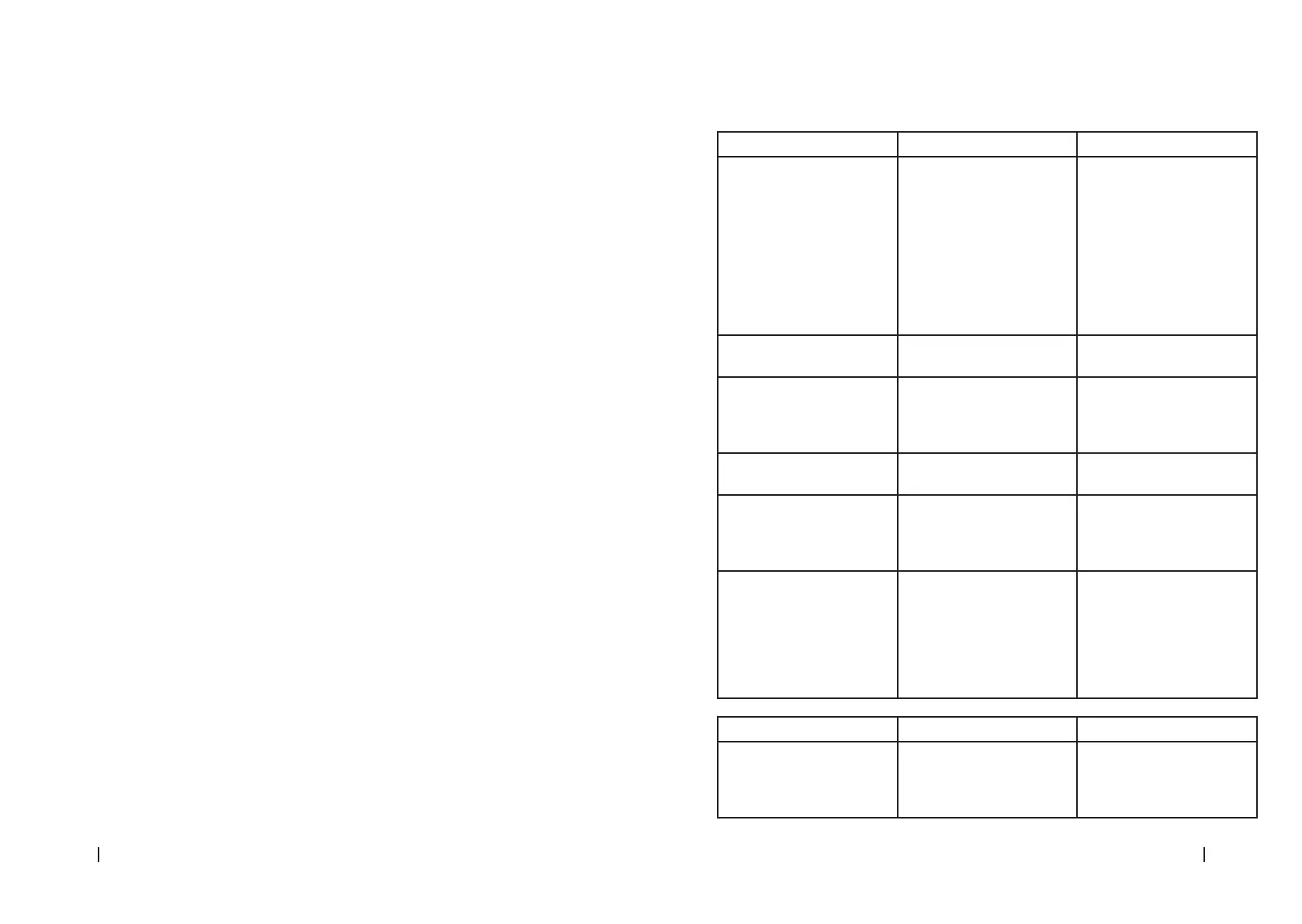
Problem Cause Solution
The washing machine does
not turn on
The door is not closed
properly. It is not connected
to a power outlet
Restart after the door is
closed.
Check if there are clothes
stuck.
Plug it to a mains socket.
Check that the control and
protection elements of the
electrical installation are
activated.
The door does not open The safety lock system is
activated
Unplug it and restart the
product.
Water leakage Bad connection between
pipes and water supply hose
or drainpipe.
Check and fasten the water
pipes and hoses correctly.
Clean the hoses ensuring they
are not blocked.
Detergent residues in the box Detergent is dampened or
agglomerated
Clean and wipe the detergent
box
Indicator or display does not
light
The PCB is disconnected, or
the system connector has
connection problems
Check for power supply.
If the problem persists,
contact the ocial Technical
Support Service of Cecotec.
Abnormal noise. Check if the xing bolts have
been removed.
Make sure the appliance is
installed on a solid, level
oor.
Level the washing machine
adjusting its feet.
Errors
Error Cause Solution
E30 The door is not closed
properly
Restart after the door is
closed.
Check if there is laundry or
dirt stuck.
Bekijk gratis de handleiding van Cecotec Bolero Dresscode 8300 Inverter Maxx A, stel vragen en lees de antwoorden op veelvoorkomende problemen, of gebruik onze assistent om sneller informatie in de handleiding te vinden of uitleg te krijgen over specifieke functies.
Productinformatie
| Merk | Cecotec |
| Model | Bolero Dresscode 8300 Inverter Maxx A |
| Categorie | Wasmachine |
| Taal | Nederlands |
| Grootte | 15604 MB |