AEG LWR7116O4B handleiding
Handleiding
Je bekijkt pagina 28 van 52
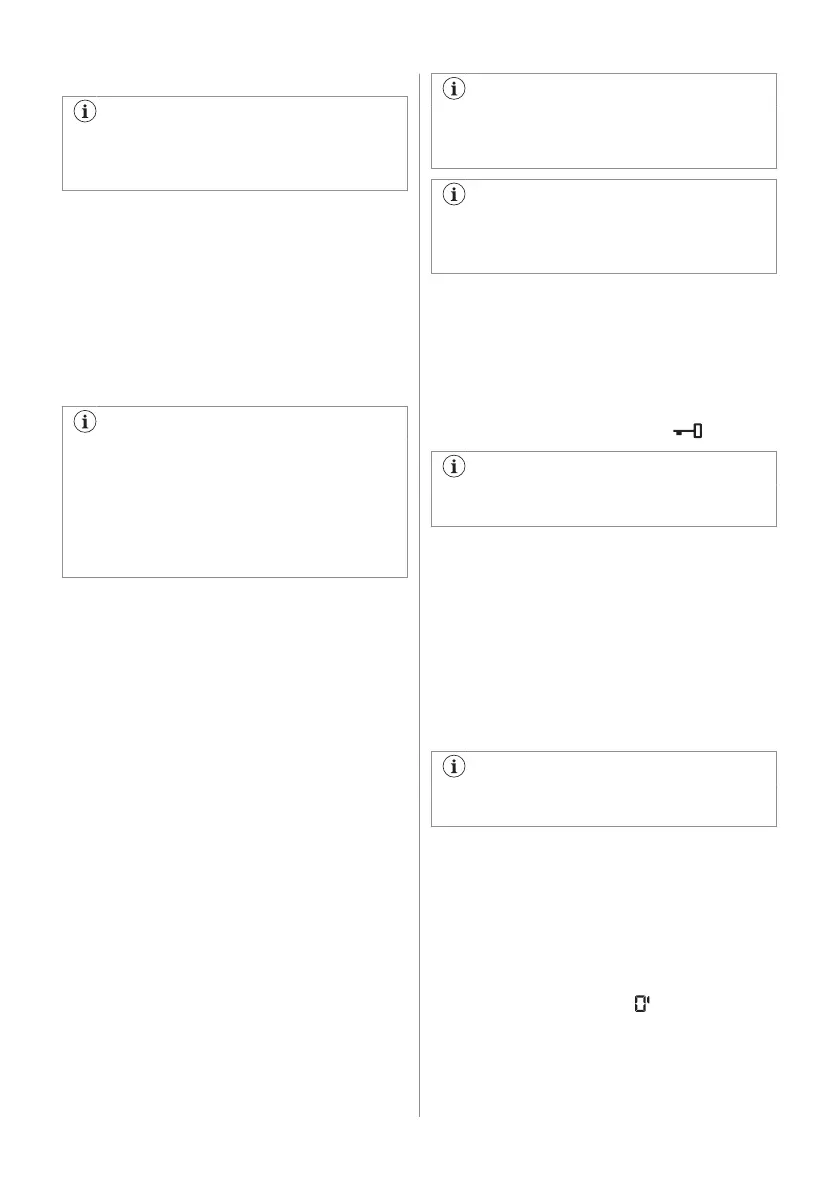
After a washing cycle, if necessary,
remove any detergent residue from the
detergent dispenser.
11.4 Check the position of the flap
1. Pull out the detergent dispenser until it
stops.
2. Press the lever down to remove the
dispenser.
3. To use powder detergent, turn the flap
up.
4. To use liquid detergent, turn the flap
down .
With the flap in the position DOWN:
• Do not use gelatinous or thick
liquid detergents.
• Do not put more liquid detergent
than the limit shown on the flap.
• Do not set the prewash phase.
• Do not set the delay start function.
5. Measure out the detergent and the fabric
conditioner.
6. Carefully close the detergent dispenser.
Make sure that the flap does not cause a
blockage when you close the drawer.
11.5 Setting a programme
1. Turn the programme dial to select the
desired washing programme. The related
programme indicator comes on.
The indicator of the Start/Pause button
flashes.
The display shows the maximum declared
load for the programme (for a few seconds),
the default temperature, the default spin
speed, the washing phase indicators (when
available) and an indicative programme
duration.
2. To change the temperature and/or the
spin speed, touch the related buttons.
3. If desired, set one or more options by
touching the related buttons. The related
indicators come on in the display and the
given information changes accordingly.
To perform washing only, make sure that
only the Wash indicator is on above the
MODE button.
In case a selection is not possible, no
indicator comes on and an acoustic
signal sounds.
11.6 Starting a programme
Touch the Start/Pause button to start the
programme.
The related indicator stops flashing and stays
on.
The programme starts, the door is locked.
The display shows the indicator
.
The drain pump can operate shortly
before the appliance fills water.
11.7 Starting a programme with the
delay start
1. Touch this repeatedly until the display
shows the desired delay time. The
indicator Delay Start comes on.
2. Touch the Start/Pause button.
The appliance starts the countdown of the
delay start.
When the countdown is completed, the
programme starts.
The ProSense estimation starts at the
end of the countdown.
Cancelling the delay start after the
countdown has started
To cancel the delay start:
1. Touch the Start/Pause button to pause
the appliance. The related indicator
flashes.
2. Touch the Delay Start button repeatedly
until the display shows .
3. Touch the Start/Pause button again to
start the programme immediately.
28 ENGLISH
Bekijk gratis de handleiding van AEG LWR7116O4B, stel vragen en lees de antwoorden op veelvoorkomende problemen, of gebruik onze assistent om sneller informatie in de handleiding te vinden of uitleg te krijgen over specifieke functies.
Productinformatie
| Merk | AEG |
| Model | LWR7116O4B |
| Categorie | Wasmachine |
| Taal | Nederlands |
| Grootte | 4444 MB |