
Handleiding
Je bekijkt pagina 32 van 76
VIZIO VOJ320F1A User Manual
Version 8/25/2008 32
www.VIZIO.com
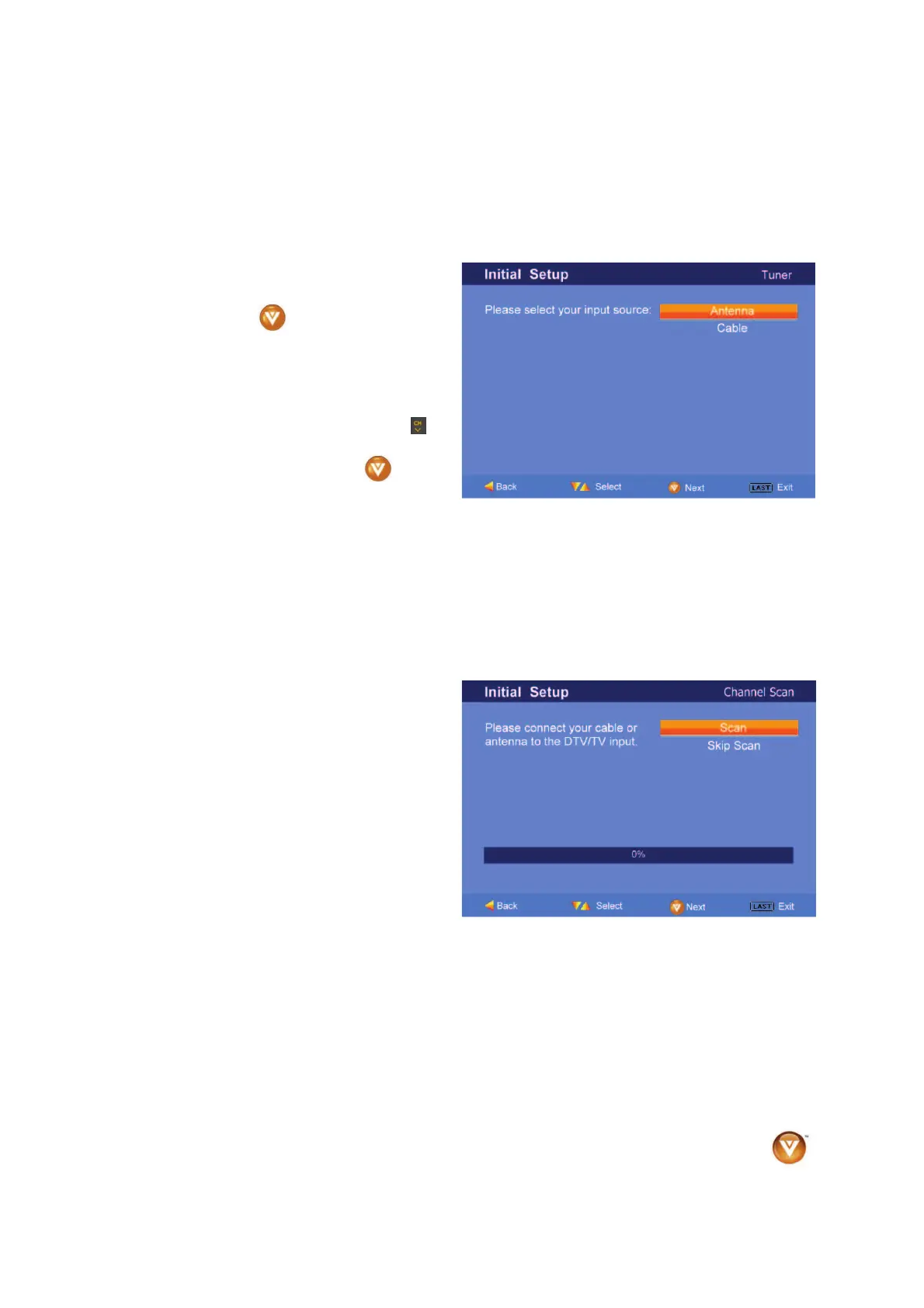
b. The Channel Scan screen will be
displayed; default choice is Scan.
Press the button on the remote
control to commence the search for
available channels to be stored into
memory.
If you do not want to scan for
channels at this time, press the
button on the remote to highlight Skip
Scan and then press the
button.
Note: If you select Skip Scan, next time that you decide to complete this procedure; you will need to
select the TV as input (through the Input key) and then go through the Menu option to select the Tuner
setup to get the option of scanning the channels again.
Bekijk gratis de handleiding van Vizio VOJ320F1A, stel vragen en lees de antwoorden op veelvoorkomende problemen, of gebruik onze assistent om sneller informatie in de handleiding te vinden of uitleg te krijgen over specifieke functies.
Productinformatie
| Merk | Vizio |
| Model | VOJ320F1A |
| Categorie | Televisie |
| Taal | Nederlands |
| Grootte | 18694 MB |


