
Handleiding
Je bekijkt pagina 42 van 57
VIZIO VL320M/VL370M User Manual
42
www.VIZIO.com
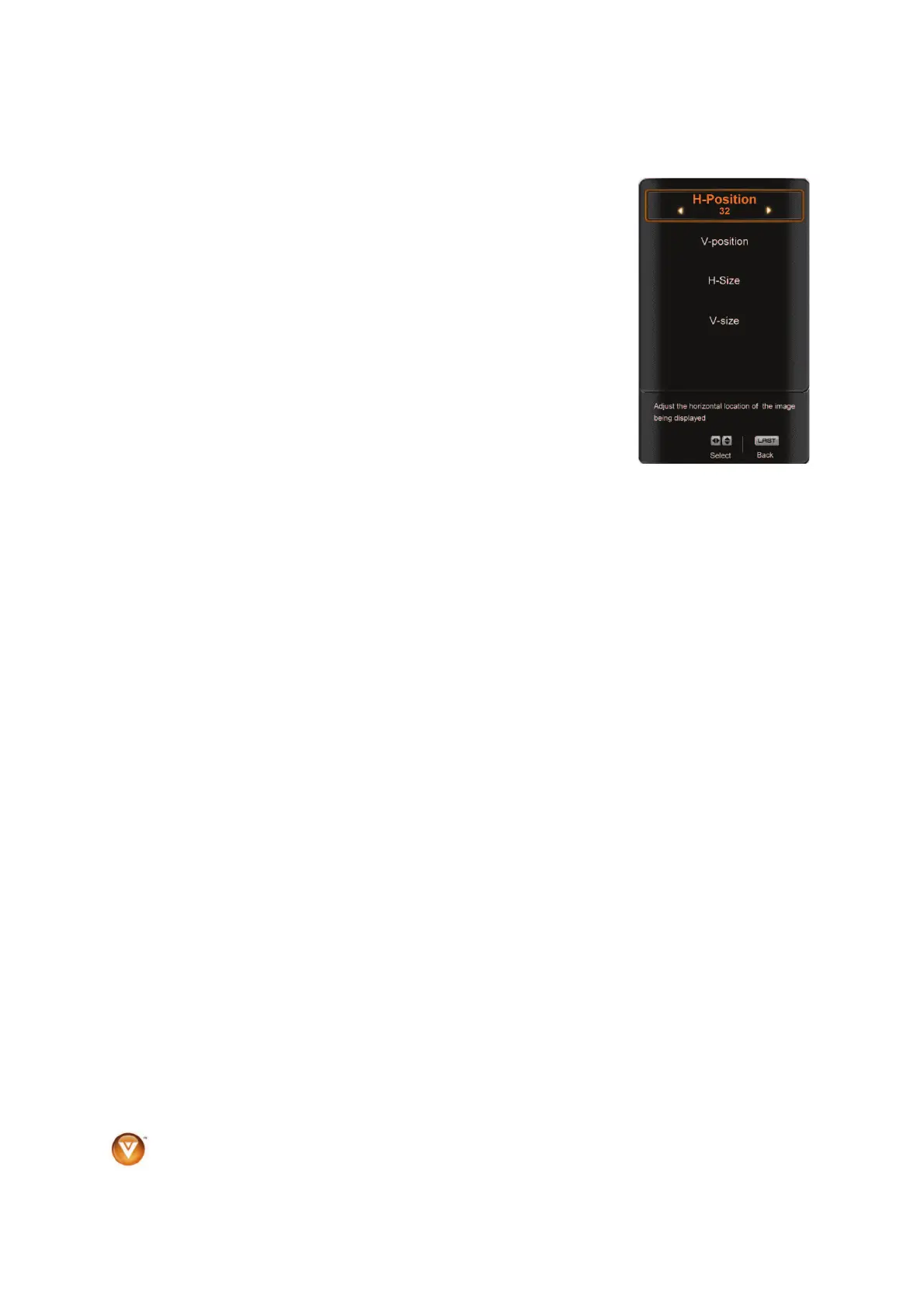
H/V Position
To select the options in the H/V Position sub-menu, press the MENU button
or the Ź button. A new menu will be displayed showing the following H/V
Position settings:
H-Position
Adjust the horizontal position of the picture.
V-Position
Adjust the vertical position of the picture.
H-SIZE
Adjust the horizontal size of the picture.
V-SIZE
Adjust the vertical size of the picture.
Auto Phase (for Component input only)
The TV will automatically look for the phase of the signal to fine tune the picture.
Bekijk gratis de handleiding van Vizio VL370M, stel vragen en lees de antwoorden op veelvoorkomende problemen, of gebruik onze assistent om sneller informatie in de handleiding te vinden of uitleg te krijgen over specifieke functies.
Productinformatie
| Merk | Vizio |
| Model | VL370M |
| Categorie | Televisie |
| Taal | Nederlands |
| Grootte | 10506 MB |


