
Handleiding
Je bekijkt pagina 50 van 72
VIZIO VF552XVT HDTV User Manual
50
www.VIZIO.com
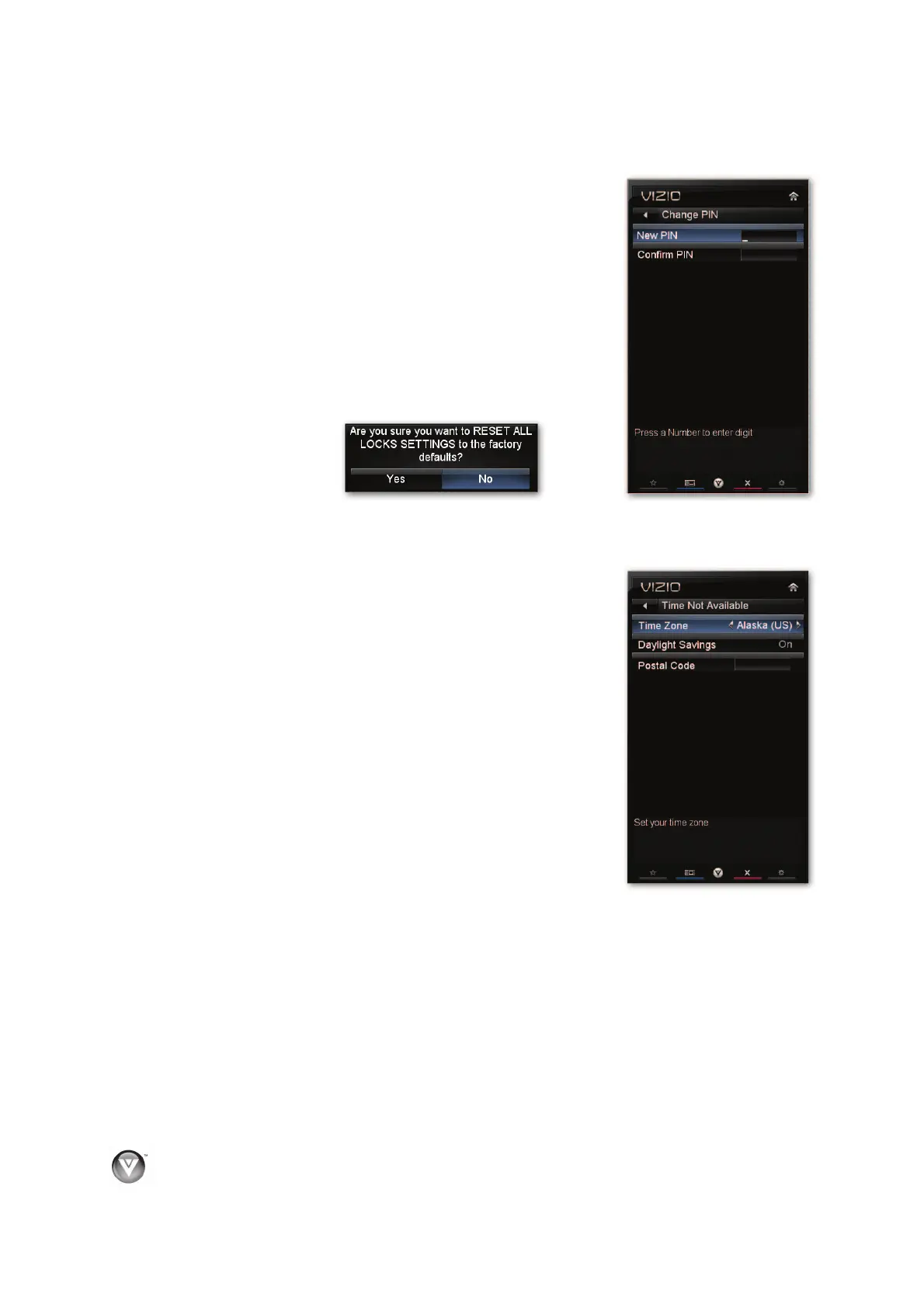
Change PIN
Enter a new, 4-digit password using the number buttons on the
remote control. Enter it a second time to confirm you entered it
correctly.
Note:
Make sure you write down and store the new password in a
secure place. The Reset Locks feature does NOT reset the
password.
RESET LOCKS
Return all Parental Control lock settings to factory default. A
screen will come up to confirm your selection or to cancel it. Press
Ż or Ź to make the selection, and then press OK to accept it.
Menu Language
Select to change the language of the menu. The default is English. You can also select French or
Spanish.
Time & Local Settings
Time Zone
Setting the correct Time Zone for your area will ensure that the
correct program times are shown after pressing GUIDE.
Daylight Saving
Setting the daylight saving time for your area will ensure that the
correct program times are shown after pressing GUIDE.
Postal Code
Enter your 5-digit postal (ZIP) code to receive content
personalized for your location.
Bekijk gratis de handleiding van Vizio VF552XVT, stel vragen en lees de antwoorden op veelvoorkomende problemen, of gebruik onze assistent om sneller informatie in de handleiding te vinden of uitleg te krijgen over specifieke functies.
Productinformatie
| Merk | Vizio |
| Model | VF552XVT |
| Categorie | Televisie |
| Taal | Nederlands |
| Grootte | 15226 MB |
Caratteristiche Prodotto
| Kleur van het product | Zwart |
| Gebruikershandleiding | Ja |
| LED-indicatoren | Ja |
| Bluetooth | Nee |
| Beeldschermdiagonaal | 55 " |


