
Handleiding
Je bekijkt pagina 15 van 49
15
3
CHANGING THE SCREEN ASPECT RATIO
To change the screen aspect ratio:
Menu > System > Aspect Ratio
Use the Arrow buttons to highlight the aspect ratio you wish to view and
press OK.
Your TV can display images in dierent modes: Normal, Wide, Zoom, and Panoramic.
• Normal (default) — No change to aspect ratio.
• Wide — Stretches a 4:3 aspect ratio to ll 16:9 screen. If a 16:9 image, adds black
bars to top and bottom.
• Zoom — Expands image both horizontally and vertically by 14%.
• Panoramic* — Stretches a 4:3 image to ll 16:9 screen with an algorithm so the
center doesn’t look stretched.
Normal Panoramic Wide
Zoom
*Available aspect ratio settings may vary by input source. Panoramic mode is only available for standard
denition TV (480i/480p).
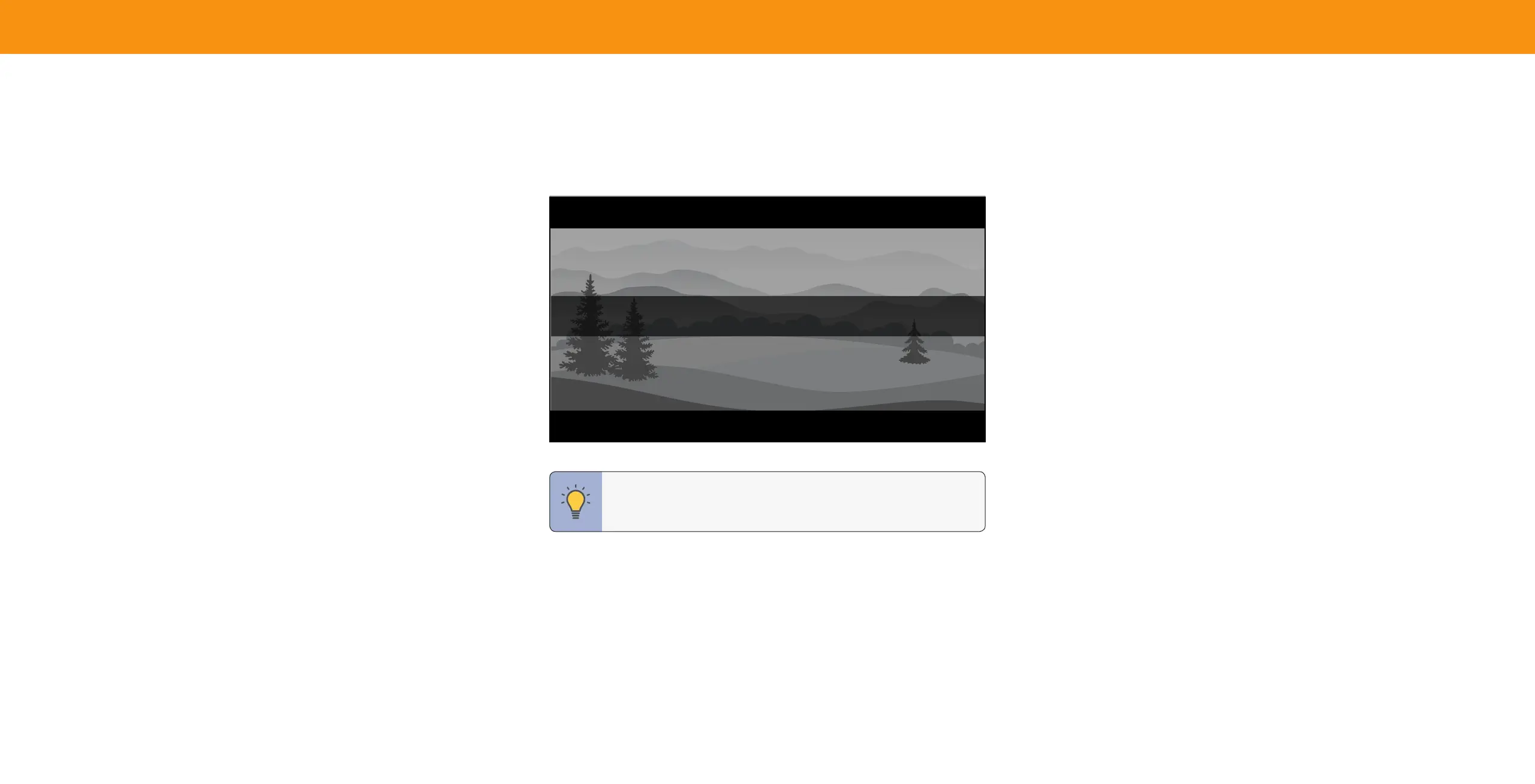
Some programs have black bars on the top or sides of the screen so that the
picture keeps its original shape. Examples include widescreen movies and older TV
programs.
TIP: The aspect ratio cannot be changed for Ultra HD content or
HDR content.
Bekijk gratis de handleiding van Vizio V705-G1, stel vragen en lees de antwoorden op veelvoorkomende problemen, of gebruik onze assistent om sneller informatie in de handleiding te vinden of uitleg te krijgen over specifieke functies.
Productinformatie
| Merk | Vizio |
| Model | V705-G1 |
| Categorie | Televisie |
| Taal | Nederlands |
| Grootte | 11278 MB |
Caratteristiche Prodotto
| Kleur van het product | Zwart |
| Gewicht verpakking | 33000 g |
| Breedte verpakking | 1789.9 mm |
| Diepte verpakking | 184.9 mm |
| Hoogte verpakking | 1077 mm |


