
Handleiding
Je bekijkt pagina 14 van 49
14
3
Your TV features an easy-to-use on-screen menu.
To open the on-screen menu, press the MENU button on the remote.
From this menu, you can:
• Adjust the picture settings
• Adjust the audio settings
• Adjust the network settings
• Set up timers
• Adjust the channel settings
• Set up closed captioning
• Name and adjust Inputs
• Adjust TV settings
• View the user manual
NAVIGATING THE ON-SCREEN MENU
To open the on-screen menu:
1. Press the MENU button on the remote.
2. Use the Arrow buttons to highlight a menu option, and press the OK button to
select that option.
SMARTCAST
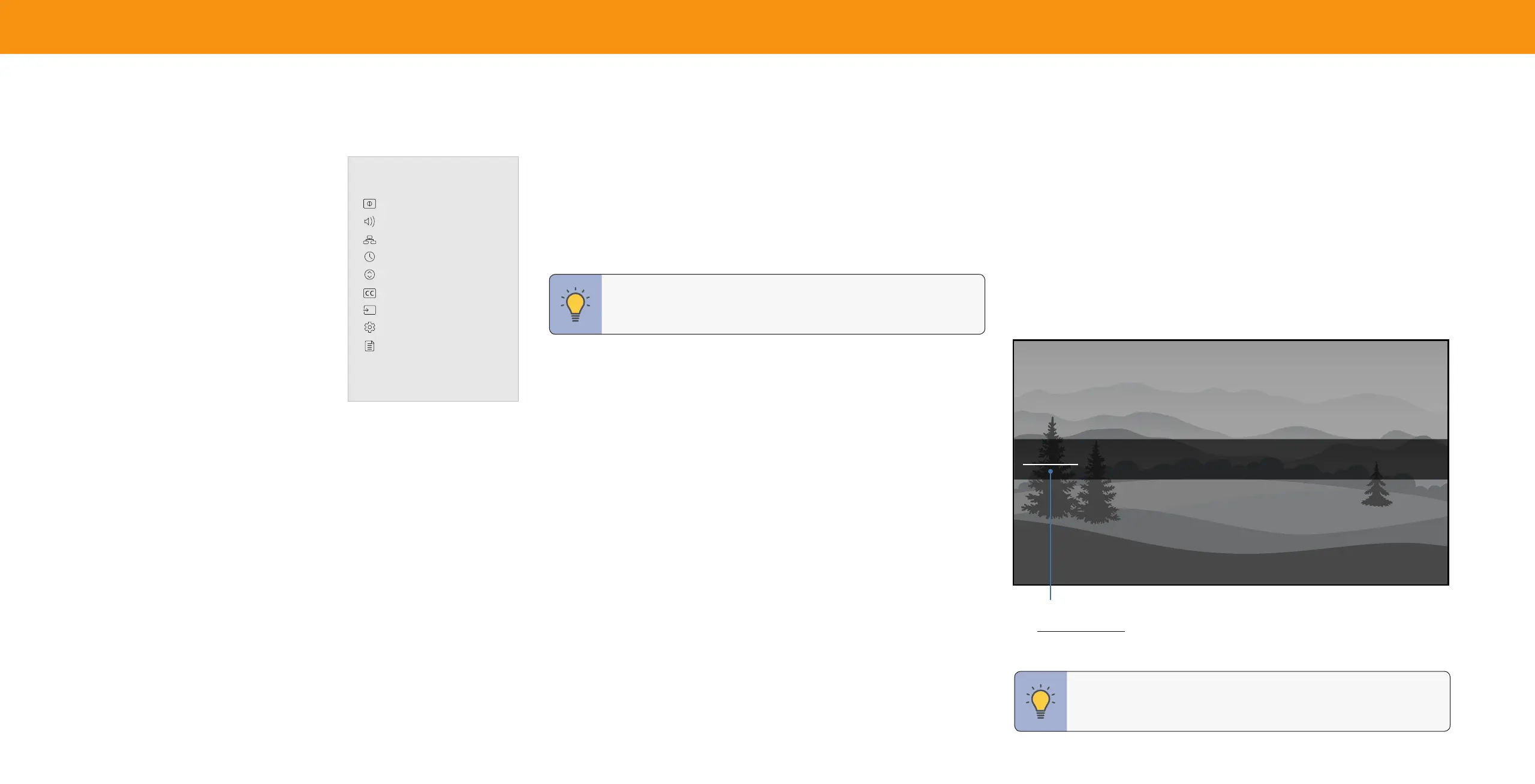
Change Input
HDMI-1 HDMI-2 COMP TVWatchFree
CHANGING THE INPUT SOURCE
External devices, such as DVD players, Blu-ray Players, and video game consoles,
can be connected to your TV. To use one of these devices with your TV, you must
rst change the input source using the Input menu.
To change the input sources:
1. Press the INPUT button on the remote. The input menu is displayed.
2. Use the Arrow buttons or the INPUT button on the remote to highlight the
input you wish to view. The corresponding inputs are named on the back of
your TV.
3. Press OK or release the INPUT button. The selected input is displayed.
HDMI-3
Input Name
The underlined input on the left is the current input selected. Inputs may vary by TV.
Using the On-Screen Menu
TV Settings
Picture
Audio
Network
Timers
Channels
Closed Captions
Input Settings
System
User Manual
TIP: While navigating the on-screen menu, you can press the BACK
button at any time to return to the previous menu screen. The EXIT
button will close the on-screen menu.
TIP: You can change the input names that appear on the Input menu
to make your devices easy to recognize. See
Renaming Devices on
the Input Menu on page 31.
Bekijk gratis de handleiding van Vizio V705-G1, stel vragen en lees de antwoorden op veelvoorkomende problemen, of gebruik onze assistent om sneller informatie in de handleiding te vinden of uitleg te krijgen over specifieke functies.
Productinformatie
| Merk | Vizio |
| Model | V705-G1 |
| Categorie | Televisie |
| Taal | Nederlands |
| Grootte | 11278 MB |
Caratteristiche Prodotto
| Kleur van het product | Zwart |
| Gewicht verpakking | 33000 g |
| Breedte verpakking | 1789.9 mm |
| Diepte verpakking | 184.9 mm |
| Hoogte verpakking | 1077 mm |


