
Handleiding
Je bekijkt pagina 53 van 81
3
53
Note: The images shown here are for illustrative purposes only and may be subject to change. The actual on-screen image and text may vary, depending on the model.
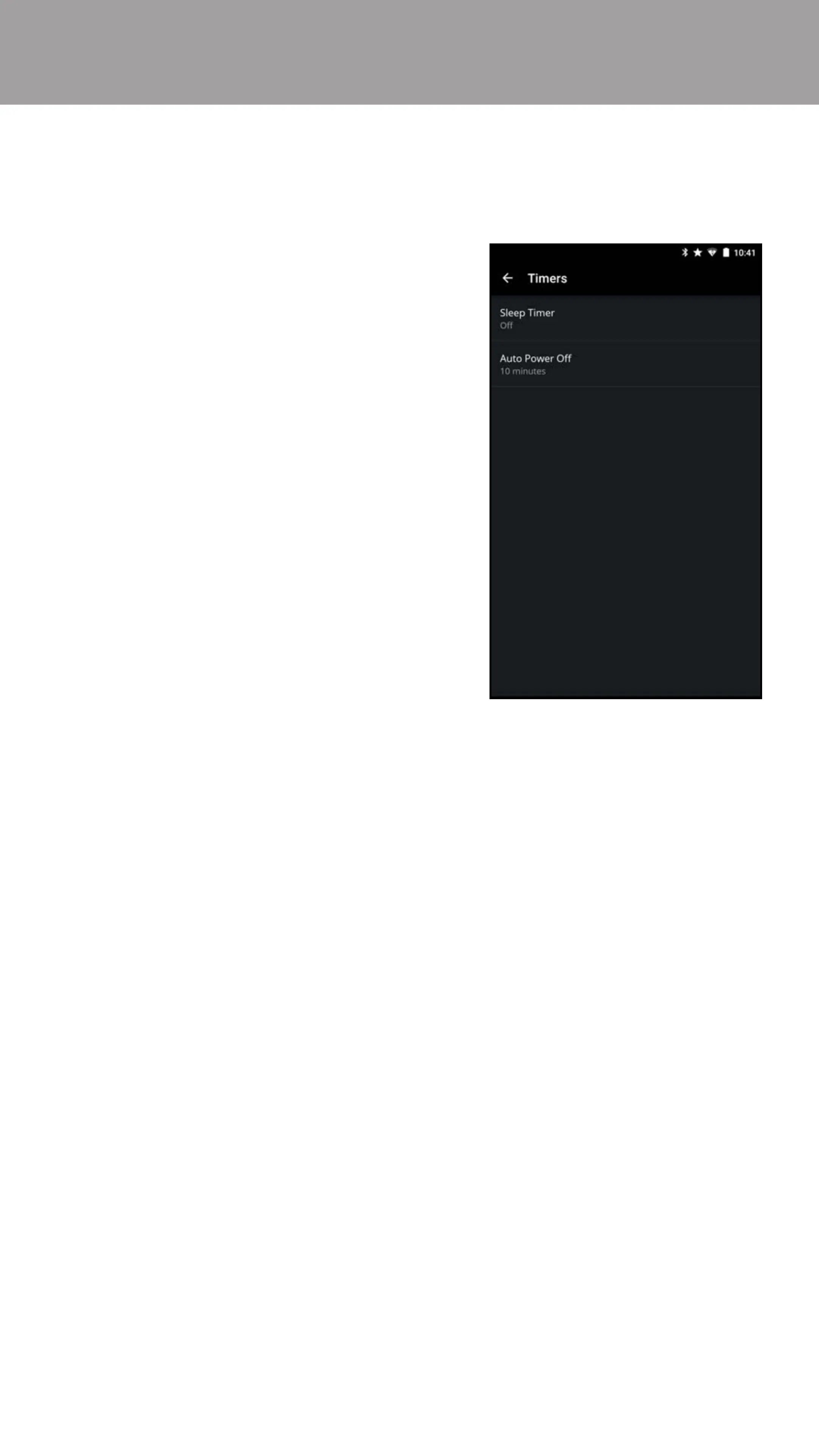
To activate the sleep timer:
1. From the Timers menu, tap
Sleep Timer.
2. Select the period of time after
which you want the display to go
to sleep: 30, 60, 90, 120, or 180
minutes. If you do not want the
sleep timer to activate, select O.
When activated, the display’s sleep timer will turn the display o after a set period
of time.
Activating the Sleep Timer
To enable/disable the Auto Power O feature:
1. From the Timers menu, tap Auto Power O.
2. If you do not want the display to turn o when there is no video or audio
signal, change the setting to O. Otherwise, select 10 minutes.
To help save energy, your display is set by default to turn o after 10 minutes
without a video or audio signal. This feature can be deactivated.
Setting the Auto Power O Feature
Bekijk gratis de handleiding van Vizio M70-D3, stel vragen en lees de antwoorden op veelvoorkomende problemen, of gebruik onze assistent om sneller informatie in de handleiding te vinden of uitleg te krijgen over specifieke functies.
Productinformatie
| Merk | Vizio |
| Model | M70-D3 |
| Categorie | Televisie |
| Taal | Nederlands |
| Grootte | 76417 MB |
Caratteristiche Prodotto
| Kleur van het product | Zwart |
| Gewicht verpakking | 37001.34 g |
| Breedte verpakking | 1663.95 mm |
| Diepte verpakking | 218.95 mm |
| Hoogte verpakking | 1020.1 mm |


