
Handleiding
Je bekijkt pagina 10 van 76
1
4
4
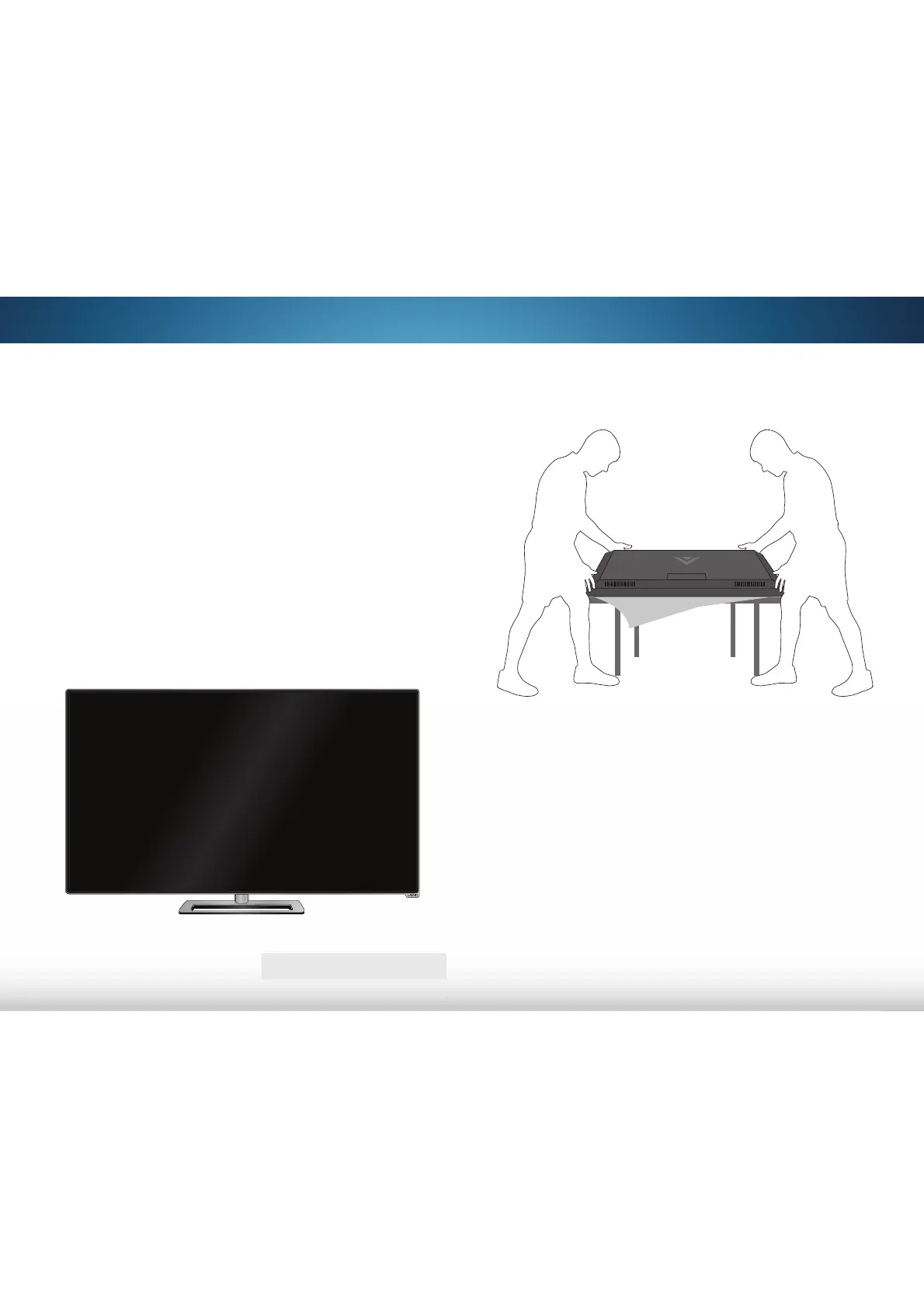
1. It is recommended that two people take part in the base
installation.
Remove any plastic wrapping from the TV and the stand.
Place the TV screen-down on a clean, flat surface. To prevent
scratches or damage to the screen, place the TV on a soft
surface such as a blanket.
To install the base:
INSTALLING THE TV
After removing the TV from the box and inspecting the package
contents you can begin installing the TV. Your TV can be installed
in two ways:
• On a flat surface, using the included stand
• On a wall, using a VESA-standard wall mount (not
included)
Installing the TV Stand
Your TV includes a stand designed to support the weight of the
TV and keep it from falling over. However, the TV can still fall over if:
• It is placed on an uneven, unstable, or non-level surface
• It is pushed, pulled, or otherwise improperly moved
• If an earthquake occurs and the TV is not properly
secured
TV ON STAND
Bekijk gratis de handleiding van Vizio M552i-B2, stel vragen en lees de antwoorden op veelvoorkomende problemen, of gebruik onze assistent om sneller informatie in de handleiding te vinden of uitleg te krijgen over specifieke functies.
Productinformatie
| Merk | Vizio |
| Model | M552i-B2 |
| Categorie | Televisie |
| Taal | Nederlands |
| Grootte | 12615 MB |


