
Handleiding
Je bekijkt pagina 55 van 83
5
48
CHANGING THE TV SETTINGS
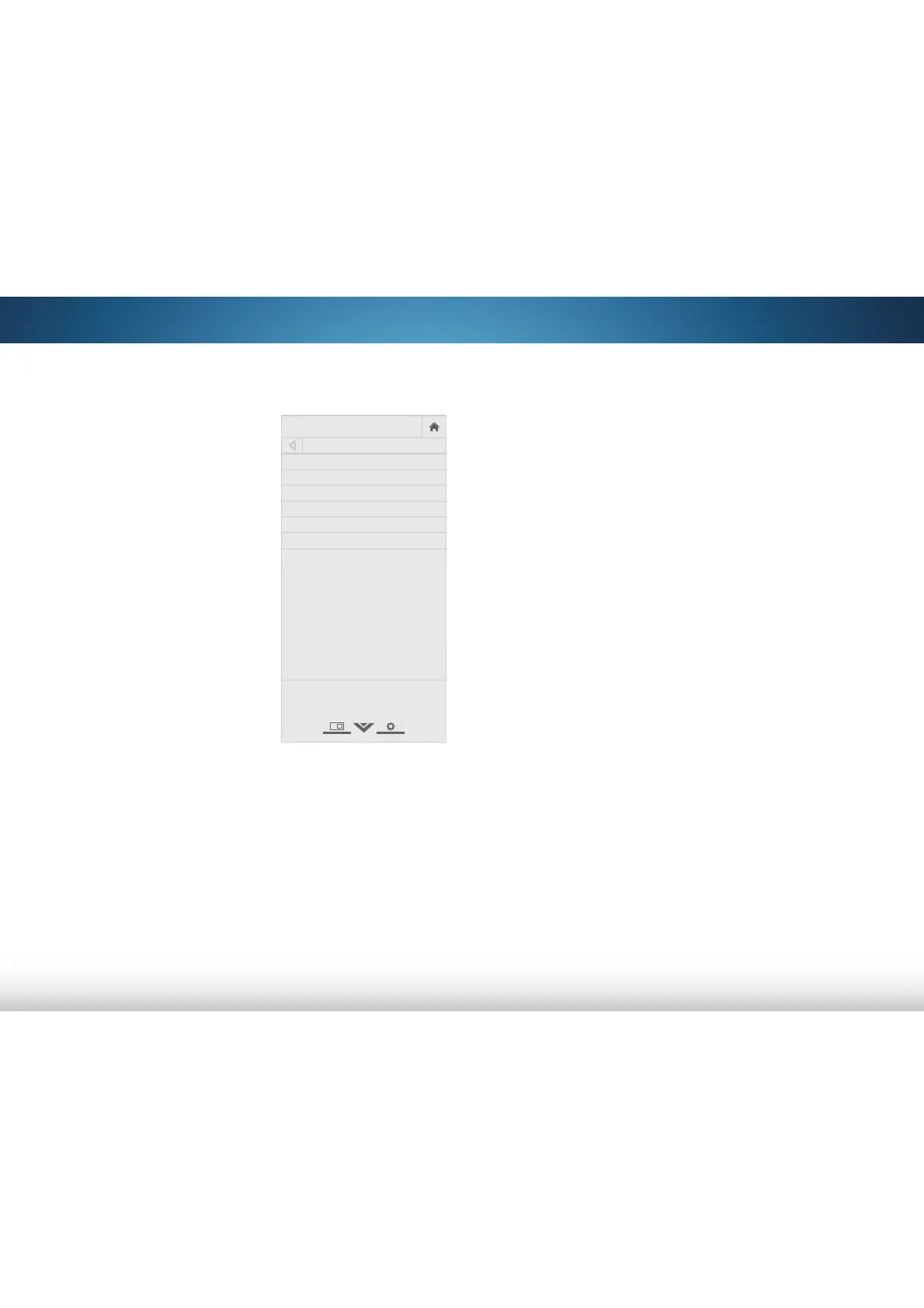
Using the System menu, you can:
• View system information
• Set up parental controls
• Change the on-screen
menu language
• Set time zone and local
settings
• Adjust the CEC settings
• Adjust the power indicator
setting
• Reset the TV settings & set
up administrative controls
VIZIO
SYSTEM
System Information
Menu Language English
Time & Local Settings
Parental Controls
CEC
Power Indicator Off
Reset & Admin
View status information for the TV,
remote, current input and your
network.
Viewing System Information
To view a summary of the TV settings:
1. Press the MENU button on the remote. The on-screen menu is
displayed.
2. Use the Arrow buttons on the remote to highlight System
and press OK. The SYSTEM menu is displayed.
3. Highlight System Information and press OK.
4. Use the Up/Down Arrow buttons to scroll through the system
information.
5. When you are finished reviewing the system information,
press the EXIT button on the remote.
Bekijk gratis de handleiding van Vizio M501d-A2R, stel vragen en lees de antwoorden op veelvoorkomende problemen, of gebruik onze assistent om sneller informatie in de handleiding te vinden of uitleg te krijgen over specifieke functies.
Productinformatie
| Merk | Vizio |
| Model | M501d-A2R |
| Categorie | Televisie |
| Taal | Nederlands |
| Grootte | 13706 MB |
Caratteristiche Prodotto
| Kleur van het product | Zwart |
| Gewicht verpakking | 23300 g |
| Breedte verpakking | 1291 mm |
| Diepte verpakking | 149.6 mm |
| Hoogte verpakking | 858.01 mm |


