
Handleiding
Je bekijkt pagina 25 van 83
4
18
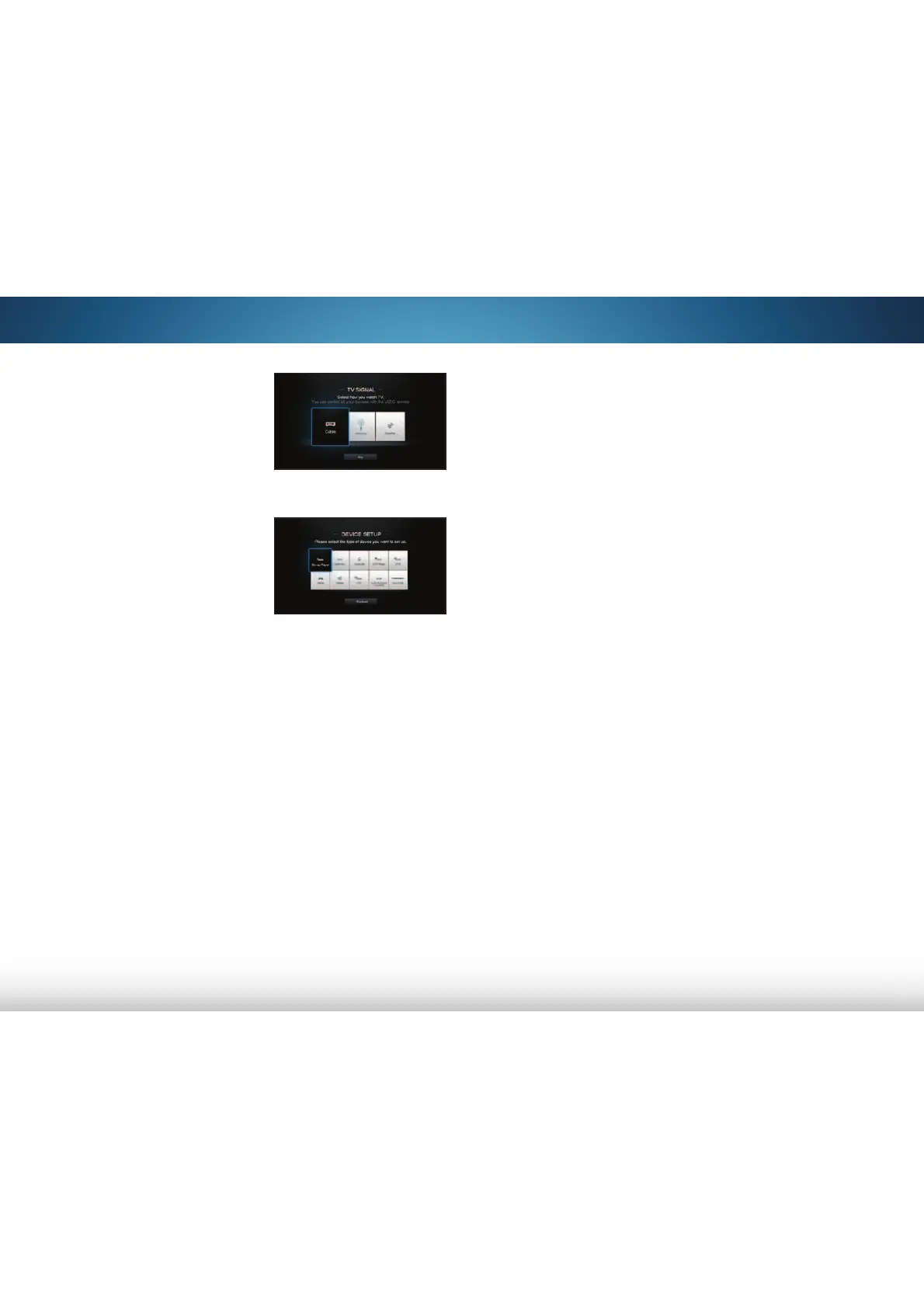
8. Use the Arrow and OK
buttons on the remote to
answer the question about
your TV connection and
then perform the channel
scan or set up your cable or
satellite device.
9. Use the Arrow and OK
buttons on the remote to
select/enter a device type,
input, device brand, and
device model, then follow
the on-screen instructions
to finish setting up your
device(s).
For more information see
Pairing a New Device on
page 44
.
10. When you have finished the device setup, highlight
Finished and press OK.
The First-Time Setup is complete.
Bekijk gratis de handleiding van Vizio M501d-A2R, stel vragen en lees de antwoorden op veelvoorkomende problemen, of gebruik onze assistent om sneller informatie in de handleiding te vinden of uitleg te krijgen over specifieke functies.
Productinformatie
| Merk | Vizio |
| Model | M501d-A2R |
| Categorie | Televisie |
| Taal | Nederlands |
| Grootte | 13706 MB |
Caratteristiche Prodotto
| Kleur van het product | Zwart |
| Gewicht verpakking | 23300 g |
| Breedte verpakking | 1291 mm |
| Diepte verpakking | 149.6 mm |
| Hoogte verpakking | 858.01 mm |


