
Handleiding
Je bekijkt pagina 53 van 80
5
47
RENAMING DEVICES ON THE INPUT MENU
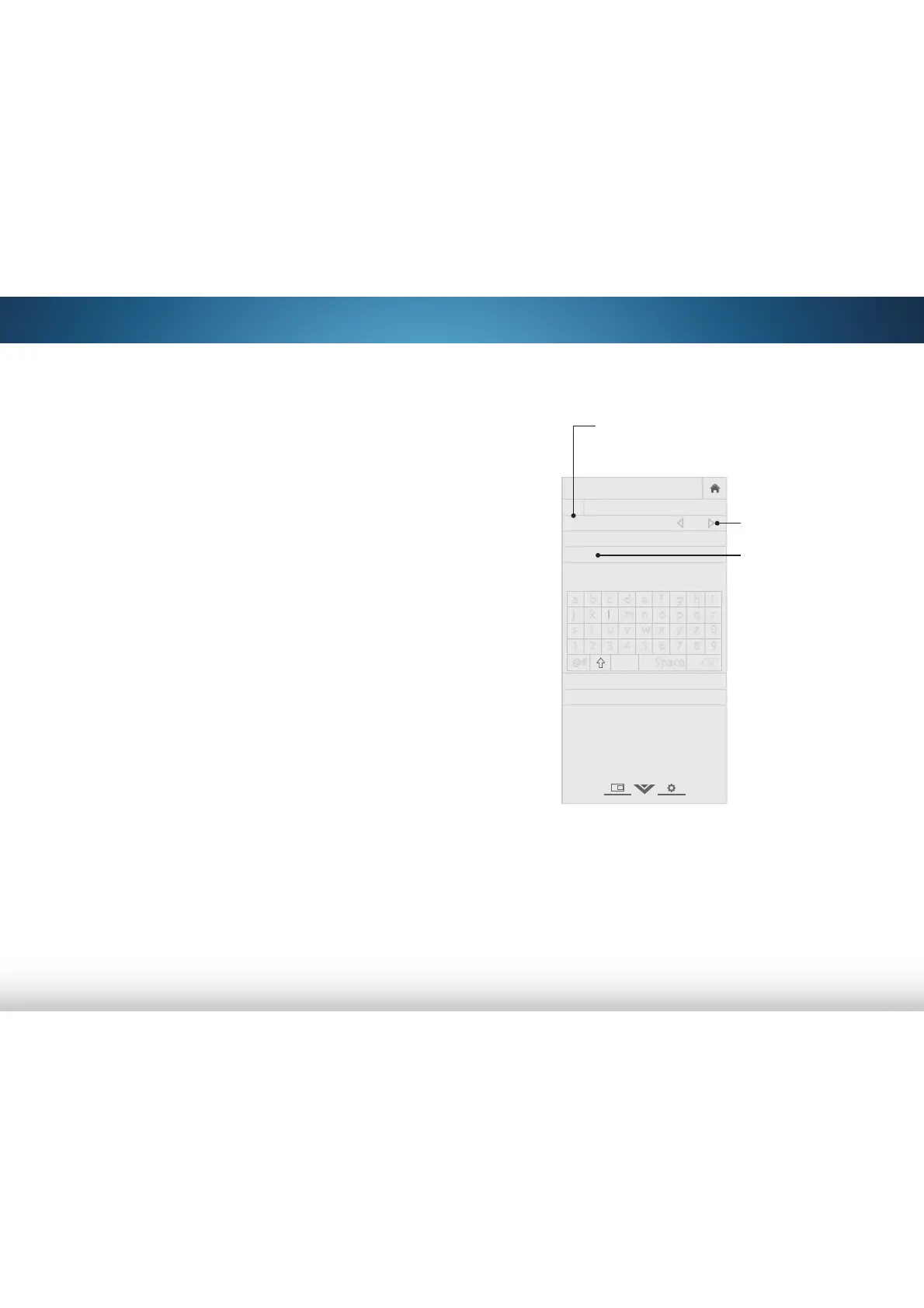
You can rename the inputs to make them easier to recognize
on the Input menu (See
Changing the Input Source
on page
20). For example, if you have a DVD player connected to the
Component input, you can rename that input to display “DVD
Player.”
To change the name of an input:
1. Press the MENU button on the remote. The on-screen menu is
displayed.
2. Use the Arrow buttons on the remote to highlight Devices
and press OK. The DEVICES menu is displayed.
3. Highlight the input device that you want to rename and
press OK.
4. Highlight Name Input and press OK.
5. To use a preset input name:
a. Highlight the Input Port row and press OK.
b. Highlight the input name you want to use and press OK.
—or—
To enter a custom name:
a. Enter your custom label using the on-screen keyboard.
b. Highlight OK and press OK.
c. The Input Name changes to show the custom name that
you created.
6. When you have finished naming your input, press the EXIT
button on the remote.
VIZIO
NAME INPUT
HDMI-1 DVD
DVD_
OK
Cancel
Select the input name from a list
of common device names (Blu-ray,
Cable Box, DVD, etc).
a b c d e f g h i
j k l m n o p q r
s t u v w x y z 0
1 2 3 4 5 6 7 8 9
.@# .com Space
Input Port
Custom Name
Input Name
Bekijk gratis de handleiding van Vizio M401i-A3, stel vragen en lees de antwoorden op veelvoorkomende problemen, of gebruik onze assistent om sneller informatie in de handleiding te vinden of uitleg te krijgen over specifieke functies.
Productinformatie
| Merk | Vizio |
| Model | M401i-A3 |
| Categorie | Televisie |
| Taal | Nederlands |
| Grootte | 13283 MB |
Caratteristiche Prodotto
| Kleur van het product | Zwart |
| Gewicht verpakking | 15800 g |
| Breedte verpakking | 1018 mm |
| Diepte verpakking | 199.9 mm |
| Hoogte verpakking | 659.9 mm |


