
Handleiding
Je bekijkt pagina 22 van 51
3
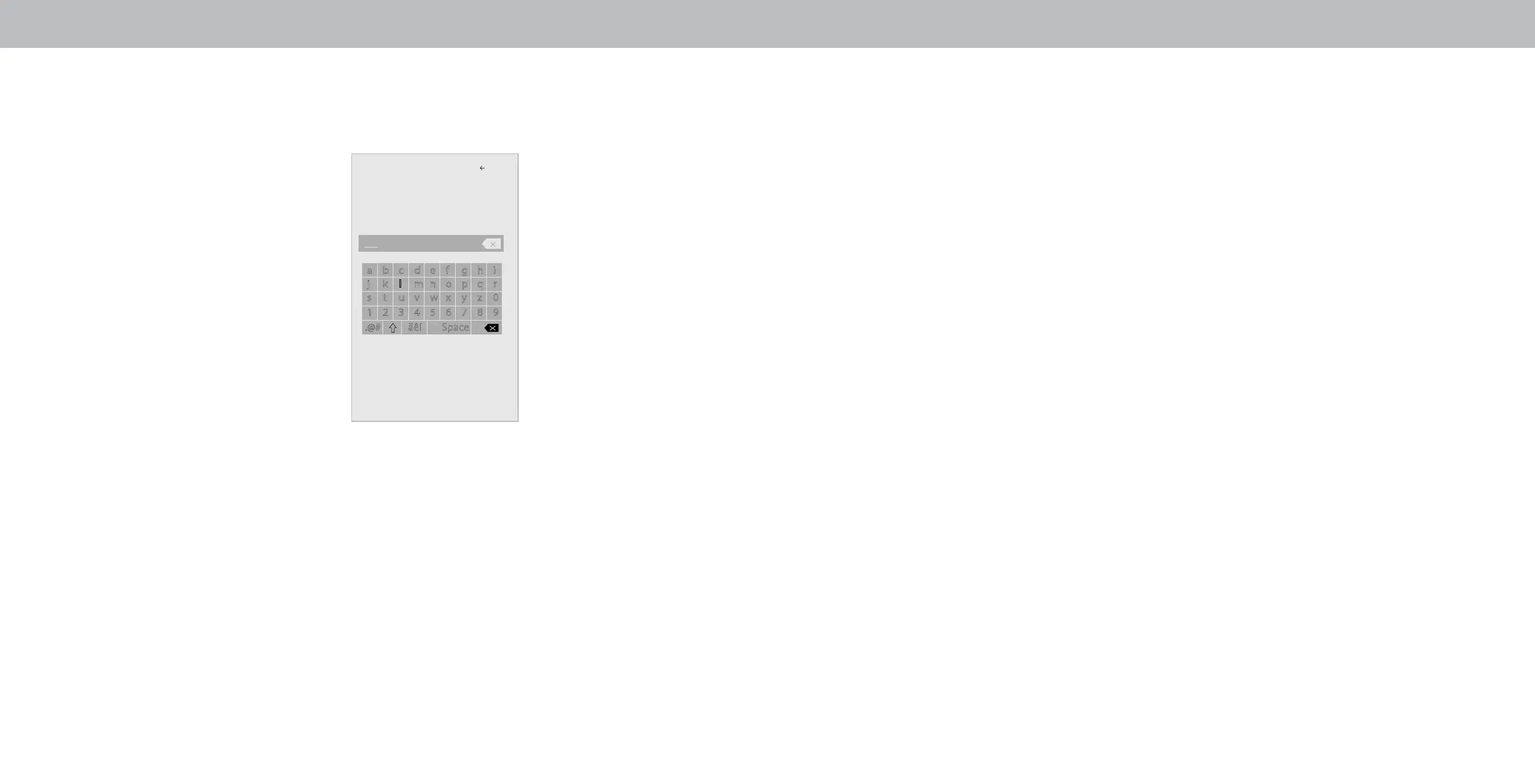
Connecting to a Hidden Network
To connect to a wireless network whose network name (SSID) is not
being broadcast:
1. From the NETWORK menu,
highlight Hidden Network and
press OK. The ENTER ACCESS
POINT NAME screen is displayed.
2. Using the on-screen keyboard,
enter your network’s name
(SSID), then highlight Connect
and press OK
3. Using the on-screen keyboard,
enter your network’s password,
then highlight Connect and press
OK.
4. Press the EXIT button on the
remote.
Testing Your Network Connection
To test your network connection:
1. From the NETWORK menu, highlight Test Connection and press
OK.
2. The TEST CONNECTION screen displays the connection method,
network name, signal strength, and download speed of your
network connection.
3. Press the EXIT button on the remote.
Enter Access Point Name
Back
a b c d e f g h i
j k l m n o p q r
s t u v w x y z 0
1 2 3 4 5 6 7 8 9
.@# äêí Space
Enter your access point name. This
is used to connect to an access point
with a hidden SSID.
Connect
22
Bekijk gratis de handleiding van Vizio E60-E3, stel vragen en lees de antwoorden op veelvoorkomende problemen, of gebruik onze assistent om sneller informatie in de handleiding te vinden of uitleg te krijgen over specifieke functies.
Productinformatie
| Merk | Vizio |
| Model | E60-E3 |
| Categorie | Televisie |
| Taal | Nederlands |
| Grootte | 16010 MB |
Caratteristiche Prodotto
| Kleur van het product | Zwart |
| Gewicht verpakking | 27600 g |
| Breedte verpakking | 1454.91 mm |
| Diepte verpakking | 183.9 mm |
| Hoogte verpakking | 902.97 mm |


