
Handleiding
Je bekijkt pagina 62 van 86
5
56
USING THE INFO WINDOW
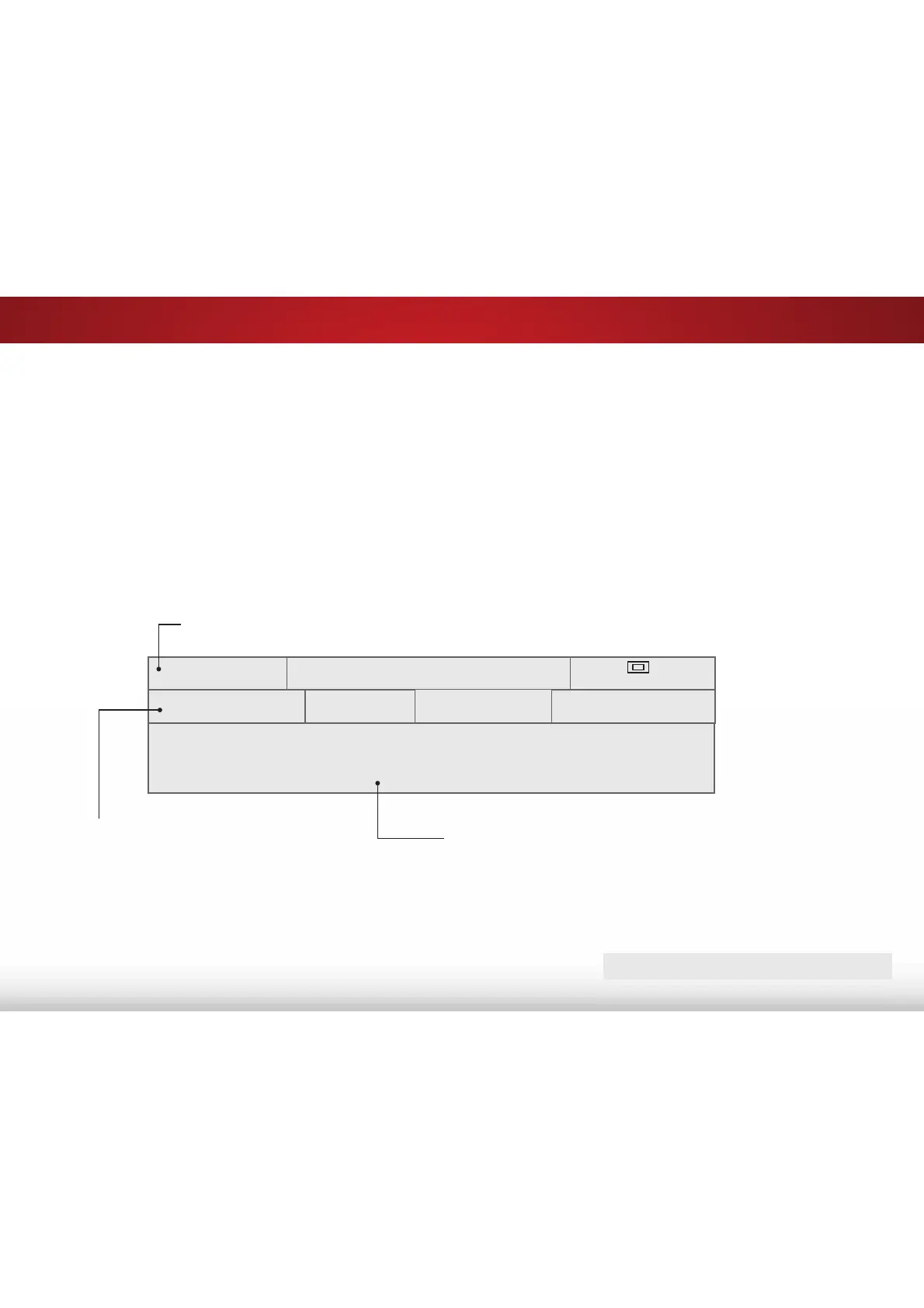
The Info Window can be displayed by pressing the GUIDE or INFO
buttons on the remote:
• Press the GUIDE or INFO button once to display channel,
input, and display information.
• Press the GUIDE or INFO button twice to display the
program title, program rating, audio information, and the
start and end times of the program.
DIGITAL EPISODE GUIDE WINDOW
2OLYHUȇV+ROLGD\6XUSULVH
1080p 6:15pm
11:00AM - 12:00PM
793*9
'ROE\'LJLWDO6WHUHR
Oliver wakes up one morning only to discover that his pals are missing. In this hour-long
holiday special, Oliver goes on a journey in search of his pals. Who knows what he’ll en-
counter on the way?
3URJUDP'HVFULSWLRQ
3URJUDP7LWOH
28-1
.&(7+'
Normal
&KDQQHOΖQSXWΖQIRUPDWLRQ
Bekijk gratis de handleiding van Vizio E60-C3, stel vragen en lees de antwoorden op veelvoorkomende problemen, of gebruik onze assistent om sneller informatie in de handleiding te vinden of uitleg te krijgen over specifieke functies.
Productinformatie
| Merk | Vizio |
| Model | E60-C3 |
| Categorie | Televisie |
| Taal | Nederlands |
| Grootte | 13880 MB |
Caratteristiche Prodotto
| Kleur van het product | Zwart |
| Gewicht verpakking | 25400 g |
| Breedte verpakking | 1447 mm |
| Diepte verpakking | 172 mm |
| Hoogte verpakking | 902 mm |


