
Handleiding
Je bekijkt pagina 56 van 86
5
50
&KDQJLQJWKH9LHZ0RGH6HWWLQJV
<RXFDQUHVL]HWKHYLGHRFRQWHQWWRȴWZKLOHWKHPHQXLVRSHQ
To change the on-screen menu language:
1. Press the MENU button on the
remote. The on-screen menu is
displayed.
2. Use the Arrow buttons on the
remote to highlight 6\VWHP and
press OK. The SYSTEM menu is
displayed.
3. Use the Arrow buttons on the
remote to highlight 9LHZ0RGH
and press OK. The VIEW MODE
menu is displayed.
4. Highlight your 9LHZSRUW,
Overlay, or Centered Overlay
and press OK.
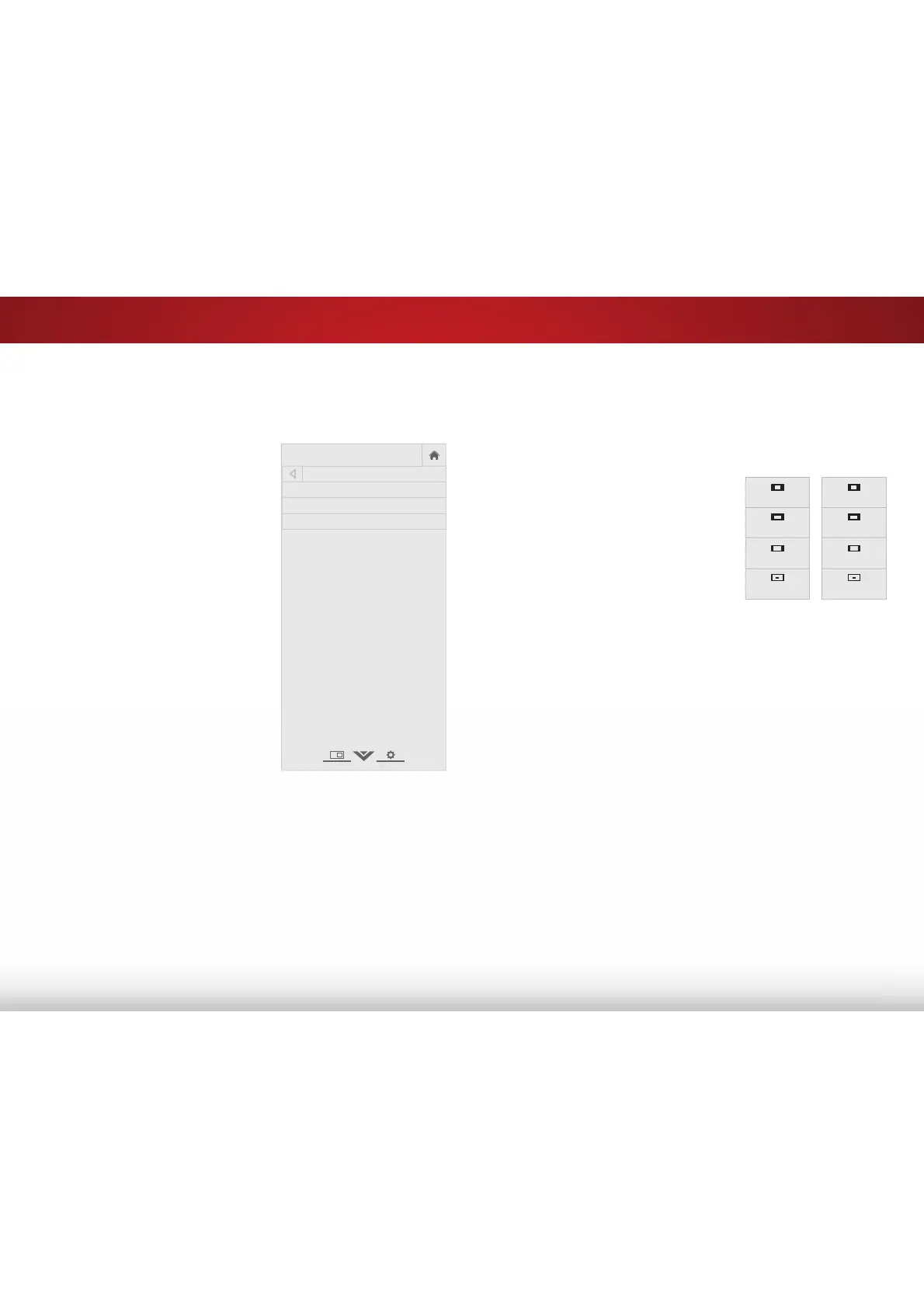
• 9LHZSRUW - The entire picture
is visible in the space to the
right of the menu.
• Overlay - The left-hand
portion of the picture
covered by the menu.
• Centered Overlay7KHSLFWXUHH[WHQGVRRIWKHULJKWVLGH
of the screen.
5. Press the EXIT button on the remote. See
Viewing Video with
the Menu Open
on page 23 for an alternate way of resizing
the video content.
VIZIO
VIEW MODE
Viewport
Overlay
Centered Overlay
$GMXVWLQJWKH:LGH0RGH$VSHFW5DWLR
7KH79FDQGLVSOD\LPDJHVLQȴYHGLHUHQWPRGHV1RUPDO6WUHWFK
Panoramic, Wide, and Zoom. Each mode displays the picture
GLHUHQWO\
To change the screen aspect ratio:
1. Press the MENU button on the
remote. The on-screen menu is
displayed.
2. Use the Arrow buttons on the
remote to highlight 6\VWHP and
press OK. The SYSTEM menu is
displayed.
3. Use the Arrow buttons on the
remote to highlight :LGHand
press OK. The wide mode menu
appears at the top of the screen.
4. Use the Arrow buttons to highlight the aspect ratio you wish to
use and the press OK.
• Normal preserves the content’s original aspect ratio. Since
WKHDVSHFWUDWLRLVQRWODUJHHQRXJKWRȴOOWKH79ȇV
screen, black bars are added to the left and right of the
display image.
• StretchH[SDQGVWKHGLVSOD\LPDJHWRȴOOWKHVFUHHQΖPDJHV
may appear wider than intended. If you are watching
widescreen (1.85:1 or 2.35:1) content, black bars will still
appear on the top and bottom of the display image. 7KLV
RSWLRQLVRQO\DYDLODEOHZKHQWKH79LVGLVSOD\LQJD
SLVRXUFH
• 3DQRUDPLFH[SDQGVWKHGLVSOD\LPDJHWRȴOOWKHZLGWKRI
the screen. Images may appear wider than intended. If
you are watching widescreen (1.85:1 or 2.35:1) content,
black bars will still appear on the top and bottom of the
display image. 7KLVRSWLRQLVRQO\DYDLODEOHZKHQWKH79LV
GLVSOD\LQJDLSVRXUFH
Panoramic
Wide
Zoom
Normal
Stretch
Wide
Zoom
Normal
Note: Aspect ratio settings may
vary by Input source.
Bekijk gratis de handleiding van Vizio E60-C3, stel vragen en lees de antwoorden op veelvoorkomende problemen, of gebruik onze assistent om sneller informatie in de handleiding te vinden of uitleg te krijgen over specifieke functies.
Productinformatie
| Merk | Vizio |
| Model | E60-C3 |
| Categorie | Televisie |
| Taal | Nederlands |
| Grootte | 13880 MB |
Caratteristiche Prodotto
| Kleur van het product | Zwart |
| Gewicht verpakking | 25400 g |
| Breedte verpakking | 1447 mm |
| Diepte verpakking | 172 mm |
| Hoogte verpakking | 902 mm |


