
Handleiding
Je bekijkt pagina 52 van 86
5
46
CHANGING THE TV SETTINGS
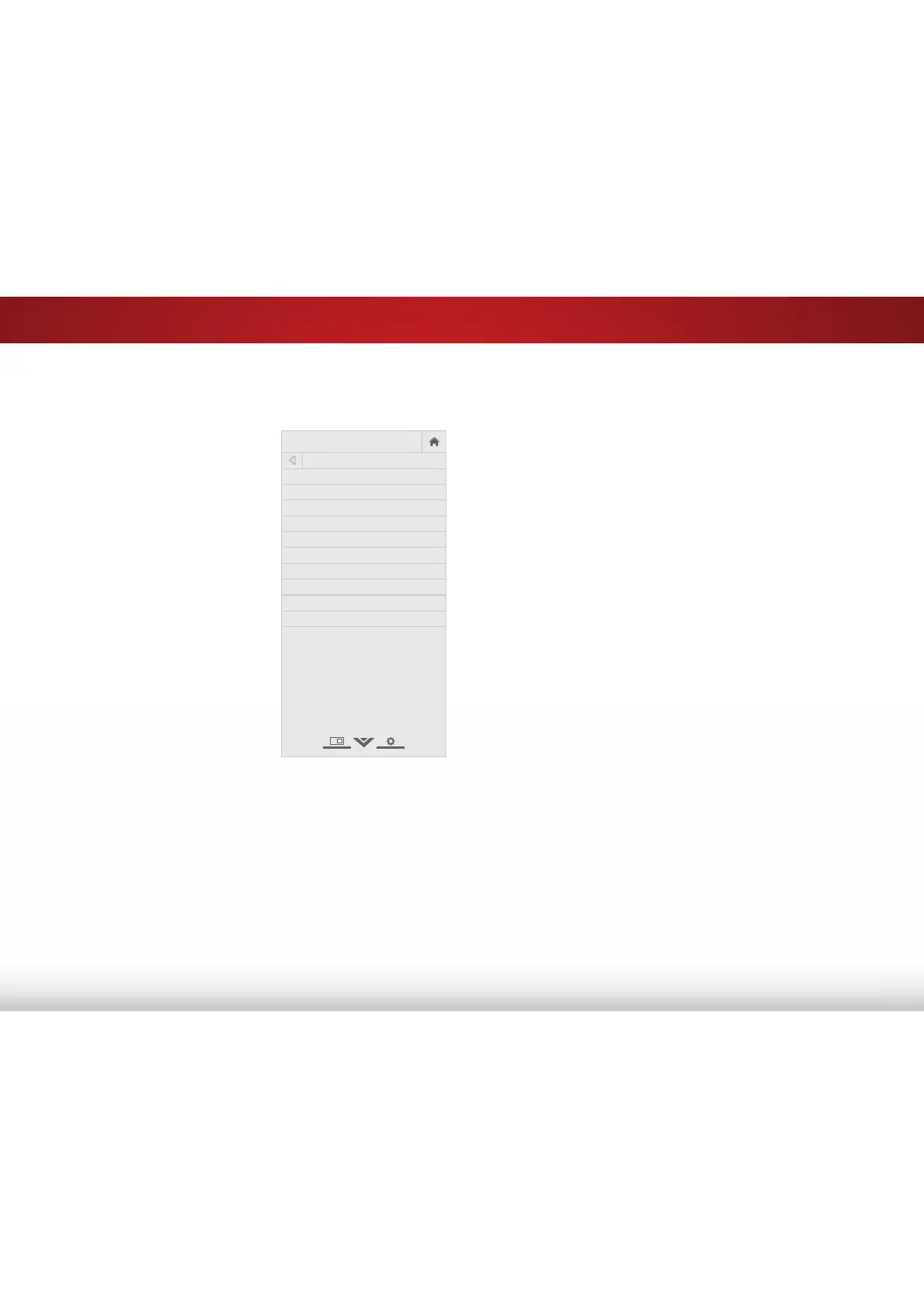
Using the system menu, you can:
• View technical system and
networking information
• Change the on-screen menu
language
• Set the time zone and local
setting
• Set up parental controls
• Open the WIDE menu
• Give the TV a name for it to
work with DLNA-enabled
devices
• Set up CEC devices to control
them with your VIZIO TV
remote
• Control when the power
indicator light is on
• Reset TV settings and control
Smart Interactivity
VIZIO
SYSTEM
System Information
Menu Language English
Time & Local Settings
Parental Controls
View Mode Overlay
Wide
TV Name VIZIO TV
CEC
Power Indicator Off
Reset & Admin
9LHZLQJ6\VWHPΖQIRUPDWLRQ
To view technical data and status information about your TV and
network connection:
1. Press the MENU button on the remote. The on-screen menu is
displayed.
2. Use the Arrow buttons on the remote to highlight 6\VWHP and
press OK. The SYSTEM menu is displayed.
3. Highlight 6\VWHPΖQIRUPDWLRQ and press OK.
4. Use the Up/Down Arrow buttons to scroll through the system
information.
5. :KHQ\RXDUHȴQLVKHGUHYLHZLQJWKHV\VWHPLQIRUPDWLRQSUHVV
the EXIT button on the remote.
Bekijk gratis de handleiding van Vizio E60-C3, stel vragen en lees de antwoorden op veelvoorkomende problemen, of gebruik onze assistent om sneller informatie in de handleiding te vinden of uitleg te krijgen over specifieke functies.
Productinformatie
| Merk | Vizio |
| Model | E60-C3 |
| Categorie | Televisie |
| Taal | Nederlands |
| Grootte | 13880 MB |
Caratteristiche Prodotto
| Kleur van het product | Zwart |
| Gewicht verpakking | 25400 g |
| Breedte verpakking | 1447 mm |
| Diepte verpakking | 172 mm |
| Hoogte verpakking | 902 mm |


