
Handleiding
Je bekijkt pagina 44 van 86
5
38
)LQGLQJ0$&$GGUHVVHVIRU1HWZRUN6HWXS
The security settings on your router may require you to enter the
TV's MAC address in the router's settings.
7RȴQGWKH79V0$&DGGUHVV
1. From the NETWORK menu, highlight Manual Setup and press
OK. The MANUAL SETUP menu is displayed.
2. Find the MAC address for the TV at the bottom of the list. The
MAC addresses for the connections in use are displayed:
• RJ45 MAC - The Ethernet or RJ45 MAC address may be
needed to set up your network when you have connected
the TV to your network with an Ethernet (Cat 5) cable.
• :LUHOHVV0$&7KHWireless (Wi-Fi) MAC address may be
needed to connect your TV to your network with Wi-Fi.
&RQQHFWLQJWRD+LGGHQ1HWZRUN
To connect to a wireless network whose network name (SSID) is not
being broadcast:
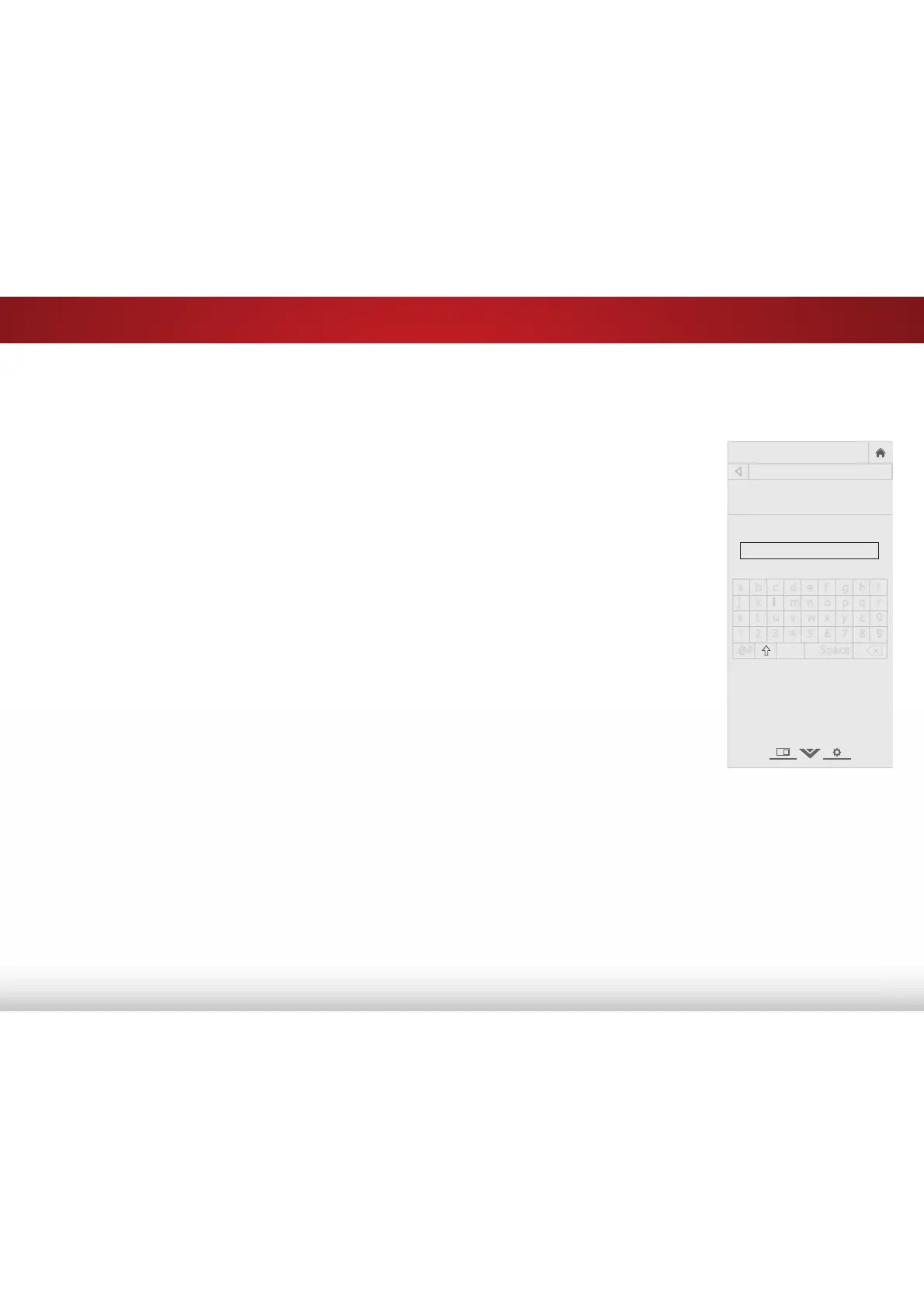
1. From the NETWORK menu,
highlight +LGGHQ1HWZRUN and
press OK. The ENTER ACCESS
POINT NAME screen is displayed.
2. Using the on-screen keyboard,
enter your network’s name
(SSID), then highlight Connect
and press OK.
3. Using the on-screen keyboard,
enter your network’s password,
then highlight Connect and
press OK.
4. Press the BACK button to adjust
additional settings or EXIT.
7HVWLQJ<RXU1HWZRUN&RQQHFWLRQ
To test your network connection:
1. From the NETWORK menu, highlight 7HVW&RQQHFWLRQ and
press OK.
2. The TEST CONNECTION screen displays the connection
method, network name, signal strength, and download speed
of your network connection.
3. Press the EXIT button on the remote.
VIZIO
ENTER ACCESS POINT NAME
Enter your access point name. This is
used to connect to an access point
with a hidden SSID.
a b c d e f g h i
j k l m n o p q r
s t u v w x y z 0
1 2 3 4 5 6 7 8 9
.@# .com Space
Connect
äêí
Bekijk gratis de handleiding van Vizio E60-C3, stel vragen en lees de antwoorden op veelvoorkomende problemen, of gebruik onze assistent om sneller informatie in de handleiding te vinden of uitleg te krijgen over specifieke functies.
Productinformatie
| Merk | Vizio |
| Model | E60-C3 |
| Categorie | Televisie |
| Taal | Nederlands |
| Grootte | 13880 MB |
Caratteristiche Prodotto
| Kleur van het product | Zwart |
| Gewicht verpakking | 25400 g |
| Breedte verpakking | 1447 mm |
| Diepte verpakking | 172 mm |
| Hoogte verpakking | 902 mm |


