
Handleiding
Je bekijkt pagina 28 van 86
5
22
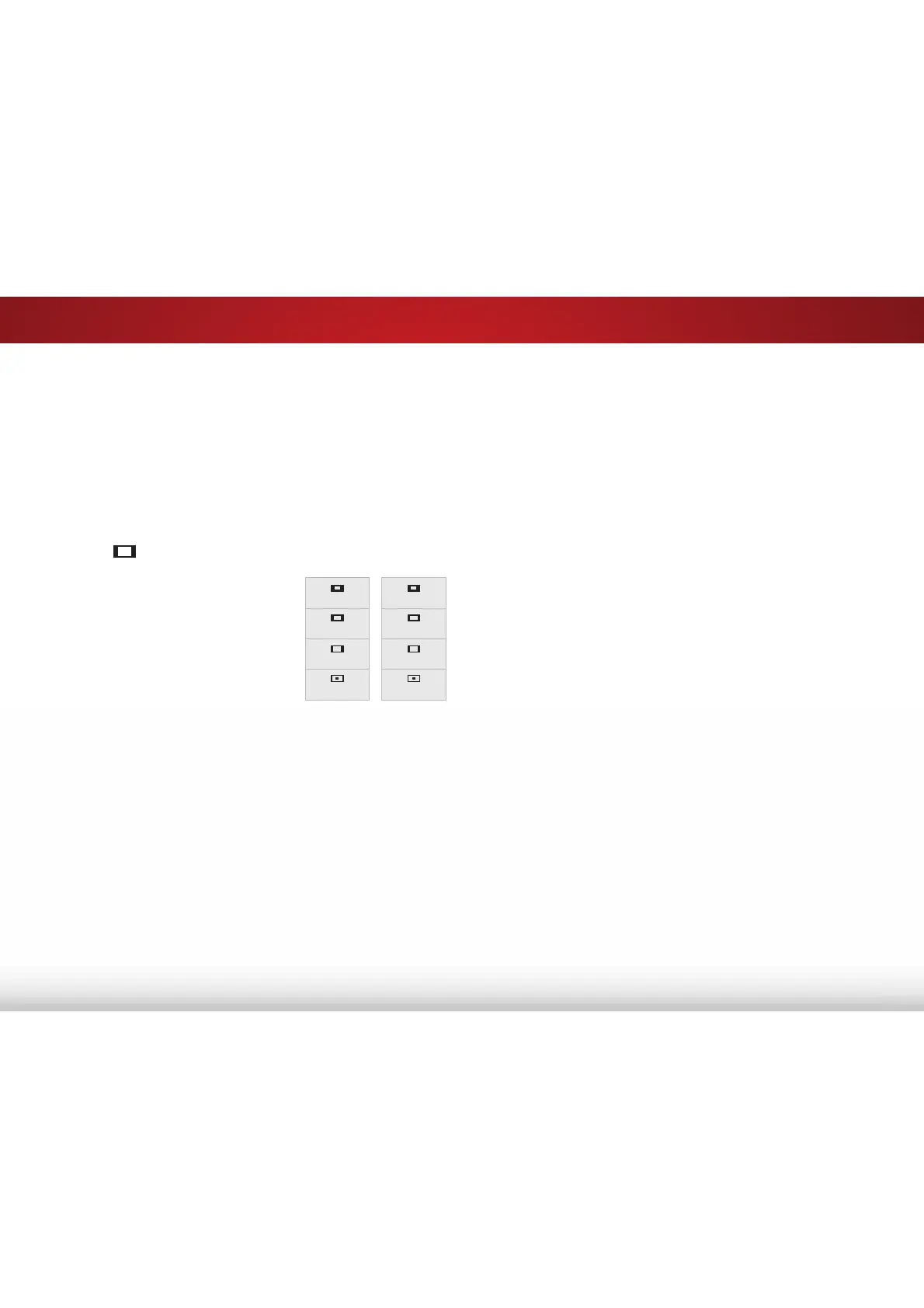
CHANGING THE SCREEN ASPECT RATIO
7KH79FDQGLVSOD\LPDJHVLQȴYHGLHUHQWPRGHV1RUPDO6WUHWFK
Panoramic, Wide, and Zoom. Each mode displays the picture
GLHUHQWO\
Some programs have black bars on the top or sides of the picture
so that the picture keeps its original shape. Examples include
wide-screen movies and older television programs.
To change the screen aspect ratio:
1. Press the
button on the remote.
2. Use the Arrow buttons to
highlight the aspect ratio you
wish to view and press OK.
• Normal preserves the content’s
original aspect ratio and size.
• 6WDQGDUG'HȴQLWLRQ (480i and
480p—old TV programs) - Since
the 4:3 aspect ratio is not large
HQRXJKWRȴOOWKH79ȇVVFUHHQ
black bars are added to the left
and right of the display image.
• SDQGL+' - Fills a 720p or 1080p screen.
• SDQGL+' - Fills a 720p or 1080p screen.
• StretchH[SDQGVDZLGHVFUHHQLPDJHWRȴOOWKHVFUHHQIURP
top to bottom and stretches it half as much from right to
left. Figures appear tall and thin.
• 6WDQGDUG'HȴQLWLRQ - Not available.
• SDQGL+' - If you are watching widescreen
FRQWHQWWKHLPDJHZLOOȴOOWKHVFUHHQ:LWK
ZLGHVFUHHQFRQWHQWRQHVL[WKRIWKHLPDJHLVFXWRE\
the left and right sides of the screen.
• SDQGL - Not available.
• 3DQRUDPLF stretches a 4:3 aspect ratio picture to the left
Panoramic
Wide
Zoom
Normal
Stretch
Wide
Zoom
Normal
Note: Aspect ratio settings may
vary by Input source.
and right edges of the screen. The center of the image is
not stretched, but the sides of the image are extremely
stretched. If you are watching widescreen (1.85:1 or 2.35:1)
content with black bars on the top and bottom, the black
bars will still appear on the top and bottom of the display
image.
• 6WDQGDUG'HȴQLWLRQ (480i and 480p) - Fills the screen
from the left to right edges.
• SDQGL - Not available.
• SDQGL - Not available.
• :LGH stretches a 4:3 aspect ratio picture to the edges of
the screen. Since the picture is being stretched, the display
LPDJHPD\DSSHDUGLVWRUWHGȃȴJXUHVDSSHDUVKRUWDQGIDW
If the program is already formatted for widescreen viewing
(1.85:1 or 2.35:1), then black bars will appear on the top
and bottom of the display image.
• Zoom expands images evenly in all directions (33% taller
DQGZLGHUZLWKEODFNEDUVWRȴWWKHVFUHHQ$S
LPDJHZLOOȴOODSVFUHHQ
• 6WDQGDUG'HȴQLWLRQ - Not available.
• SDQGL+' - Fills a 1080p screen
• SDQGL - Not available.
Bekijk gratis de handleiding van Vizio E60-C3, stel vragen en lees de antwoorden op veelvoorkomende problemen, of gebruik onze assistent om sneller informatie in de handleiding te vinden of uitleg te krijgen over specifieke functies.
Productinformatie
| Merk | Vizio |
| Model | E60-C3 |
| Categorie | Televisie |
| Taal | Nederlands |
| Grootte | 13880 MB |
Caratteristiche Prodotto
| Kleur van het product | Zwart |
| Gewicht verpakking | 25400 g |
| Breedte verpakking | 1447 mm |
| Diepte verpakking | 172 mm |
| Hoogte verpakking | 902 mm |


