
Handleiding
Je bekijkt pagina 9 van 67
3
1
Installing the TV
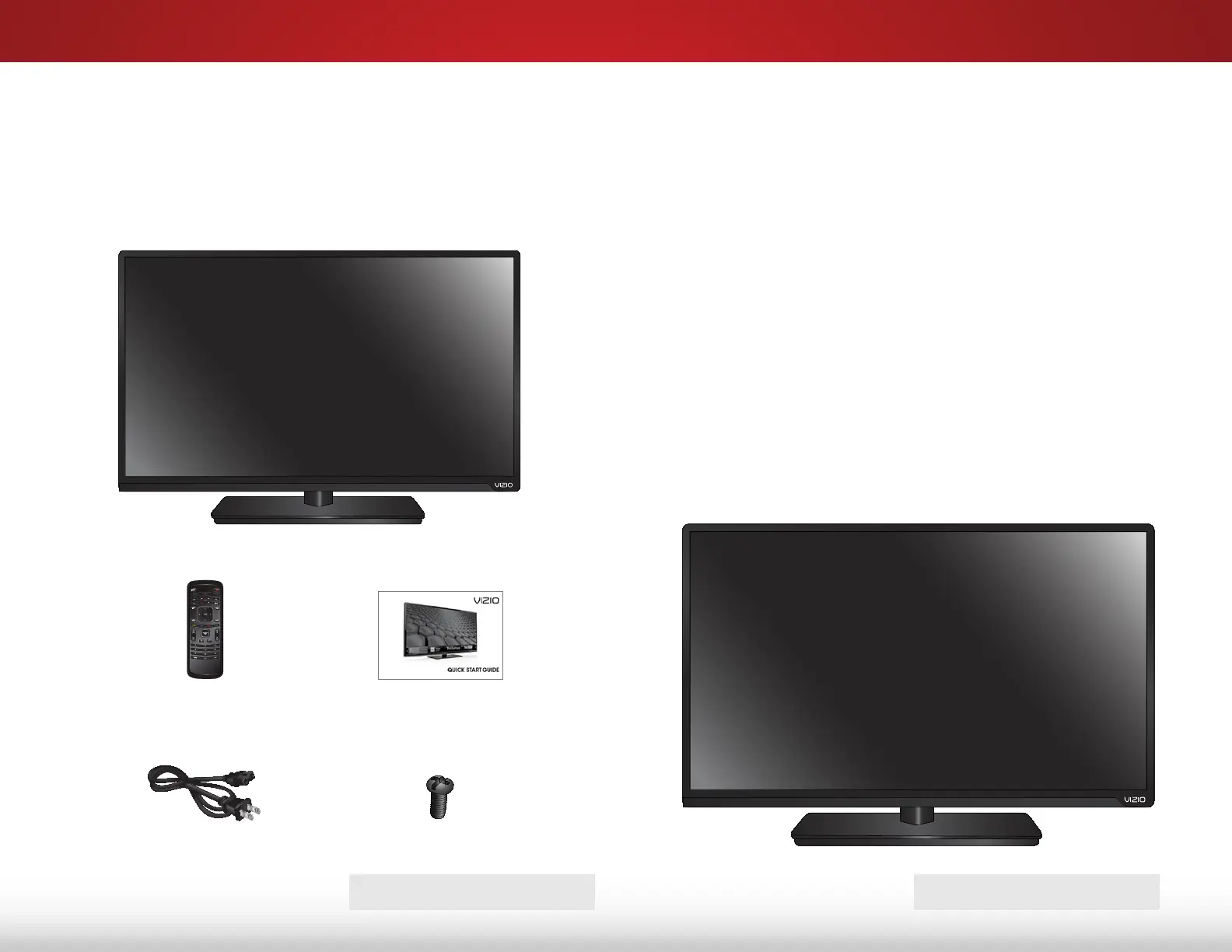
INSPECTING THE PACKAGE CONTENTS
Before installing your new TV, take a moment to inspect the
package contents. Use the images below to ensure nothing is
missing or damaged.
Remote Control
with Batteries
Quick Start Guide
VIZIO LED HDTV with Stand
INSTALLING THE TV
After removing the TV from the box and inspecting the package
contents you can begin installing the TV. Your TV can be installed
in two ways:
• On a flat surface, using the included stand
• On a wall, using a VESA-standard wall mount (not
included)
Installing the TV Stand
Your TV includes a stand designed to support the weight of the
TV and keep it from falling over. However, the TV can still fall over if:
• It is placed on an uneven, unstable, or non-level surface
• It is pushed, pulled, or otherwise improperly moved
• If an earthquake occurs and the TV is not properly
secured
Power Cord
TV ON STAND
7 x Philips Screws
PACKAGE CONTENTS
Bekijk gratis de handleiding van Vizio E551i-A2, stel vragen en lees de antwoorden op veelvoorkomende problemen, of gebruik onze assistent om sneller informatie in de handleiding te vinden of uitleg te krijgen over specifieke functies.
Productinformatie
| Merk | Vizio |
| Model | E551i-A2 |
| Categorie | Televisie |
| Taal | Nederlands |
| Grootte | 9150 MB |
Caratteristiche Prodotto
| Kleur van het product | Zwart |
| Gewicht verpakking | 23140 g |
| Breedte verpakking | 1392 mm |
| Diepte verpakking | 147 mm |
| Hoogte verpakking | 838 mm |


