
Handleiding
Je bekijkt pagina 46 van 67
5
40
uSiNg the help MeNu
You can use the TV’s Help menu to:
• Display the User Manual
• Display system information
• Reset the TV settings
• Restore the TV to its factory
default settings
• Get guided setup help for
the tuner and network
• Start the Store Demo Mode
• View VIZIO Terms of Service
Help
VIZIO
Network
Sleep
Timer
Input CC
ABC
Audio
Wide
Normal
Picture
Settings
PanoramicWide Zoom
2D 3DExit
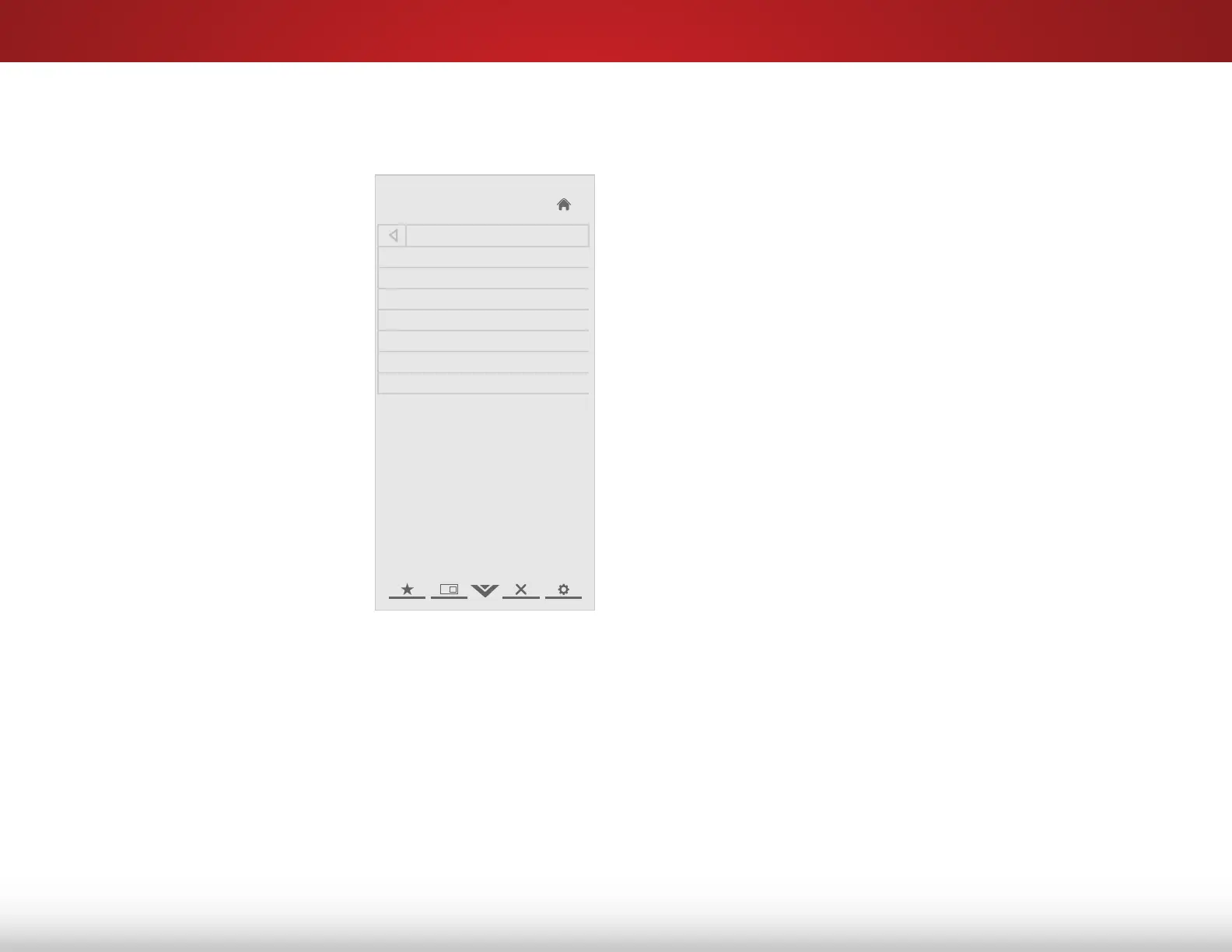
Help
User Manual
System Info
Reset TV Settings
Clear Memory (Factory Default)
Guided Setup
Store Demo
VIZIO Terms of Service
Displaying System Information
To display a summary of the TV settings:
1. Press the MENU button on the remote. The on-screen menu is
displayed.
2. Use the Arrow buttons on the remote to highlight the Help
icon and press OK. The Help menu is displayed.
3. Highlight System Info and press OK.
4. Use the Up/Down Arrow buttons to scroll through the system
information.
5. When you are finished reviewing the system information,
press the EXIT button on the remote.
Bekijk gratis de handleiding van Vizio E551i-A2, stel vragen en lees de antwoorden op veelvoorkomende problemen, of gebruik onze assistent om sneller informatie in de handleiding te vinden of uitleg te krijgen over specifieke functies.
Productinformatie
| Merk | Vizio |
| Model | E551i-A2 |
| Categorie | Televisie |
| Taal | Nederlands |
| Grootte | 9150 MB |
Caratteristiche Prodotto
| Kleur van het product | Zwart |
| Gewicht verpakking | 23140 g |
| Breedte verpakking | 1392 mm |
| Diepte verpakking | 147 mm |
| Hoogte verpakking | 838 mm |


