
Handleiding
Je bekijkt pagina 38 van 48
30
6
E320VT/E370VT/E420VT
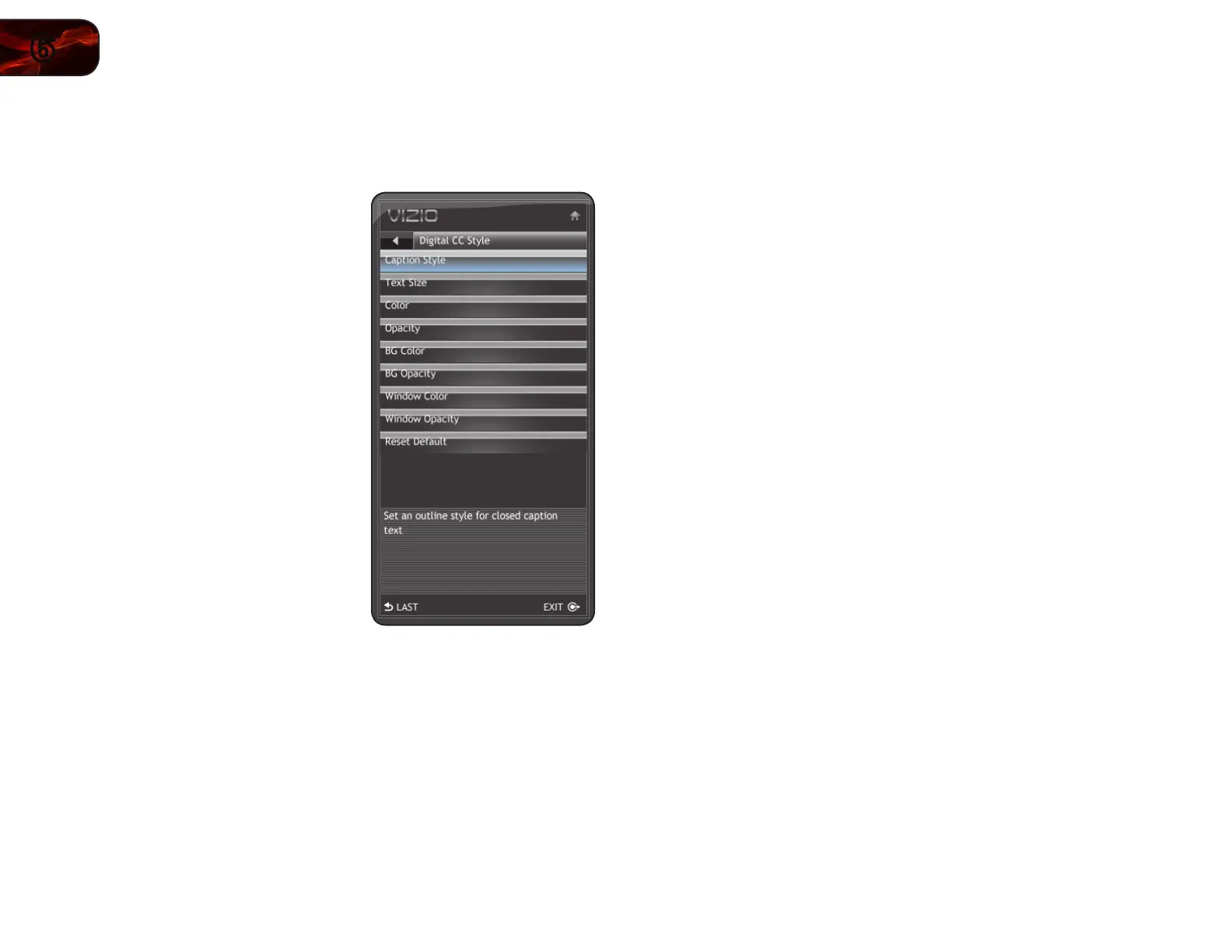
Changing the Appearance of Digital Closed Captions
Digital closed captions can be displayed according to your preference.
To change the appearance of digital closed captions:
1. From the Closed Caption menu, use
the Arrow buttons to highlight Digital
CC Style. The Digital CC Style menu is
displayed.
2. Use the Up/Down Arrow buttons on
the remote to highlight the setting you
wish to change, then use the Arrow
buttons to change the setting:
• Caption Style-Chooseacustom
presetcaptionstyle.
• Text Size-Adjustthesizeofthe
text.
• Color-Changethecolorofthe
text.
• Opacity-Changethe
transparencyofthetext.
• BG Color-Changethe
backgroundcolor.
• BG Opacity-Changethe
transparencyofthebackground.
• Window Color -Changetheedge
color.
• Window Opacity-Changethe
edgetype.
• Reset Default-Restoreclosed
captionsettingstofactorydefaults
3. When you are satisfied with the appearance of the closed
captions, press the EXIT button on the remote.
Bekijk gratis de handleiding van Vizio E420VT, stel vragen en lees de antwoorden op veelvoorkomende problemen, of gebruik onze assistent om sneller informatie in de handleiding te vinden of uitleg te krijgen over specifieke functies.
Productinformatie
| Merk | Vizio |
| Model | E420VT |
| Categorie | Televisie |
| Taal | Nederlands |
| Grootte | 17802 MB |
Caratteristiche Prodotto
| Kleur van het product | Zwart |
| Kinderslot | Nee |
| Gebruikershandleiding | Ja |
| LED-indicatoren | Ja |
| Bluetooth | Nee |


