
Handleiding
Je bekijkt pagina 31 van 45
6
23
E321ME / E420ME / E460ME
Enabling or Disabling Color Enhancement
Color enhancement reduces oversaturation of some colors and improves esh
tones.
To adjust this setting, Picture Mode must be set to Custom.
To enable or disable the color enhancement setting:
1. Press the OK button on the remote. The on-screen menu is displayed.
2. Use the Arrow buttons to highlight Picture and press OK.
3. Use the Arrow buttons to highlight More and press OK.
4. Use the Arrow buttons to highlight Color Enhancement.
5. Use the Left/Right Arrow buttons to change the setting to Off or On.
6. Press EXIT.
Enabling or Disabling Adaptive Luma
Adaptive luma adjusts the average brightness of the picture to compensate for
large areas of brightness.
To adjust this setting, Picture Mode must be set to Custom.
To enable or disable the adaptive luma setting:
1. Press the OK button on the remote. The on-screen menu is displayed.
2. Use the Arrow buttons to highlight Picture and press OK.
3. Use the Arrow buttons to highlight More and press OK.
4. Use the Arrow buttons to highlight Adaptive Luma.
5. Use the Left/Right Arrow buttons to change the setting to Off or On.
6. Press EXIT.
Enabling or Disabling DCR (Dynamic Contrast Ratio)
Dynamic contrast ratio changes contrast according to displayed content for the
best picture quality.
To adjust this setting, Picture Mode must be set to Custom.
To enable or disable the DCR setting:
1. Press the OK button on the remote. The on-screen menu is displayed.
2. Use the Arrow buttons to highlight Picture and press OK.
3. Use the Arrow buttons to highlight More and press OK.
4. Use the Arrow buttons to highlight DCR.
5. Use the Left/Right Arrow buttons to change the setting to Off or On.
6. Press EXIT.
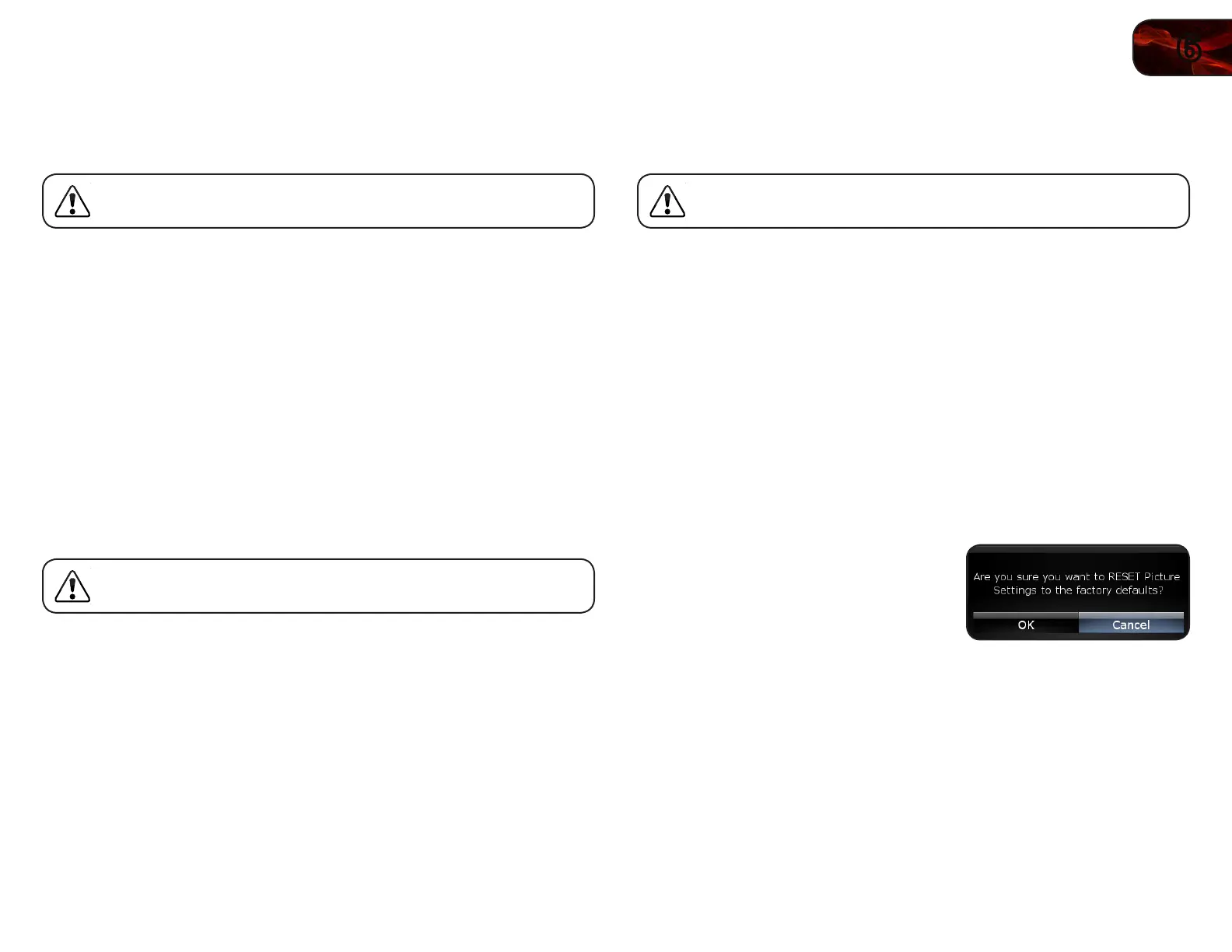
Resetting the Picture Settings
To restore the TV’s picture settings to the factory defaults:
1. Press the OK button on the remote.
The on-screen menu is displayed.
2. Use the Arrow buttons to highlight
Picture and press OK.
3. Use the Arrow buttons to highlight
Reset Picture Mode, then press OK.
4. Use the Arrow buttons to highlight OK
and press OK.
5. Press EXIT.
Bekijk gratis de handleiding van Vizio E420ME, stel vragen en lees de antwoorden op veelvoorkomende problemen, of gebruik onze assistent om sneller informatie in de handleiding te vinden of uitleg te krijgen over specifieke functies.
Productinformatie
| Merk | Vizio |
| Model | E420ME |
| Categorie | Televisie |
| Taal | Nederlands |
| Grootte | 16914 MB |


