
Handleiding
Je bekijkt pagina 40 van 59
5
34
• Window Color - Change the color of the closed
captioning box.
• Window Opacity - Change the opacity of the closed
captioning box
4. When you are satisfied with the appearance of the closed
captions, press the EXIT button on the remote.
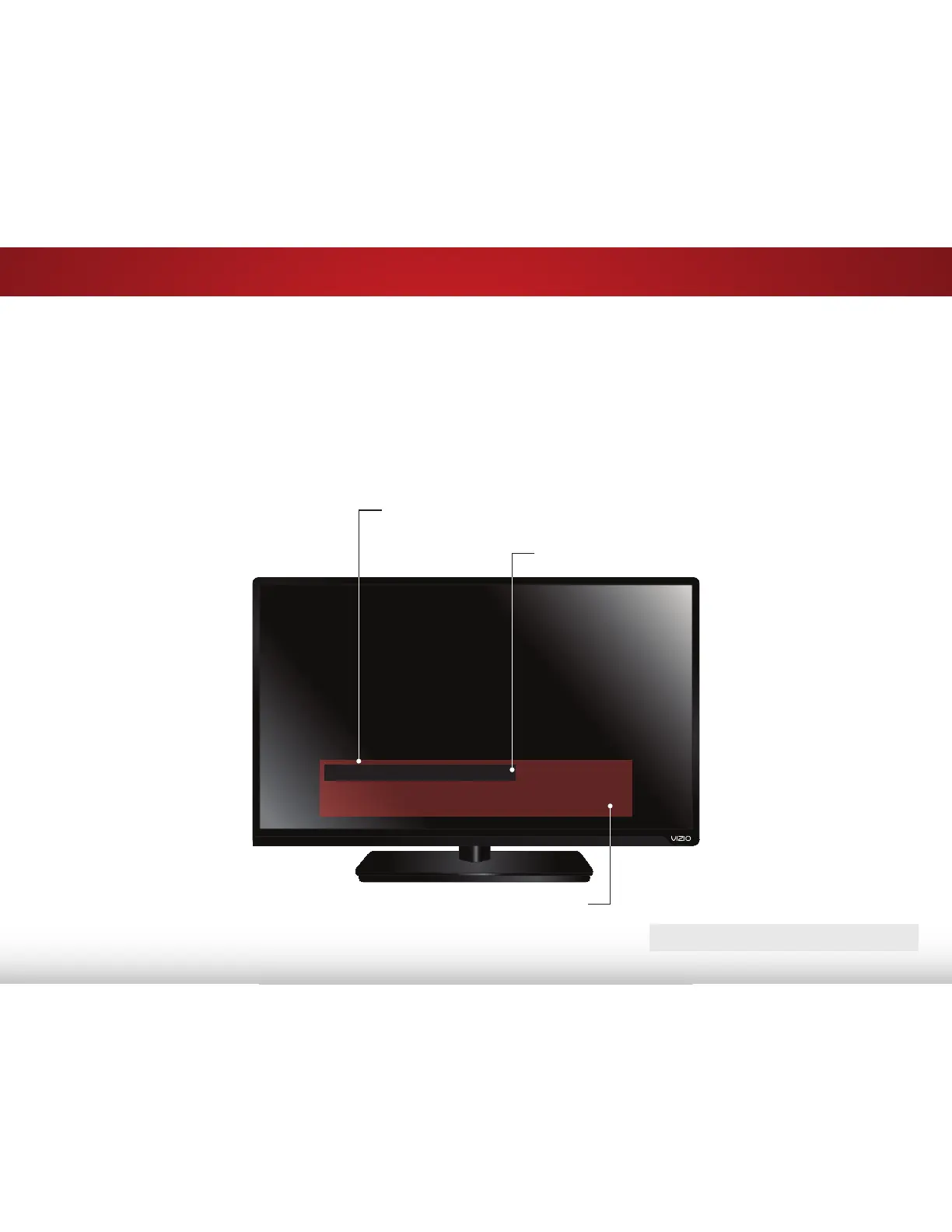
In the example below, the closed caption text is green, the
background is black, and the window is red.
Typical choices include:
• Transparent background, opaque window—The entire
window remains filled with color, while the text appears in
it. The area covered by the window stays the same until
the signal from the TV or a device moves it out of the way
of a changing picture.
• Opaque background, transparent window—Only a strip
of background appears behind the text. There is no
window to block the picture.
Closed caption text sample
Text
Window
Background (BG)
CLOSED CAPTIONS SCREEN LAYOUT
Bekijk gratis de handleiding van Vizio E390-B0, stel vragen en lees de antwoorden op veelvoorkomende problemen, of gebruik onze assistent om sneller informatie in de handleiding te vinden of uitleg te krijgen over specifieke functies.
Productinformatie
| Merk | Vizio |
| Model | E390-B0 |
| Categorie | Televisie |
| Taal | Nederlands |
| Grootte | 7699 MB |


