
Handleiding
Je bekijkt pagina 35 van 59
5
29
Setting the Auto Power Off Feature
To help save energy, your TV is set by default to turn off after 10
minutes if no signal is being displayed on the screen. This feature
can be deactivated.
To set the Auto Power Off feature:
1. From the SLEEP TIMER menu, use the Up/Down Arrow buttons
on the remote to highlight Auto Power Off.
2. Use the Left/Right Arrow buttons on the remote to change
whether the TV will turn off. If you don’t want the TV to turn off
when there is no signal, change the setting to Off. Otherwise,
select 10 min.
3. When you have finished setting the auto power off time,
press the EXIT button on the remote.
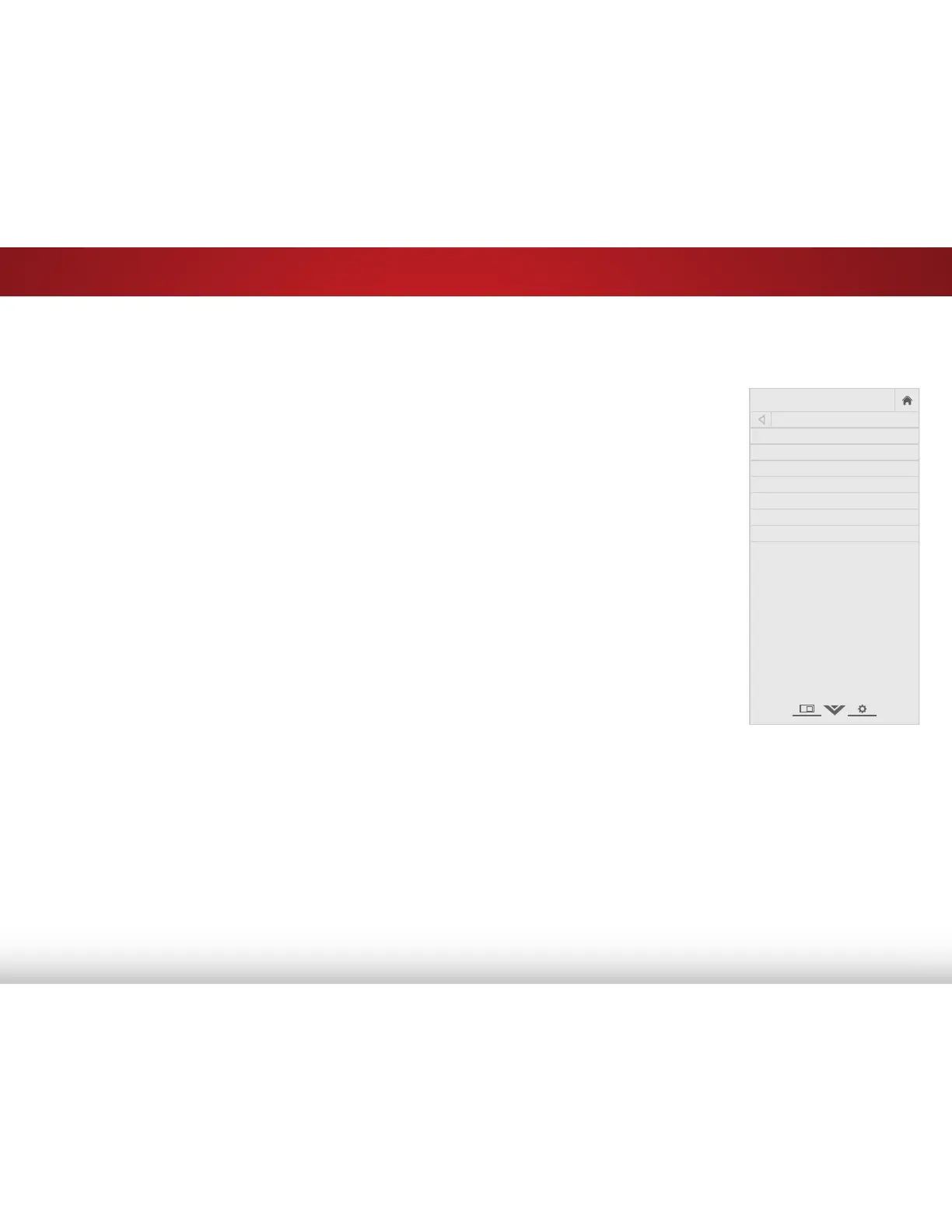
SETTING UP THE TUNER
You can use the TV’s Tuner menu to:
• Select a Tuner Input
• Perform an Auto Channel Scan
• Perform a Partial Channel Scan
• Manually Add Channels
• Select channels to skip
• Select Analog MTS modes
• Select Digital Languages
VIZIO
TUNER
Tuner Mode Antenna
Auto Channel Scan
Partial Channel Search
Add Analog Channel
Skip Channel
Analog Audio Stereo
Digital Language English
Bekijk gratis de handleiding van Vizio E390-B0, stel vragen en lees de antwoorden op veelvoorkomende problemen, of gebruik onze assistent om sneller informatie in de handleiding te vinden of uitleg te krijgen over specifieke functies.
Productinformatie
| Merk | Vizio |
| Model | E390-B0 |
| Categorie | Televisie |
| Taal | Nederlands |
| Grootte | 7699 MB |


