
Handleiding
Je bekijkt pagina 32 van 59
5
26
Deleting a Custom Picture Mode
You can delete a custom picture mode. Inputs assigned to the
deleted custom will be assigned to the
Calibrated
picture mode.
To lock a custom picture mode:
1. From the PROFESSIONAL
PICTURE menu, use the Arrow
buttons to highlight Delete
Picture Mode, and then press
OK. The DELETE PICTURE MODE
window is displayed.
2. Use the Left/Right Arrow buttons to highlight Delete and
press OK.
3. Press the EXIT button to exit the menu screens.
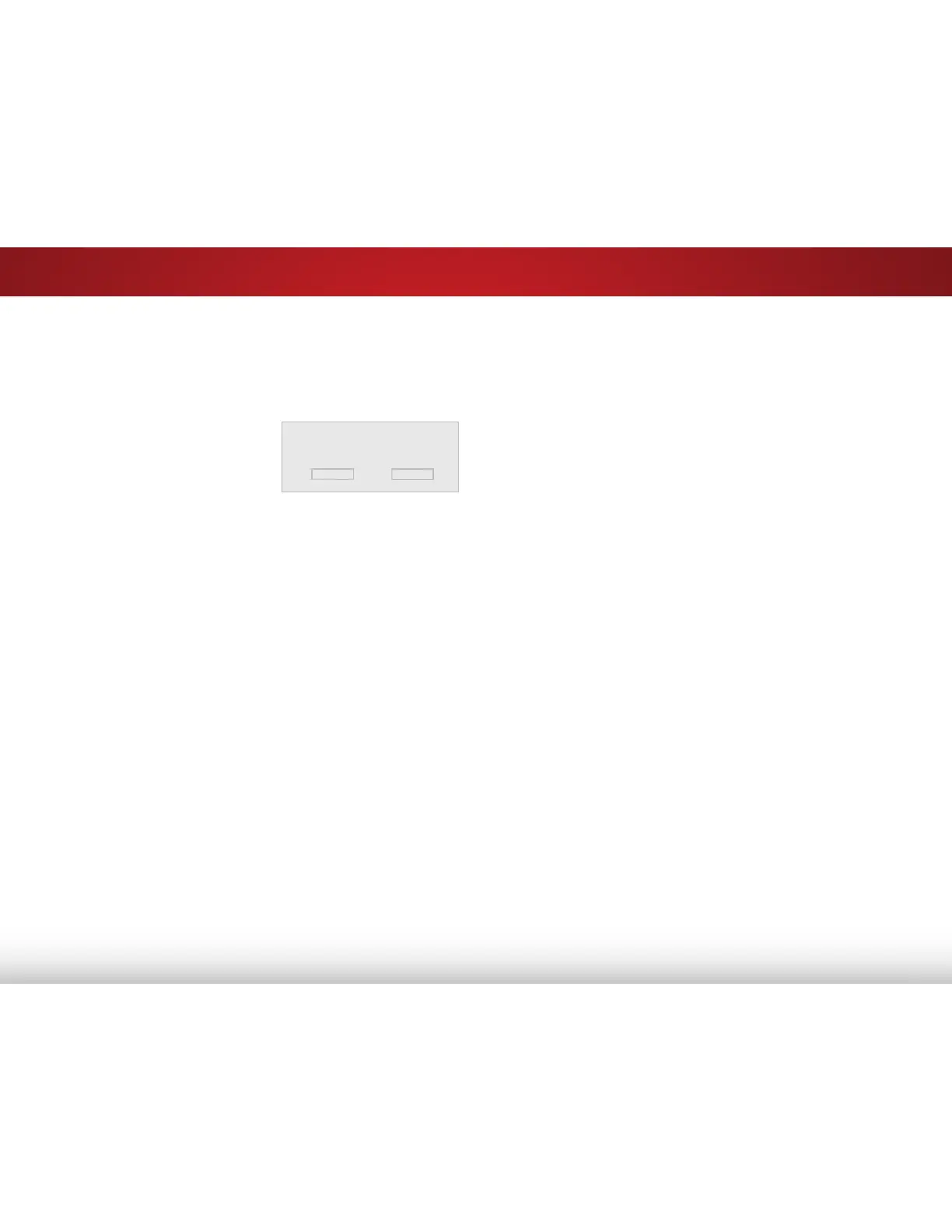
To delete the user created [your picture mode] picture mode,
select the Delete button.
Delete Cancel
Bekijk gratis de handleiding van Vizio E390-B0, stel vragen en lees de antwoorden op veelvoorkomende problemen, of gebruik onze assistent om sneller informatie in de handleiding te vinden of uitleg te krijgen over specifieke functies.
Productinformatie
| Merk | Vizio |
| Model | E390-B0 |
| Categorie | Televisie |
| Taal | Nederlands |
| Grootte | 7699 MB |


