
Handleiding
Je bekijkt pagina 31 van 59
5
25
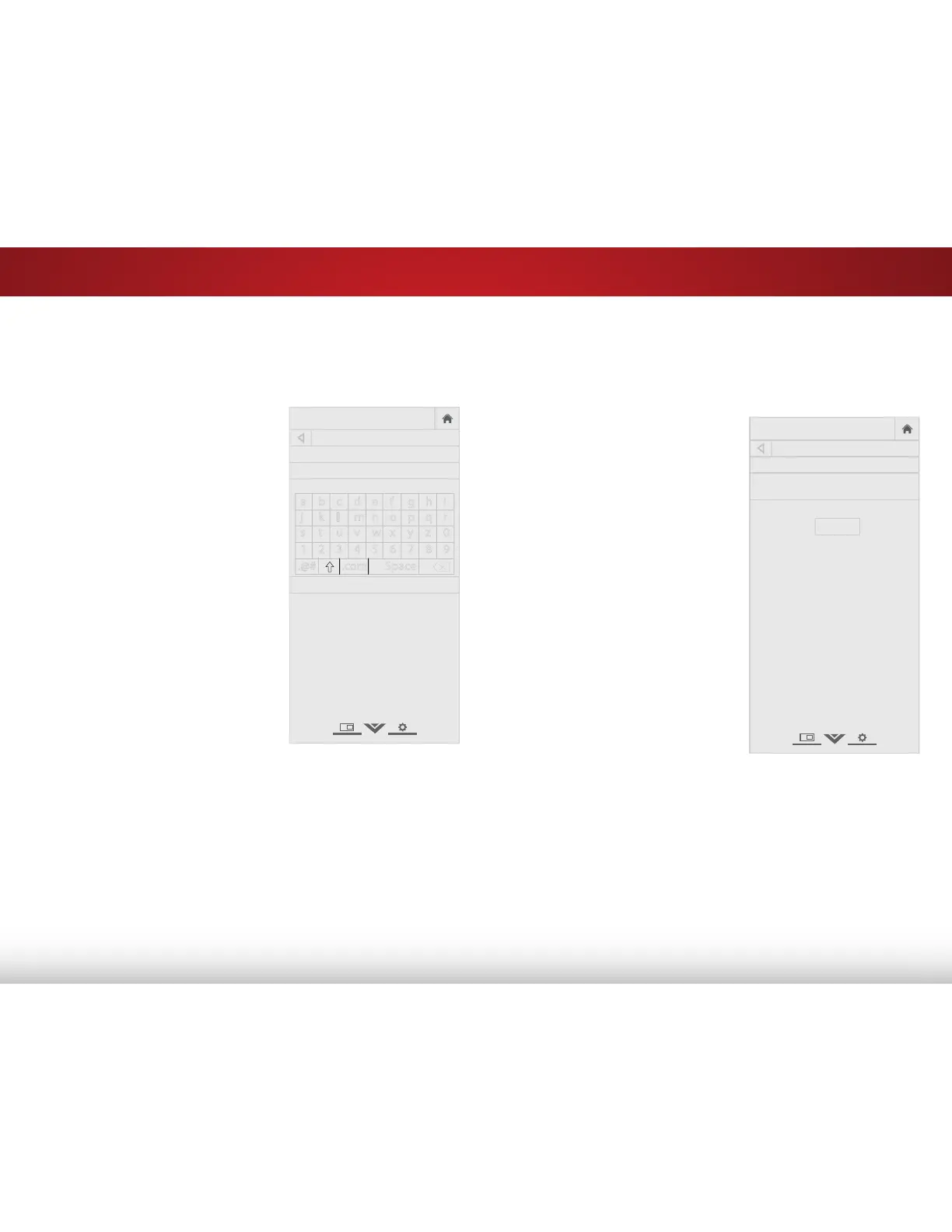
Creating a Custom Picture Mode
You can create a custom picture mode.
To create a custom picture mode:
1. From the PROFESSIONAL
PICTURE menu, use the Arrow
buttons to highlight Create
Picture Mode, and then press
OK. The CREATE PICTURE MODE
menu is displayed.
2. Use the Arrow buttons to enter
a name for your custom picture
mode using the on-screen
keyboard.
3. Highlight Save and press OK.
4. Press the EXIT button to exit the
menu screens.
VIZIO
CREATE PICTURE MODE
_
Save
a b c d e f g h i
j k l m n o p q r
s t u v w x y z 0
1 2 3 4 5 6 7 8 9
.@# .com Space
Locking a Custom Picture Mode
You can lock the custom picture mode with a unique passcode
to prevent any changes.
To lock a custom picture mode:
1. From the PROFESSIONAL
PICTURE menu, use the Arrow
buttons to highlight Lock
Picture Mode, and then press
OK. The LOCK PICTURE MODE
menu is displayed.
2. Use the Number Pad on your
remote to enter a unique 4
digit passcode.
3. Press the EXIT button to exit the
menu screens.
VIZIO
LOCK PICTURE MODE
Enter the Picture Control PIN to
prevent changes.
Enter the 4 digit passcode using the number
buttons on the remote.
_
Bekijk gratis de handleiding van Vizio E390-B0, stel vragen en lees de antwoorden op veelvoorkomende problemen, of gebruik onze assistent om sneller informatie in de handleiding te vinden of uitleg te krijgen over specifieke functies.
Productinformatie
| Merk | Vizio |
| Model | E390-B0 |
| Categorie | Televisie |
| Taal | Nederlands |
| Grootte | 7699 MB |


