
Handleiding
Je bekijkt pagina 57 van 62
VIZIO 120HZ E SERIES User Manual
Version 3/17/2010 57
www.VIZIO.com
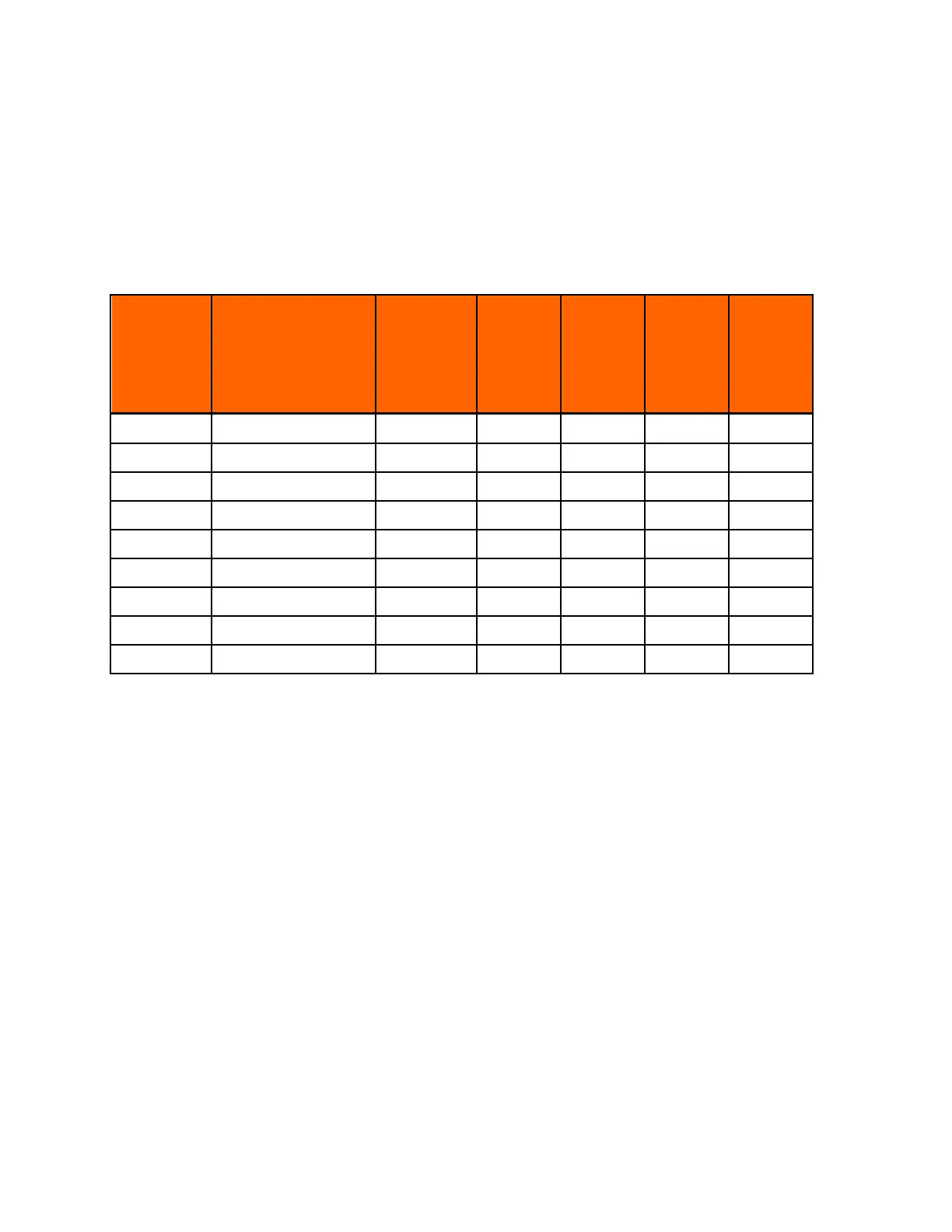
Preset PC Resolutions
E371VA, E421VA, E470VA & E550VA Preset PC Resolutions
If connecting to a PC through the RGB PC input, set the TV timing mode to VESA 1920x1080 at 60HZ for
better picture quality (refer to the graphic card’s user guide for questions on how to set this timing mode).
See the table below for the factory preset resolutions.
Refresh
(Hz)
Resolution
H.Freq
(kHz)
H.Sync
V.Freq
(Hz)
V.Sync
Pixel Freq
(MHz)
60 640 x 480 31.469 N 59.94 N 25.175
75 640 x 480 37.5 N 75 N 31.5
70 720 x 400 31.46 N 70.08 P 28.32
60 800 x 600 37.897 P 60.317 P 40
75 800 x 600 46.875 P 75 P 49.5
60 1024 x 768 48.363 N 60.004 N 65
70 1024 x 768 56.476 N 70.069 N 75
75 1024 x 768 60.023 P 75.026 P 78.75
60 1920 x 1080 66.587 P 59.934 P 138.5
Bekijk gratis de handleiding van Vizio E371VA, stel vragen en lees de antwoorden op veelvoorkomende problemen, of gebruik onze assistent om sneller informatie in de handleiding te vinden of uitleg te krijgen over specifieke functies.
Productinformatie
| Merk | Vizio |
| Model | E371VA |
| Categorie | Televisie |
| Taal | Nederlands |
| Grootte | 11414 MB |
Caratteristiche Prodotto
| Kleur van het product | Zwart |
| Kinderslot | Ja |
| Afstandsbediening | VUR11 |
| Beeldschermdiagonaal | 37 " |
| Resolutie | 1920 x 1080 Pixels |


