
Handleiding
Je bekijkt pagina 10 van 76
2
10
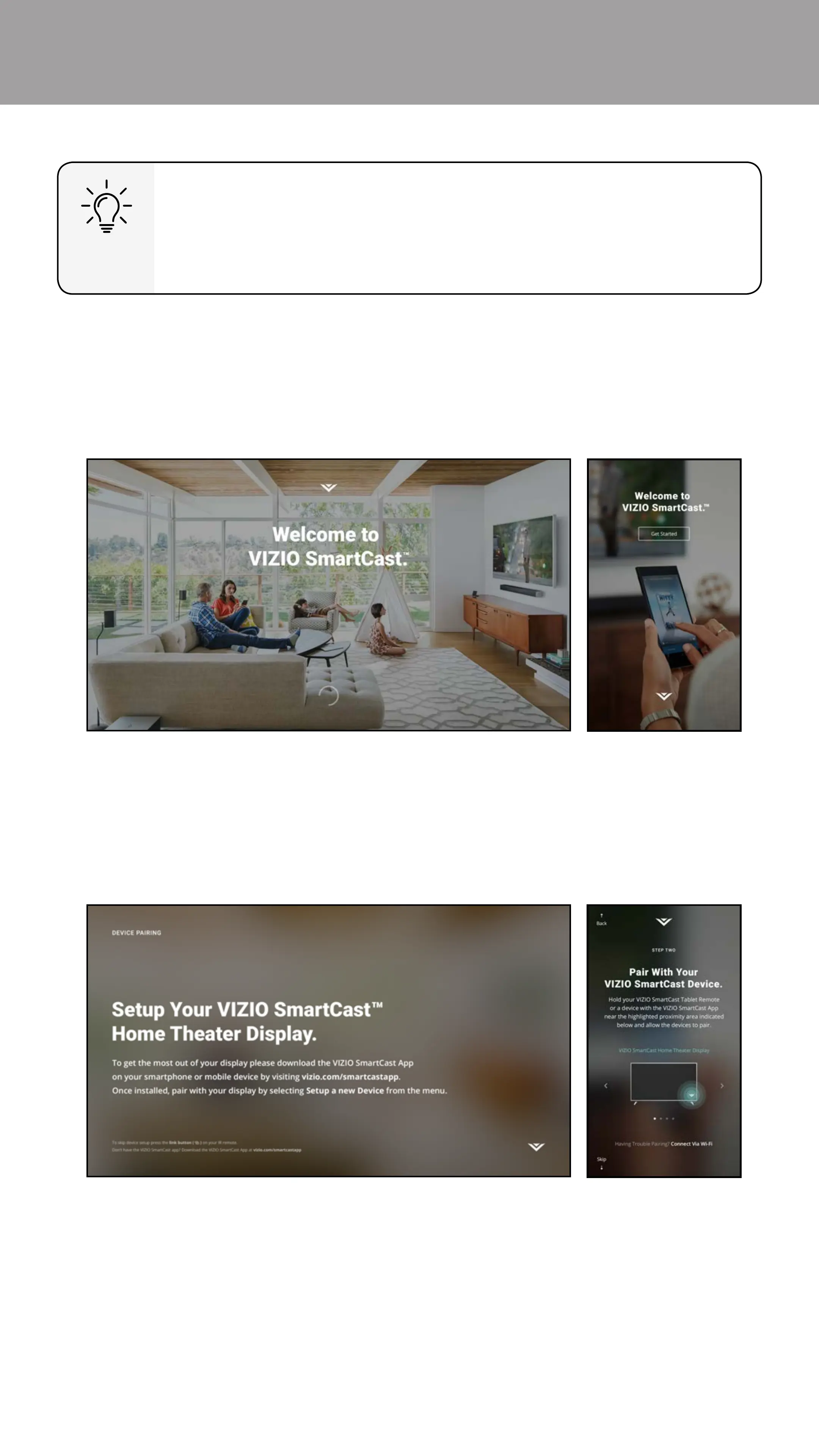
1. Turn on the E-Series TV by pressing the Power button on the back of the
TV or by pressing the Power button on the Basic Remote Control. Launch
the VIZIO SmartCast app on your device. Tap Get Started to begin the
First-Time Setup.
PAIRING YOUR MOBILE DEVICE WITH E-SERIES TV
Need help installing the TV?
Refer to the printed Quick Start Guide (included) for detailed
instructions on how to install your new E-Series TV. You can also
nd a digital copy on support.vizio.com.
2. Select your language and tap Next to continue.
3. Hold your device close to the VIZIO logo on the bottom right corner of the
TV for a few seconds to pair it with the E-Series TV.
TV Your Device
Note: The images shown here are for illustrative purposes only and may be subject to change. The actual on-screen image and text may vary, depending on the model.
Bekijk gratis de handleiding van Vizio E32-D1, stel vragen en lees de antwoorden op veelvoorkomende problemen, of gebruik onze assistent om sneller informatie in de handleiding te vinden of uitleg te krijgen over specifieke functies.
Productinformatie
| Merk | Vizio |
| Model | E32-D1 |
| Categorie | Televisie |
| Taal | Nederlands |
| Grootte | 77325 MB |
Caratteristiche Prodotto
| Kleur van het product | Zwart |
| Gewicht verpakking | 6300 g |
| Breedte verpakking | 830.07 mm |
| Diepte verpakking | 151.89 mm |
| Hoogte verpakking | 540 mm |


