
Handleiding
Je bekijkt pagina 56 van 80
5
50
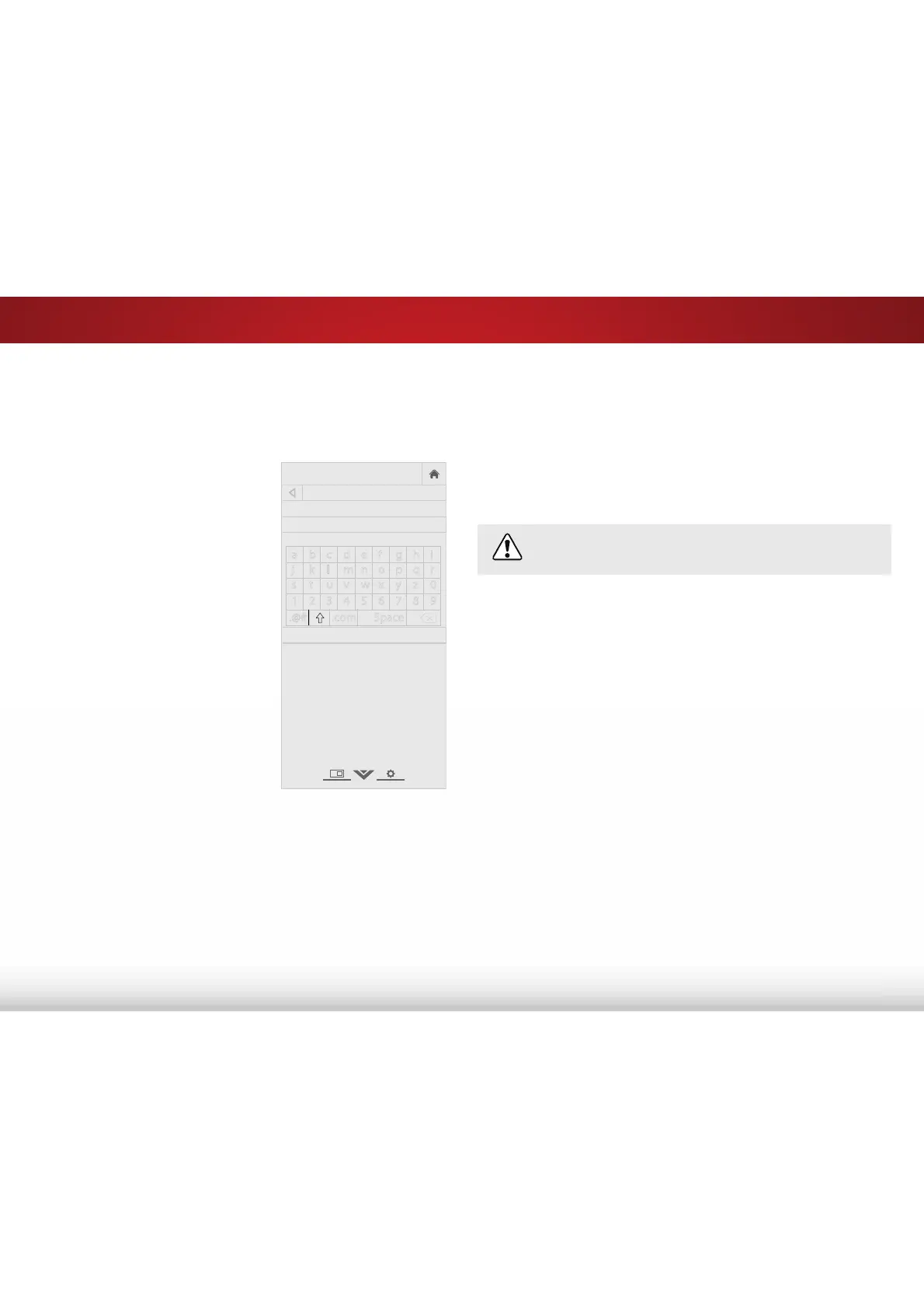
Changing Your TV's DLNA Name
'/1$ DOORZV \RXU 79 WR GLVSOD\ FRQWHQW IURP '/1$FHUWLȴHG
computers, cameras, tablets, and smartphones.
To create a custom DLNA name for your TV:
1. Press the MENU button on the
remote. The on-screen menu is
displayed.
2. Use the Arrow buttons on the
remote to highlight System and
press OK. The SYSTEM menu is
displayed.
3. Use the Arrow buttons on the
remote to highlight TV Name
and press OK. The TV NAME
menu is displayed.
4. Use either the onscreen
keyboard or keyboard on your
remote control to enter a name
for your TV (the name can be up
to 10 characters long).
:KHQ\RXDUHȴQLVKHGKLJKOLJKW
OK and press the OK button.
5. Press the EXIT button on the
remote.
VIZIO
TV NAME
VIZIOTV_
Done
a b c d e f g h i
j k l m n o p q r
s t u v w x y z 0
1 2 3 4 5 6 7 8 9
.@# .com Space
Controlling Other Devices with CEC
The CEC function on your TV enables you to control devices
connected to the HDMI (ARC) input with the included remote,
without any programming. Using CEC, your VIZIO TV remote can
control:
• 3RZHURQR
• Volume
• Mute
Not all HDMI devices support CEC. See your device’s
user manual for details.
To enable, disable, or adjust CEC settings:
1. Press the MENU button on the remote. The on-screen menu is
displayed.
2. Use the Arrow buttons on the remote to highlight System and
press OK. The SYSTEM menu is displayed.
3. Use the Arrow buttons on the remote to highlight CEC and
press OK. The CEC Settings menu is displayed.
4. Highlight CEC and press OK. Select a setting and then press OK.
• Enable - All CEC-compatible devices connected to HDMI
inputs can be discovered.
• ARC only - VIZIO sound bars and other CEC-compatible
audio systems connected to the HDMI (ARC) input are
automatically discovered, controlled by the remote, and
have audio played through them.
• Disable - Devices are not discovered and the remote does
not control CEC devices.
Bekijk gratis de handleiding van Vizio E32-C1, stel vragen en lees de antwoorden op veelvoorkomende problemen, of gebruik onze assistent om sneller informatie in de handleiding te vinden of uitleg te krijgen over specifieke functies.
Productinformatie
| Merk | Vizio |
| Model | E32-C1 |
| Categorie | Televisie |
| Taal | Nederlands |
| Grootte | 12910 MB |
Caratteristiche Prodotto
| Kleur van het product | Zwart |
| Jaarlijks energieverbruik | 79 kWu |
| Gewicht verpakking | 7100 g |
| Breedte verpakking | 30.94 mm |
| Diepte verpakking | 5.24 mm |


