
Handleiding
Je bekijkt pagina 46 van 80
5
40
Skipping Channels
$IWHUDFKDQQHOVFDQLVFRPSOHWHG\RXPD\ȴQGWKDWVRPHFKDQQHOV
are too weak to watch comfortably. There may also be some
channels you do not want to view. You can remove these channels
from the TV’s memory with the Skip Channel feature.
Channels that have been removed with the Skip Channel
feature can still be viewed if the channel is entered
using the Number Pad. If you wish to completely block
a channel from being viewed, use the parental controls.
See
Locking and Unlocking Channels
on page 47.
To remove a channel:
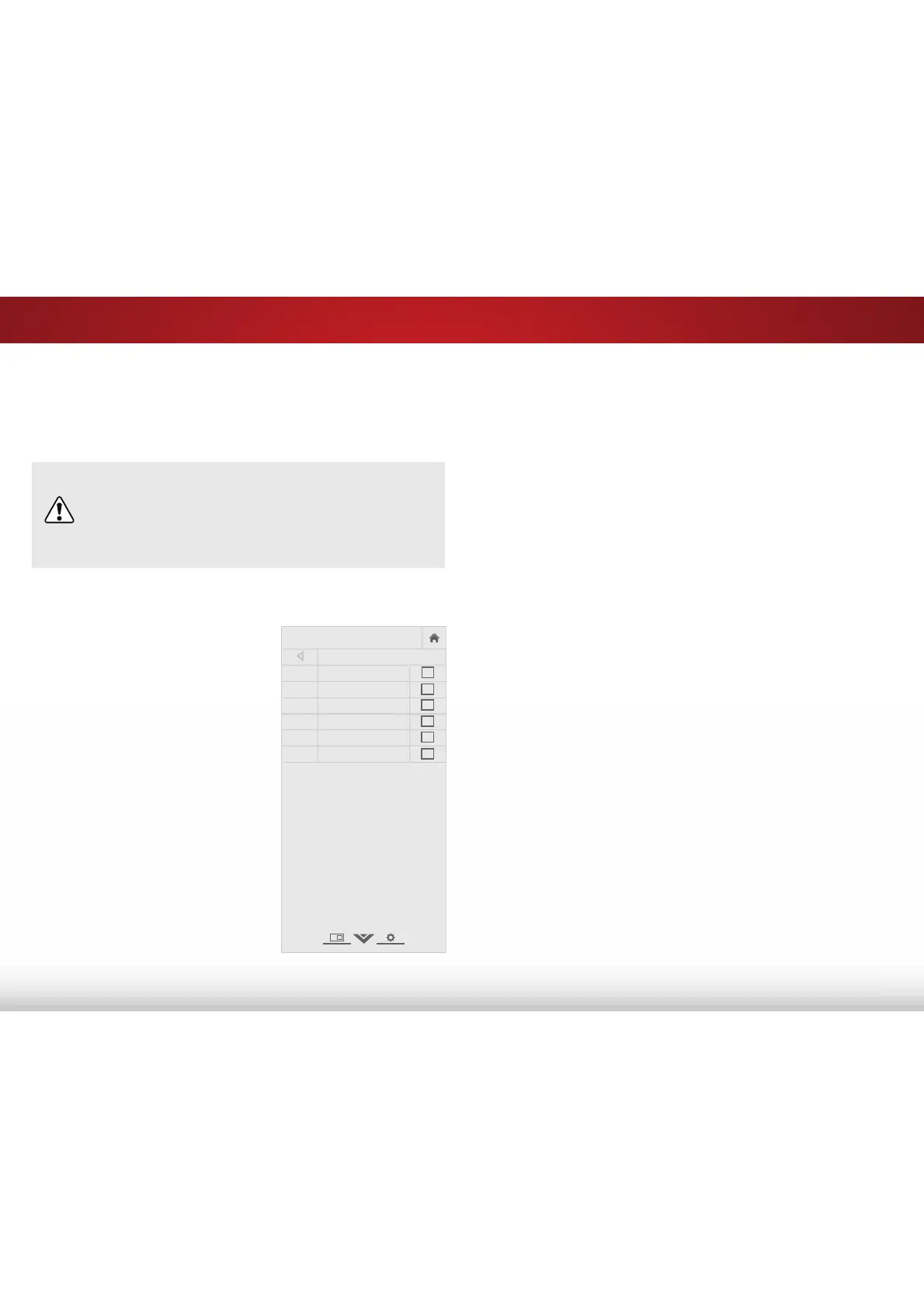
1. From the CHANNELS menu,
highlight Skip Channel, and
press OK. The SKIP CHANNEL
menu is displayed.
2. For each channel you wish
to remove, use the Up/Down
Arrow buttons on the remote to
highlight the channel and press
OK. A
3 appears to the right of
each channel you select.
3. When you have selected all
of the channels you wish to
remove, press the EXIT button
on the remote.
VIZIO
SKIP CHANNEL
1
Test 0
1
Test 1
3
1-2
Test 2
3
2
Test 3
2-2
Test 4
3
2-3
Test 5
Bekijk gratis de handleiding van Vizio E32-C1, stel vragen en lees de antwoorden op veelvoorkomende problemen, of gebruik onze assistent om sneller informatie in de handleiding te vinden of uitleg te krijgen over specifieke functies.
Productinformatie
| Merk | Vizio |
| Model | E32-C1 |
| Categorie | Televisie |
| Taal | Nederlands |
| Grootte | 12910 MB |
Caratteristiche Prodotto
| Kleur van het product | Zwart |
| Jaarlijks energieverbruik | 79 kWu |
| Gewicht verpakking | 7100 g |
| Breedte verpakking | 30.94 mm |
| Diepte verpakking | 5.24 mm |


