
Handleiding
Je bekijkt pagina 49 van 77
5
43
• Background Color - Change the color of the
background directly behind the text.
• Background Opacity - Change the transparency of the
background directly behind the text.
• Window Color - Change the color of the closed
captioning box.
• Window Opacity - Change the opacity of the closed
captioning box.
4. When you are satisfied with the appearance of the closed
captions, press the EXIT button on the remote.
Typical choices include:
• Opaque background, transparent window—Only a strip
of background appears behind the text, expanding as
the text appears. This is the typical "As Broadcast" mode.
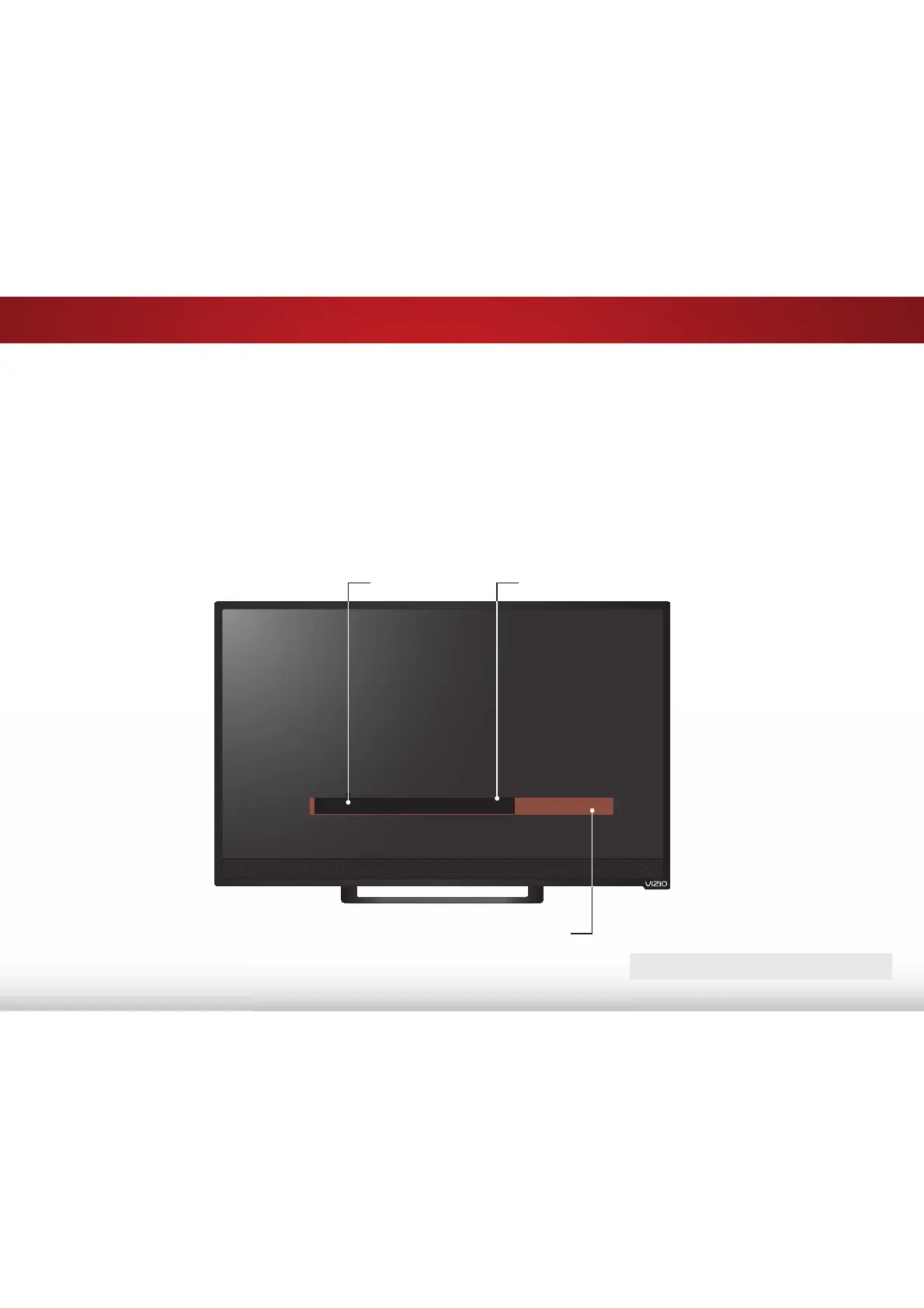
• Opaque background and window in the same color—
When text appears, the entire line fills with color at once.
In the example below, the closed caption text is green, the
background is black, and the window is red.
CLOSED CAPTIONS SCREEN LAYOUT
Text
Window
Background (BG)
CLOSED CAPTION TEXT SAMPLE
Bekijk gratis de handleiding van Vizio E24-C1, stel vragen en lees de antwoorden op veelvoorkomende problemen, of gebruik onze assistent om sneller informatie in de handleiding te vinden of uitleg te krijgen over specifieke functies.
Productinformatie
| Merk | Vizio |
| Model | E24-C1 |
| Categorie | Televisie |
| Taal | Nederlands |
| Grootte | 11420 MB |
Caratteristiche Prodotto
| Kleur van het product | Zwart |
| Jaarlijks energieverbruik | 51 kWu |
| Gewicht verpakking | 4500 g |
| Breedte verpakking | 24.53 mm |
| Diepte verpakking | 4.25 mm |


