
Handleiding
Je bekijkt pagina 34 van 53
5
27
Resetting the Audio Settngs
To reset the audio settings to the factory default settings:
1. Press the MENU/OK button
on the remote. The on-screen
menu is displayed.
2. Use the Arrow buttons to
highlight Audio and press
MENU/OK.
3. Use the Arrow buttons to highlight Reset Audio Mode and
press
MENU/OK.
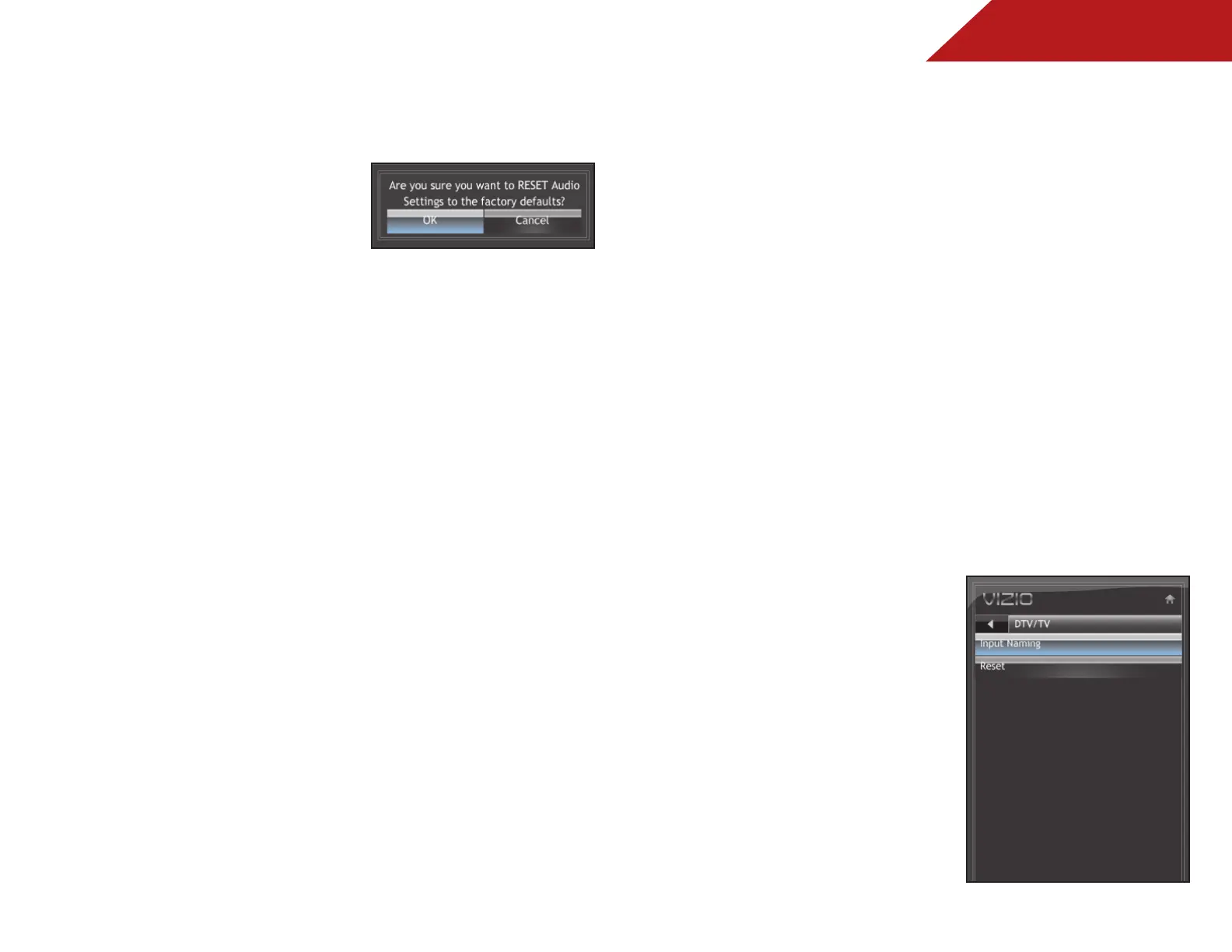
4. The TV displays “Are you sure you want to RESET Audio
Settings to the factory defaults?”
Use the Arrow buttons to highlight OK and press MENU/OK.
5. Press EXIT.
ChanGInG ThE TV SETTInGS
From the TV Settings Menu, you can:
• Set up channels
• Change the on-screen menu language
• Change the TV’s date and time
• Adjust the TV settings for use with a PC
CUSToMIZInG anD REMoVInG InPUT naMES
When you have multiple devices connected to your TV, it can
become difficult to remember the inputs to which they are
connected. Your TV features the ability to customize the names
of these inputs to make them easy to remember. (Custom names
have a 10-character limit.)
For example,
HDMI 1
could be renamed as
My Blu-ray
.
You can also remove unused inputs from the input list, making
selection of the correct input faster.
Customizing Input Names
To customize an input name:
1. Press the MENU button on the
remote. The on-screen menu is
displayed.
2. Use the Arrow buttons on the
remote to highlight the TV icon
and press MENU/OK.
3. Use the Arrow buttons to
highlight Input and press
MENU/OK.
4. Use the Arrow buttons to
highlight Input Naming and
press MENU/OK.
Bekijk gratis de handleiding van Vizio E191VA, stel vragen en lees de antwoorden op veelvoorkomende problemen, of gebruik onze assistent om sneller informatie in de handleiding te vinden of uitleg te krijgen over specifieke functies.
Productinformatie
| Merk | Vizio |
| Model | E191VA |
| Categorie | Televisie |
| Taal | Nederlands |
| Grootte | 8379 MB |
Caratteristiche Prodotto
| Kleur van het product | Zwart |
| Gebruikershandleiding | Ja |
| Aan/uitschakelaar | Ja |
| Beeldschermdiagonaal | 19 " |
| Resolutie | 1366 x 768 Pixels |


