
Handleiding
Je bekijkt pagina 30 van 53
5
23
Resetting the Picture Settings
To restore the TV’s picture settings to the factory defaults:
1. Press the MENU/OK button
on the remote. The on-screen
menu is displayed.
2. Use the Arrow buttons to
highlight Picture and press
MENU/OK.
3. Use the Arrow buttons to
highlight Reset Picture Mode,
then press MENU/OK.
4. Use the Arrow buttons to
highlight OK and press MENU/
OK.
5. Press EXIT.
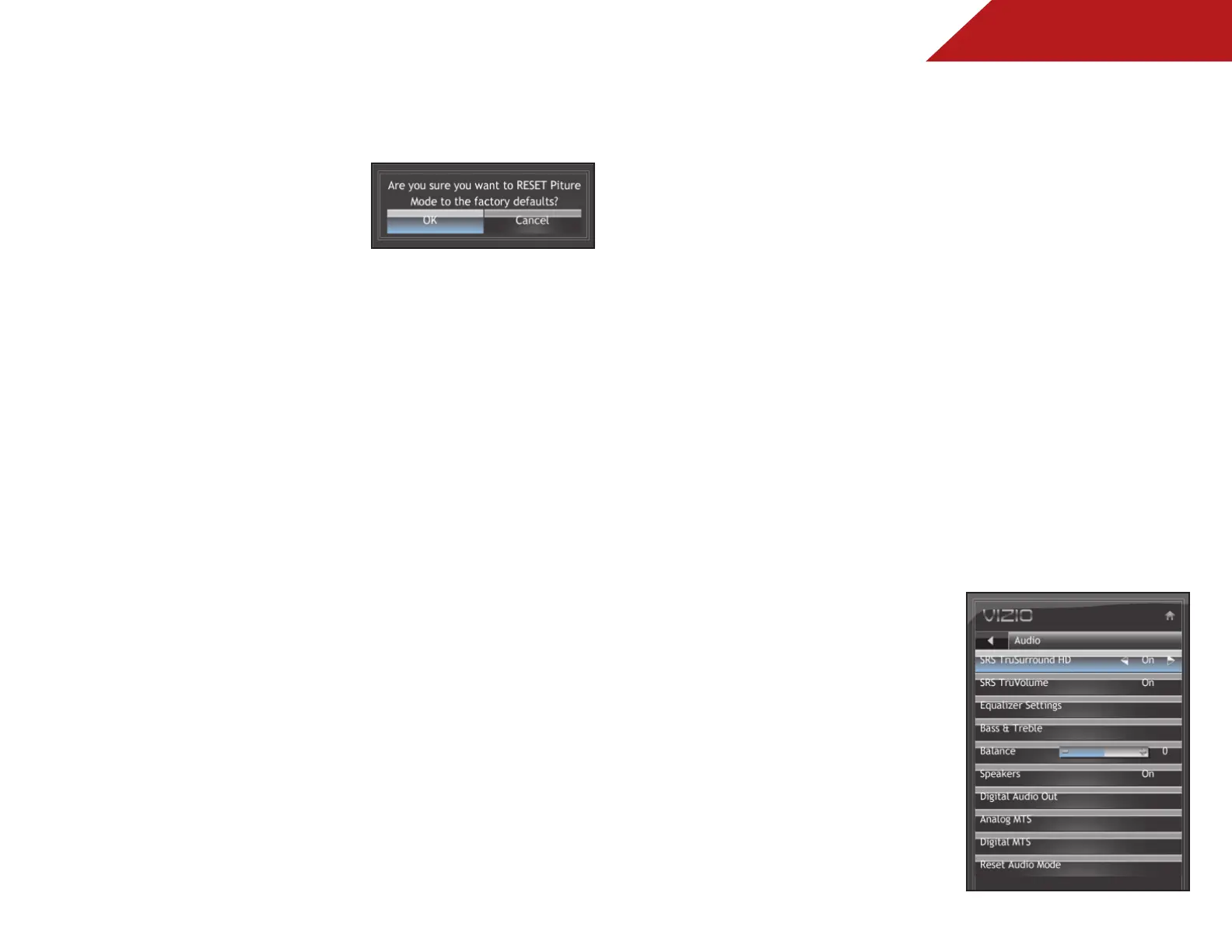
aDjUSTInG ThE aUDIo SETTInGS
Using the Audio Settings menu, you can adjust the following:
• Enable or disable SRS TruSurroundHD
™
• Enable or disable SRS TruVolume
™
• Adjust the equalizer settings
• Adjust bass and treble levels
• Adjust speaker balance
• Enable or disable the built-in speakers
• Select the digital audio output mode
• Change the audio language
• Reset the audio settings
Enabling or Disabling SRS TruSurroundHD
TruSurround HD is a robust multichannel virtualization technology
developed by SRS Labs that provides an enhanced listening
experience unlike any other technology offered for a two speaker
playback environment.
To enable or disable SRS TruSurroundHD:
1. Press the MENU/OK button
on the remote. The on-screen
menu is displayed.
2. Use the Arrow buttons to
highlight Audio and press
MENU/OK.
3. Use the Arrow buttons to
highlight SRS TruSurround HD.
4. Press the Right/Left Arrow
buttons to select On or Off and
press EXIT.
Bekijk gratis de handleiding van Vizio E191VA, stel vragen en lees de antwoorden op veelvoorkomende problemen, of gebruik onze assistent om sneller informatie in de handleiding te vinden of uitleg te krijgen over specifieke functies.
Productinformatie
| Merk | Vizio |
| Model | E191VA |
| Categorie | Televisie |
| Taal | Nederlands |
| Grootte | 8379 MB |
Caratteristiche Prodotto
| Kleur van het product | Zwart |
| Gebruikershandleiding | Ja |
| Aan/uitschakelaar | Ja |
| Beeldschermdiagonaal | 19 " |
| Resolutie | 1366 x 768 Pixels |


