
Handleiding
Je bekijkt pagina 38 van 69
4
LISTENING TO ALTERNATE AUDIO
Changing the Analog Audio Language
Some analog over-the-air (free) and cable channels broadcast
programs in more than one language. The TV’s Analog Audio
feature allows you to listen to audio in an alternate language using
Secondary Audio Programming (SAP).
Not all programs are broadcast in SAP. The Analog
Audio Language feature only works when the program
being viewed is being broadcast with Secondary Audio
Programming.
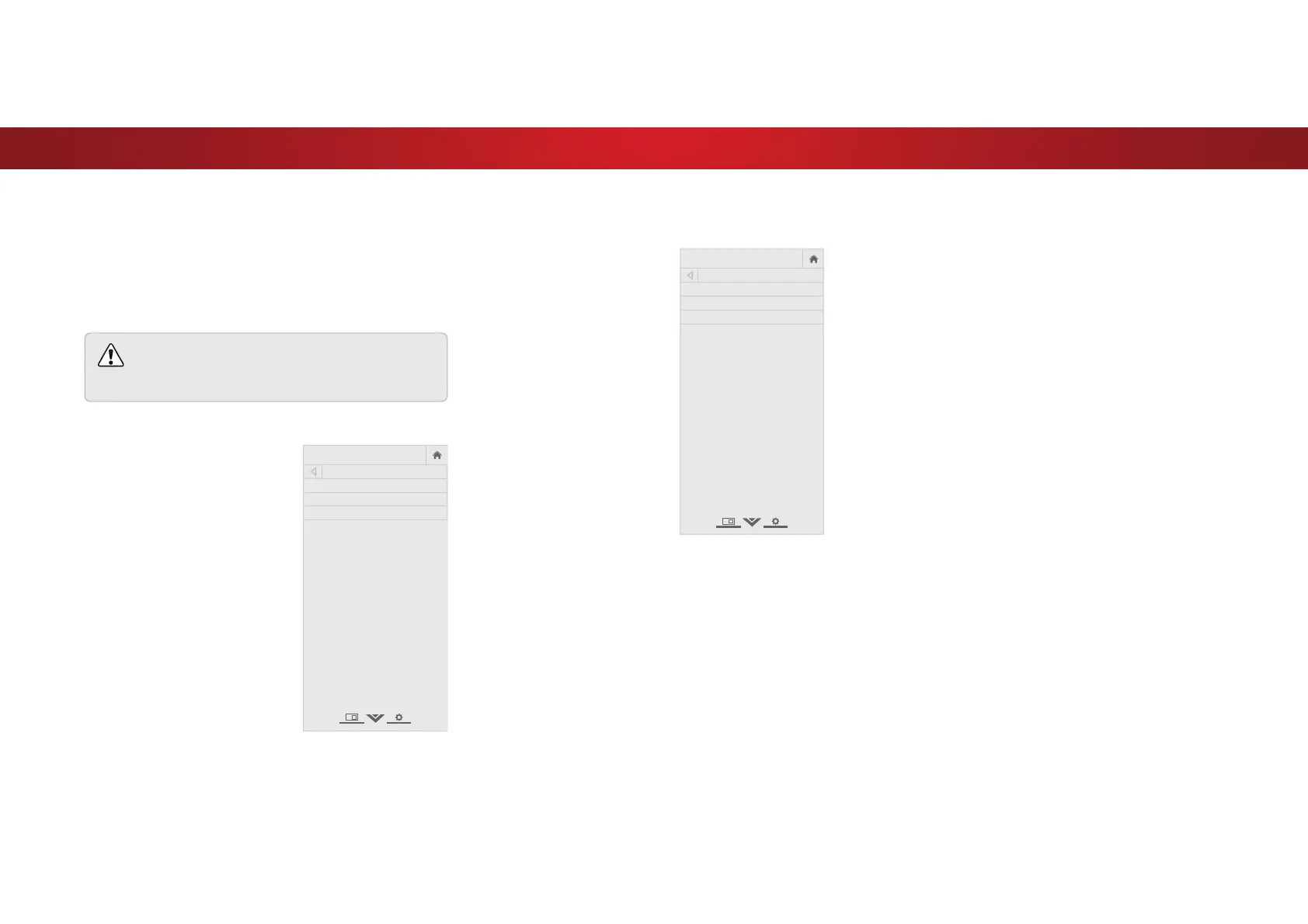
To use the Analog Audio feature:
1. From the CHANNELS menu,
highlight Analog Audio and
press OK. The ANALOG AUDIO
menu is displayed.
2. Select Stereo, SAP (secondary
audio programming), or Mono.
Press OK.
3. Press the EXIT button on the
remote.
VIZIO
ANALOG AUDIO
Stereo
SAP
Mono
To use the Digital Language feature:
1. From the CHANNELS menu,
highlight Digital Language
and press OK. The DIGITAL
LANGUAGE menu is displayed.
2. Select your preferred lanaguage:
English, Español or FrançaIS.
Press OK.
3. Press the EXIT button on the
remote.
VIZIO
DIGITAL LANGUAGE
English
Español
Français
38
Bekijk gratis de handleiding van Vizio D50u-D1, stel vragen en lees de antwoorden op veelvoorkomende problemen, of gebruik onze assistent om sneller informatie in de handleiding te vinden of uitleg te krijgen over specifieke functies.
Productinformatie
| Merk | Vizio |
| Model | D50u-D1 |
| Categorie | Televisie |
| Taal | Nederlands |
| Grootte | 13494 MB |
Caratteristiche Prodotto
| Kleur van het product | Zwart |
| Gewicht verpakking | 16600 g |
| Breedte verpakking | 1210 mm |
| Diepte verpakking | 130 mm |
| Hoogte verpakking | 763 mm |


