
Handleiding
Je bekijkt pagina 26 van 69
4
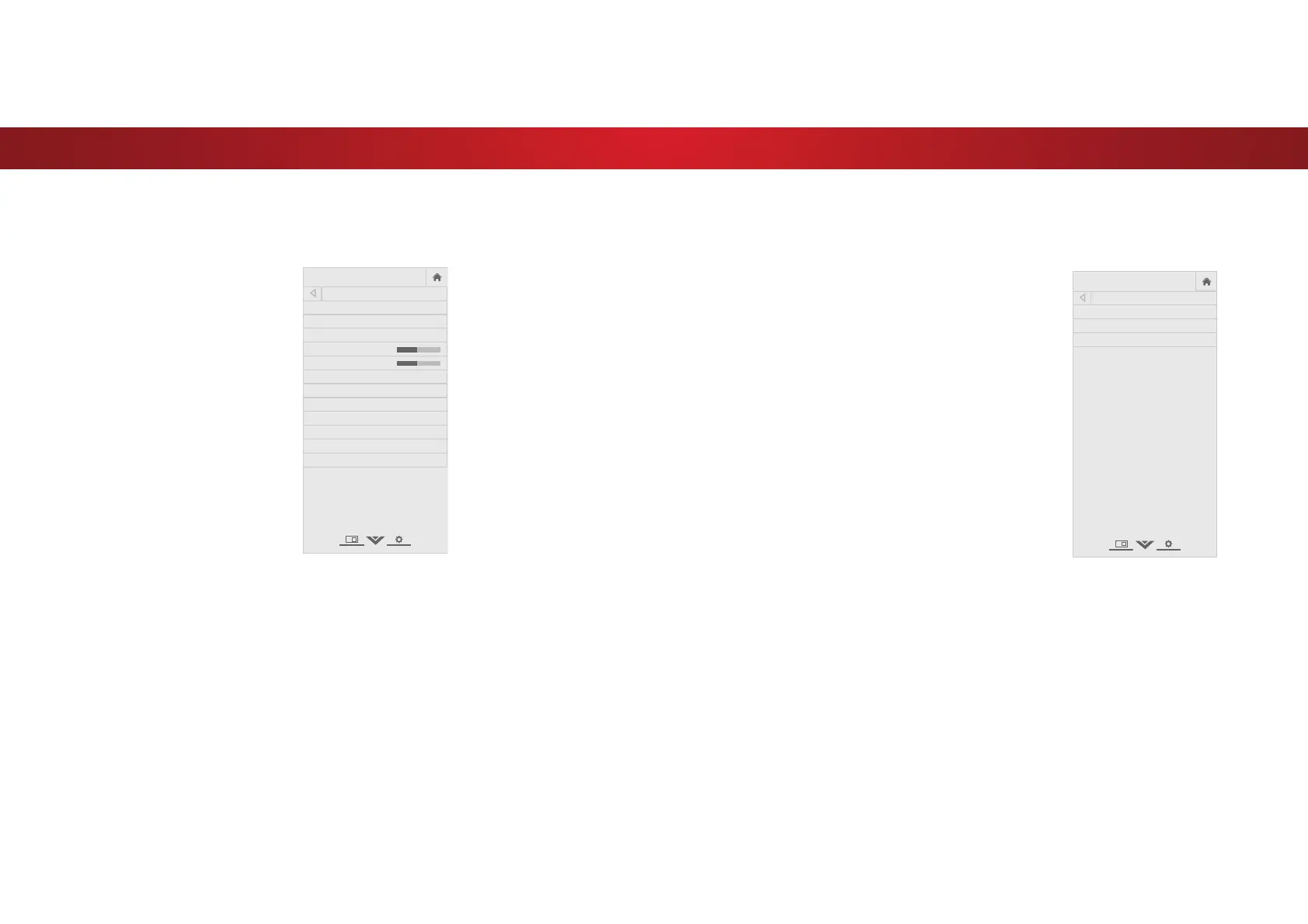
Adjusting More Picture Settings
To adjust more picture settings:
1. From the PICTURE menu, use the
Arrow buttons to highlight More
Picture, and then press OK.
2. Use the Arrow buttons to
highlight the setting you wish
to adjust, then press the Left/
Right Arrow buttons to change
the setting:
• Color Temperature -
See
Adjusting the Color
Temperature on page
26this page.
• Black Detail - Adjusts the
average brightness of the
picture to compensate for
large areas of brightness.
Select 2, Low, Medium, or
High.
• Active LED Zones -
Dynamically improves the
contrast ratio of the picture
by adjusting the backlight.
The adjustment is controlled
by the content on the screen.
Select On or 2.
• Reduce Judder - Activates Smooth Motion motion
estimation/motion compensation, which suppresses motion
judder, or “stuttering” of the image when the camera moves
across a scene horizontally. As the setting increases, judder
is reduced.
• Reduce Motion Blur - Increases frame rate to reduce
motion blur of 60 hertz video. As the setting increases,
motion blur is reduced.
• Clear Action - Reduces blur in scenes with fast action. Some
VHQVLWLYHYLHZHUVPD\QRWLFHȵLFNHU6HOHFWOn or 2.
• Reduce Noise — Opens a sub-menu wiht two settings:
• Reduce Signal Noise* - Diminishes artifacts in the image
caused by the digitizing of image motion content. Select
2, Low, Medium, or High.
• Reduce Block Noise - Reduces pixelation and distortion
IRUPSHJȴOHV6HOHFW2, Low, Medium, or High.
• Game Low Latency - Select On to reduce video delay (lag)
when gaming.
• Picture Size & Position - Highlight Picture Size & Position
and press OK. The PICTURE SIZE & POSITION menu is
displayed.
• Picture Size: Increase or decrease the vertical and
horizontal size of the displayed picture. Use the Left/
Right Arrow buttons to adjust the horizontal size of the
displayed picture. Use the Up/Down Arrow buttons to
adjust the vertical size of the displayed picture. Press the
OK EXWWRQZKHQ\RXDUHȴQLVKHG
• Picture Position: Adjust the vertical and horizontal
positions of the picture to ensure the image is centered
DQGFRPSOHWHO\ȴOOVWKHVFUHHQ8VHWKHLeft/Right
Arrow buttons to adjust the horizontal position of the
displayed picture. Use the Up/Down Arrow buttons to
adjust the vertical position of the displayed picture. Press
the OK EXWWRQZKHQ\RXDUHȴQLVKHG
• Film Mode2SWLPL]HVWKHSLFWXUHIRUZDWFKLQJȴOP6HOHFW
Auto or 2.
• Color Space
‡
- Select Color Space for the source. Video
sources uses YCbCr, but PC uses RGB.
• Gamma - Set the shape of the Gamma curve. Use lower
Gamma values for bright room conditions, and higher
values when it’s dark.
3. :KHQ\RXKDYHȴQLVKHGDGMXVWLQJ0RUH3LFWXUH6HWWLQJVSUHVVWKH
EXIT button on the remote.
VIZIO
MORE PICTURE
Color Temperature Cool
Black Detail Medium
Active LED Zones On
Reduce Judder
Reduce Motion Blur
Clear Action On
Reduce Noise
Game Low Latency Off
Picture Size & Position
Film Mode Auto
Color Space Auto
Gamma 2.1
+
-
+
-
Adjusting the Color Temperature
Adjusting the color temperature changes the white balance of the
picture.
To adjust the color temperature:
1. From the MORE PICTURE menu,
use the Arrow buttons to
highlight Color Temperature,
and then press OK.
2. Use the Arrow buttons on the
remote to highlight a color
temperature preset and then
press OK.
• Normal is optimized for
television viewing.
• Cool produces a blue-hued
picture.
• Computer optimizes the
picture for use as a
PC monitor.
3. :KHQ\RXKDYHȴQLVKHG
adusting the color temperature,
press the EXIT button on the
remote.
VIZIO
COLOR TEMPERATURE
Normal
Cool
Computer
26
Bekijk gratis de handleiding van Vizio D50u-D1, stel vragen en lees de antwoorden op veelvoorkomende problemen, of gebruik onze assistent om sneller informatie in de handleiding te vinden of uitleg te krijgen over specifieke functies.
Productinformatie
| Merk | Vizio |
| Model | D50u-D1 |
| Categorie | Televisie |
| Taal | Nederlands |
| Grootte | 13494 MB |
Caratteristiche Prodotto
| Kleur van het product | Zwart |
| Gewicht verpakking | 16600 g |
| Breedte verpakking | 1210 mm |
| Diepte verpakking | 130 mm |
| Hoogte verpakking | 763 mm |


