
Handleiding
Je bekijkt pagina 13 van 65
2
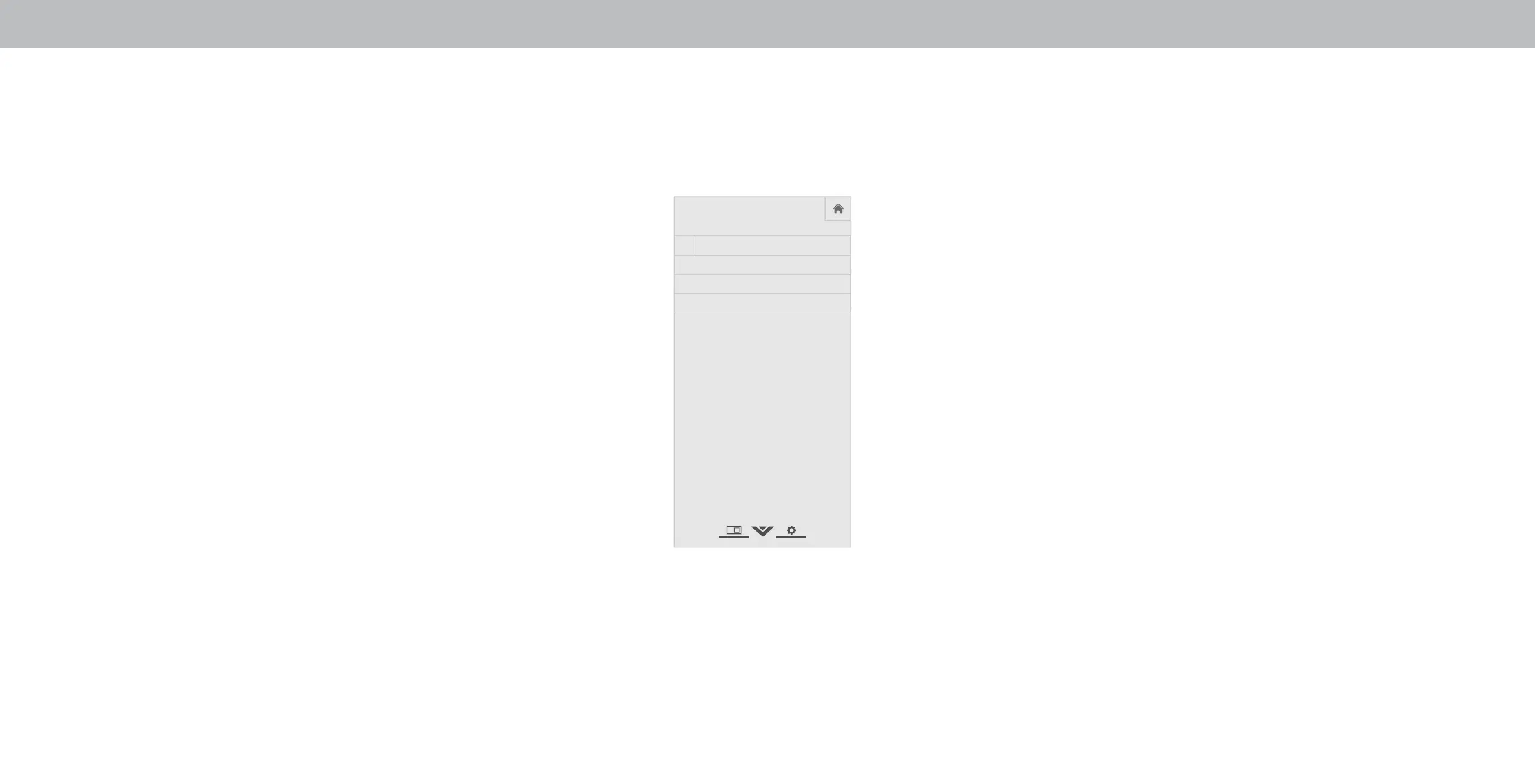
ACCESSIBILITY SETTINGS
VIZIO is committed to providing intuitive, user-friendly products.
our new VIZIO TV oers several accessibility features that can
help you get the most out of it.
To access the Accessibility menu:
1. Press the Menu button on the remote control.
2. Use the Arrow and OK buttons to navigate and select
System à Accessibility.
• Talk Back - Turn Text-to-Speech Talk Back On or . Text-to-
Speech Talk Back enables your TV to speak all settings changes
adjustments, and status using the remote in English.
• Speech Rate
*
- Adjusts the rate in which Text-to-Speech is
spoken. Select Slow, Normal (Default), or Fast.
• Zoom Mode - Enlarges a section of the screen by approximately
200%.
To access the Closed Caption
**
menu:
• Press the Menu button on the remote control.
• Use the Arrow and OK buttons to navigate and select Closed
Captions.
To access the Video Description
**
menu:
• Press the Menu button on the remote control.
• Use the Arrow and OK buttons to navigate and select
Settings à Channel Digital Audio à Spanish/ Video
Description.
* Only available when Talk Back is turned On.
**Input must be set to tuner for Closed Caption or Video Description to appear in settings menu.
Help
VIZIO
Network
Sleep
Timer
Input CC
ABC
Audio
W ide
Normal
Picture
Settings
PanoramicW ide Zoom
2D 3DExit
ACCESSIBILITY
Talk Back Off
Speech Rate Normal
Zoom Mode Off
13
Bekijk gratis de handleiding van Vizio D43-E2, stel vragen en lees de antwoorden op veelvoorkomende problemen, of gebruik onze assistent om sneller informatie in de handleiding te vinden of uitleg te krijgen over specifieke functies.
Productinformatie
| Merk | Vizio |
| Model | D43-E2 |
| Categorie | Televisie |
| Taal | Nederlands |
| Grootte | 21376 MB |
Caratteristiche Prodotto
| Kleur van het product | Zwart |
| Gewicht verpakking | 11500 g |
| Breedte verpakking | 1059.94 mm |
| Diepte verpakking | 135.95 mm |
| Hoogte verpakking | 735.84 mm |


